
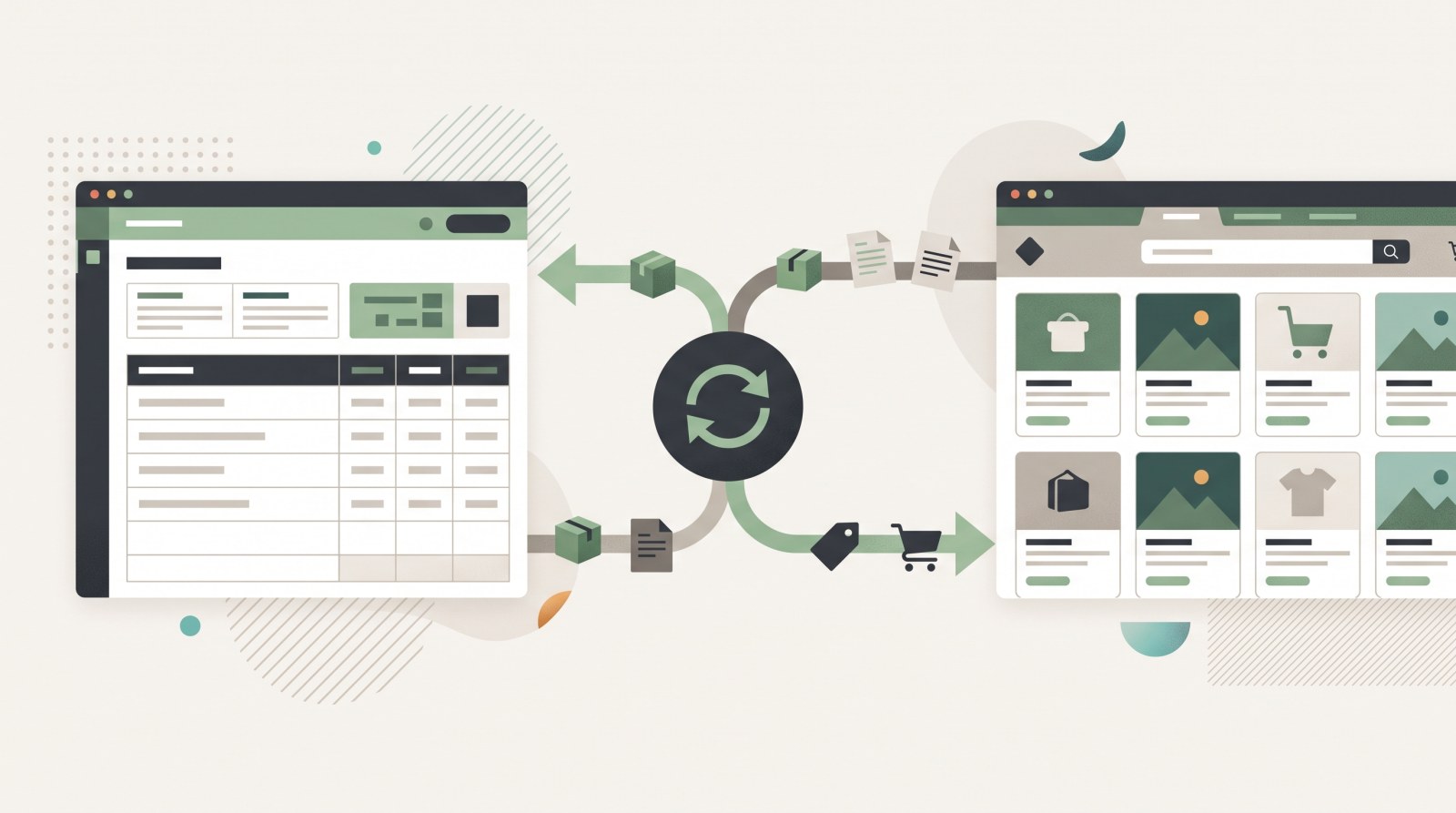
Picture a shop where a single section holds 138 items, and there are a dozen such sections. Prices change, things run out, new items arrive — and every change has to be repeated on the site by hand. Sooner or later the owner faces a choice: hire someone to «update the website», or connect the site to the accounting system. Here is the second path, with a live example — the Nakleyka shop for car stickers and 3D badges, which runs on Turboshop, is driven from BAS and went live in a week.
When integration is actually worth it
Not every shop needs it. With a few dozen items and prices that change once a season, the admin panel is easier. Integration pays off when two conditions meet:
- a large or fast-moving range — hundreds of items, regular deliveries, sales, price changes;
- accounting is already in place — in 1C, BAS or another system, and that is where the truth about product, price and stock lives.
When both hold, maintaining the site by hand becomes a second job and, worse, a source of errors: a customer orders something that is out of stock because the site was updated later than the warehouse.
A live example: a sticker shop with a large catalogue
Look at the structure of Nakleyka — many items, small themes:
- car stickers — 138 items, split further into trucks, buses and special vehicles (48), 4x4 and off-road (17), body graphics, window and sill stickers (11);
- themed collections — humour (25), decor and lettering (25), comics, anime, games and films (11), animals and birds;
- motorsport and tuning — JDM, logo sets and sticker packs (18 and 6);
- information and warning signs — 37 items, including mandatory markings;
- adjacent categories — films and vinyl wraps, car chemicals, automotive books;
- custom stickers with examples of completed work — effectively a service showcase inside the shop.
Nobody keeps a catalogue like that in their head. An accounting system does it well: the nomenclature, prices, stock and attributes are already there.
What travels from accounting to the site
- nomenclature — names, SKUs and groups that shape the catalogue;
- prices — including promotional ones when several price types exist;
- stock — so nobody can order what is not there;
- product content — descriptions, specifications, images.
The site keeps what accounting cannot do: storefront, search, filters, cart, checkout and analytics. The owner works in one window — accounting — and the shop follows.
How it works technically
Turboshop provides an open API and webhooks: any external system can read and write store data. That is how a link to 1C or BAS is built — the exchange on the accounting side pushes nomenclature, prices and stock, and receives orders back.
In practice this means three things:
- no need to change your accounting system — the shop adapts to what the company already runs;
- the exchange is configured once — after that it runs on a schedule without human involvement;
- the site does not become a second database — there is a single source of truth, so the site and the warehouse never disagree.
Everything available out of the box — payments, delivery, marketplaces, CRM — is listed on the integrations page; the API and webhooks are covered in platform features.
If your catalogue already lives somewhere else
Integration usually comes up not at the start but when a shop already exists — on another platform or in spreadsheets. The principle is the same: move the products first, configure the exchange second. How the transfer works and how long it takes is covered in the store migration section.
If there is no shop yet, the order reverses: catalogue structure and storefront first, accounting exchange second. That is exactly how Nakleyka went — a week to launch, then the link to the accounting system.
What integration will not do
- It will not write your descriptions. If accounting says «Sticker art. 1147», that is what the site will show. Copy and photos stay with the owner.
- It will not design your structure. Accounting groups suit the bookkeeper, not the buyer; store sections deserve separate thought.
- It does not replace the admin panel. Promotions, banners, page copy and SEO stay on the site.
How long the exchange takes to set up
The exact timeline depends on the state of your accounting, but the order of magnitude is this: if the nomenclature is already tidy, with groups, prices and stock, the exchange is configured in a few days. If the database holds duplicates, items without groups and prices in three places, most of the time goes into cleaning up accounting rather than into the technical side.
So three things are worth checking before integration:
- unique SKUs — they are what match a product between accounting and the site;
- nomenclature groups — they make a convenient basis for catalogue sections;
- a price type for the site — a dedicated type removes confusion with wholesale and promotional prices.
This preparation pays off immediately: a clean catalogue transfers almost automatically.
In short
Integration with 1C or BAS is not a feature for large companies only — it is a way to avoid doing the same work twice. It is worth it when you have many products that change, and not worth it when you do not.
See how it looks in practice: open the Nakleyka sticker and vinyl shop and browse the catalogue — every item there came from accounting. If your range is of a similar scale, start with the ready solution for a car parts store and check the plans: the technical side, API included, is part of the subscription.