Online store templates and design themes
A ready-made online store with a professional design: pick a theme for your niche and a plan — each one shows how long setup takes.
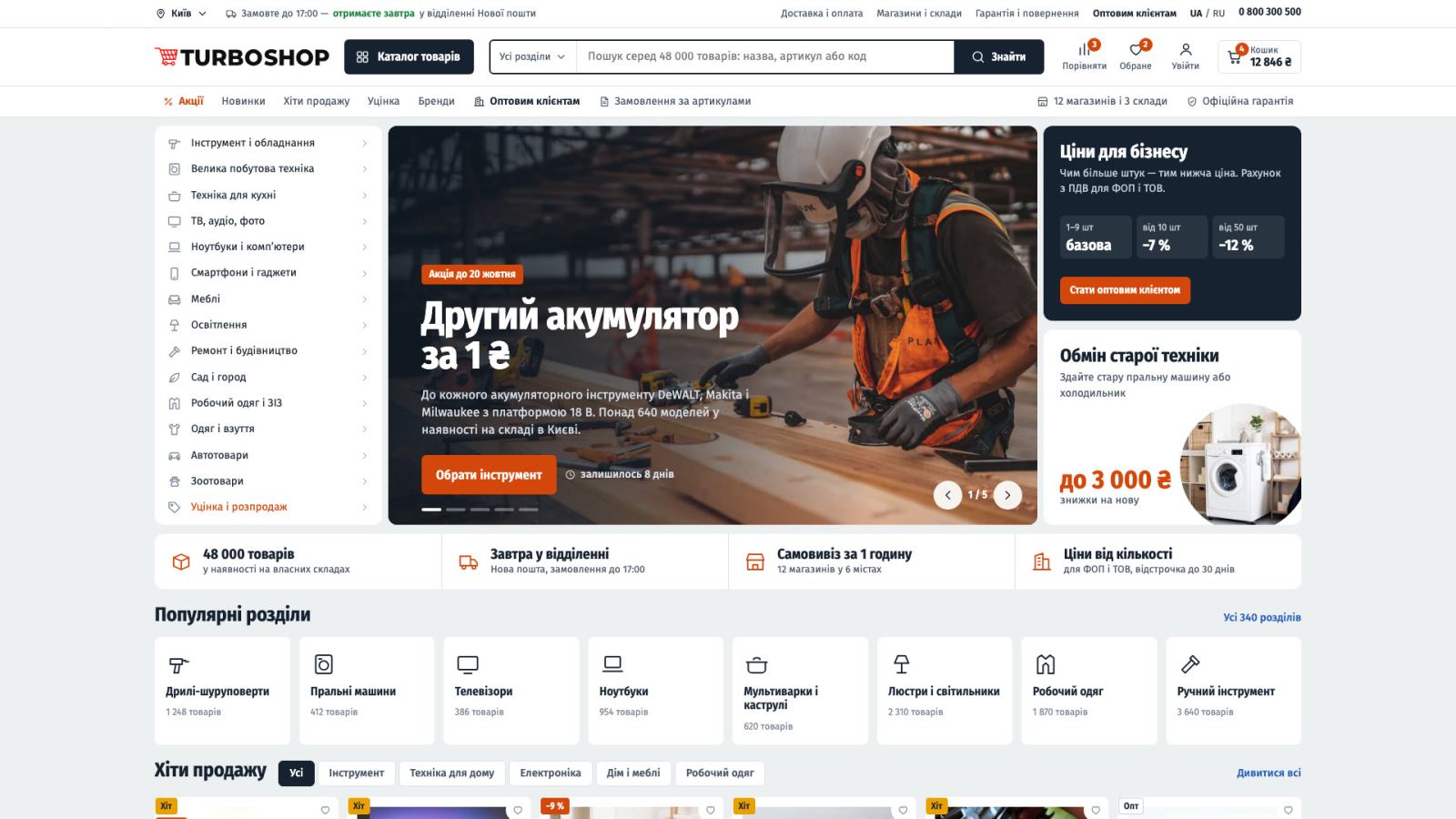
Supermarket
4.5 (20)Thousands of products on one shelf: search, stock and price at a glance
Set up by our team · 1–2 business days
We will match a theme and plan to your niche
Leave your name and phone — a manager will help you choose.
How to choose a theme
Browse
Open a theme: home, catalog, product page, checkout and customer account.
Vote
Click “I want this theme”: the most popular themes get set up faster.
Order
Pick a plan and sign up, or leave your phone — we will call back and set it up.
Our clients’ store designs
Ready-made store templates for a quick start on Turboshop
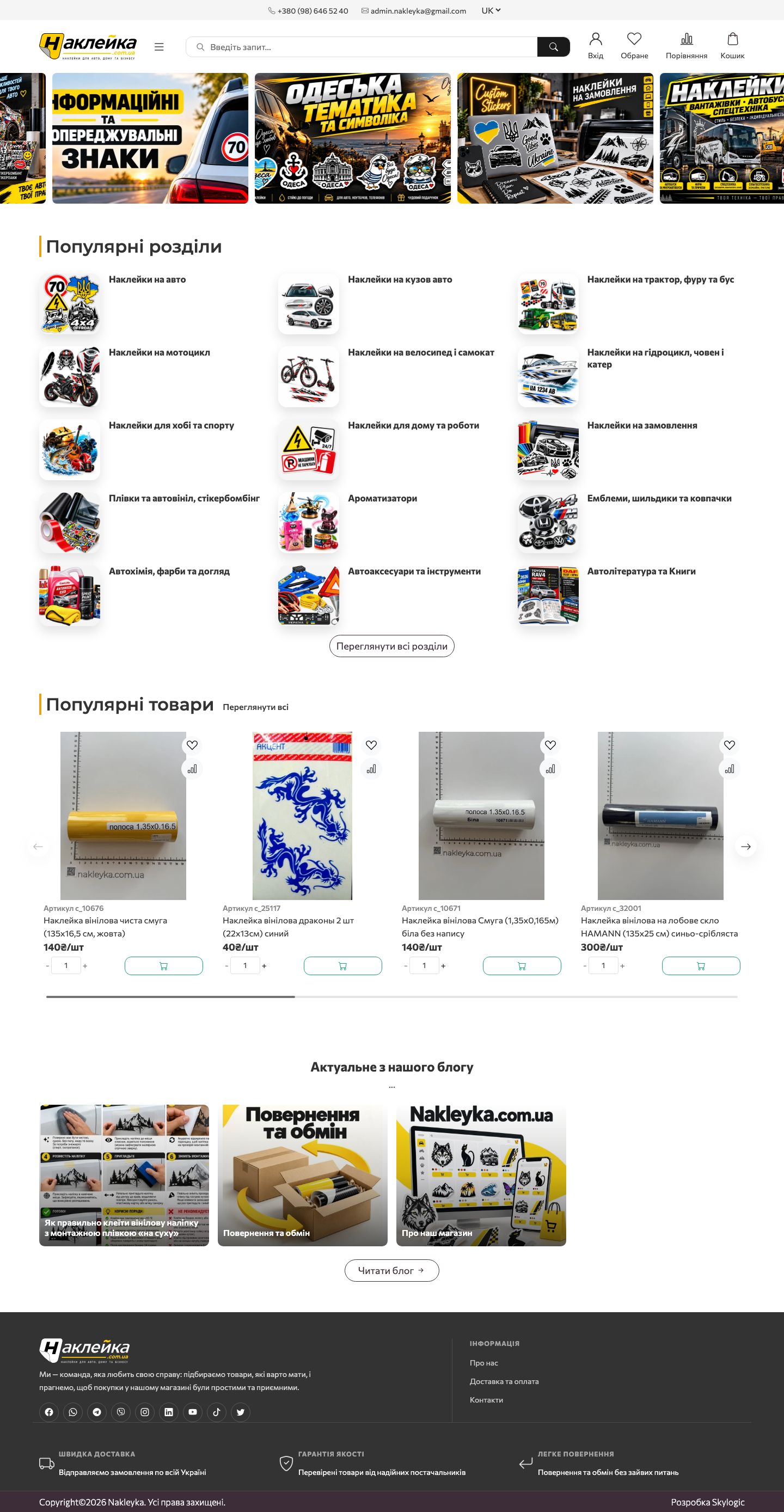
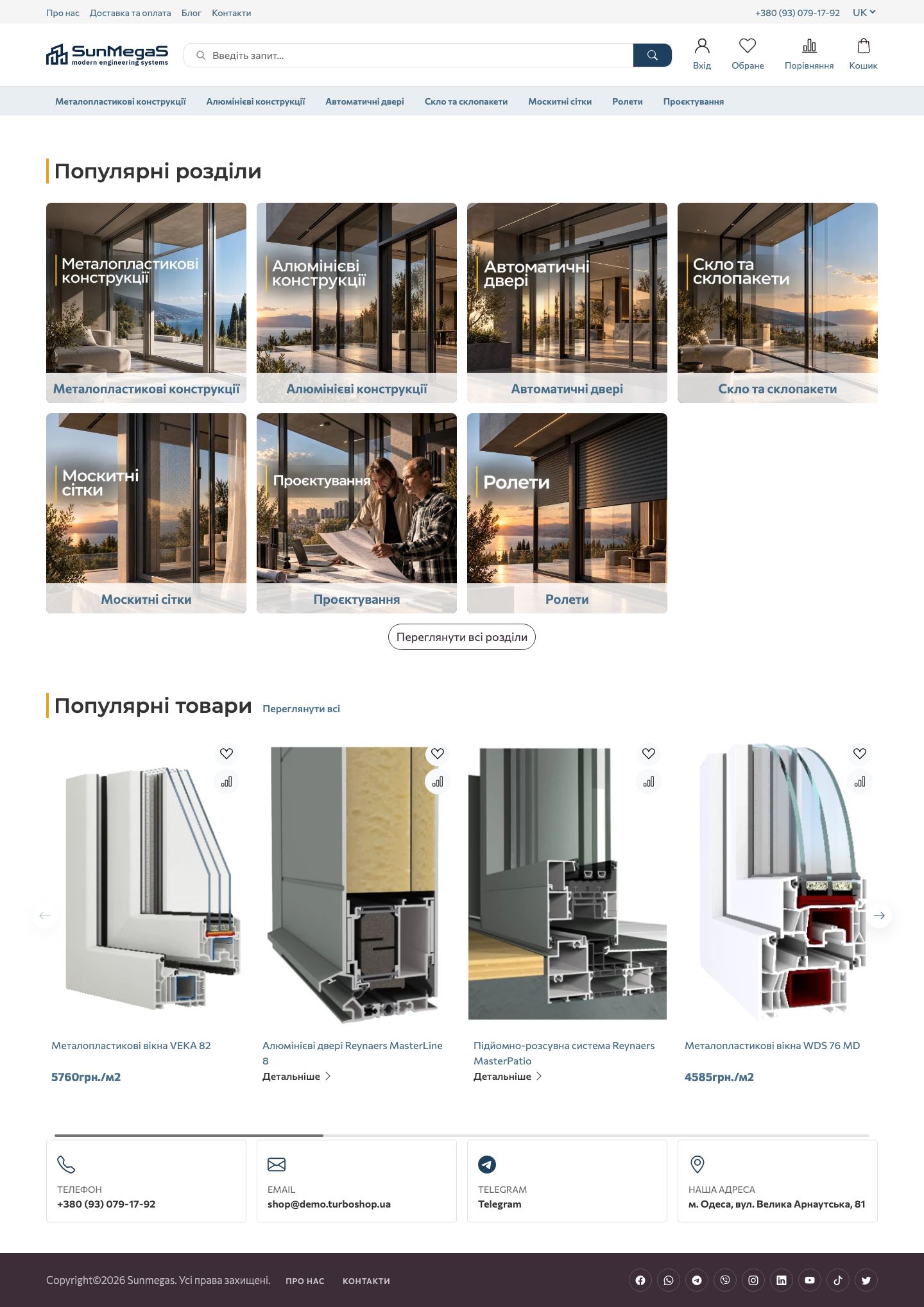
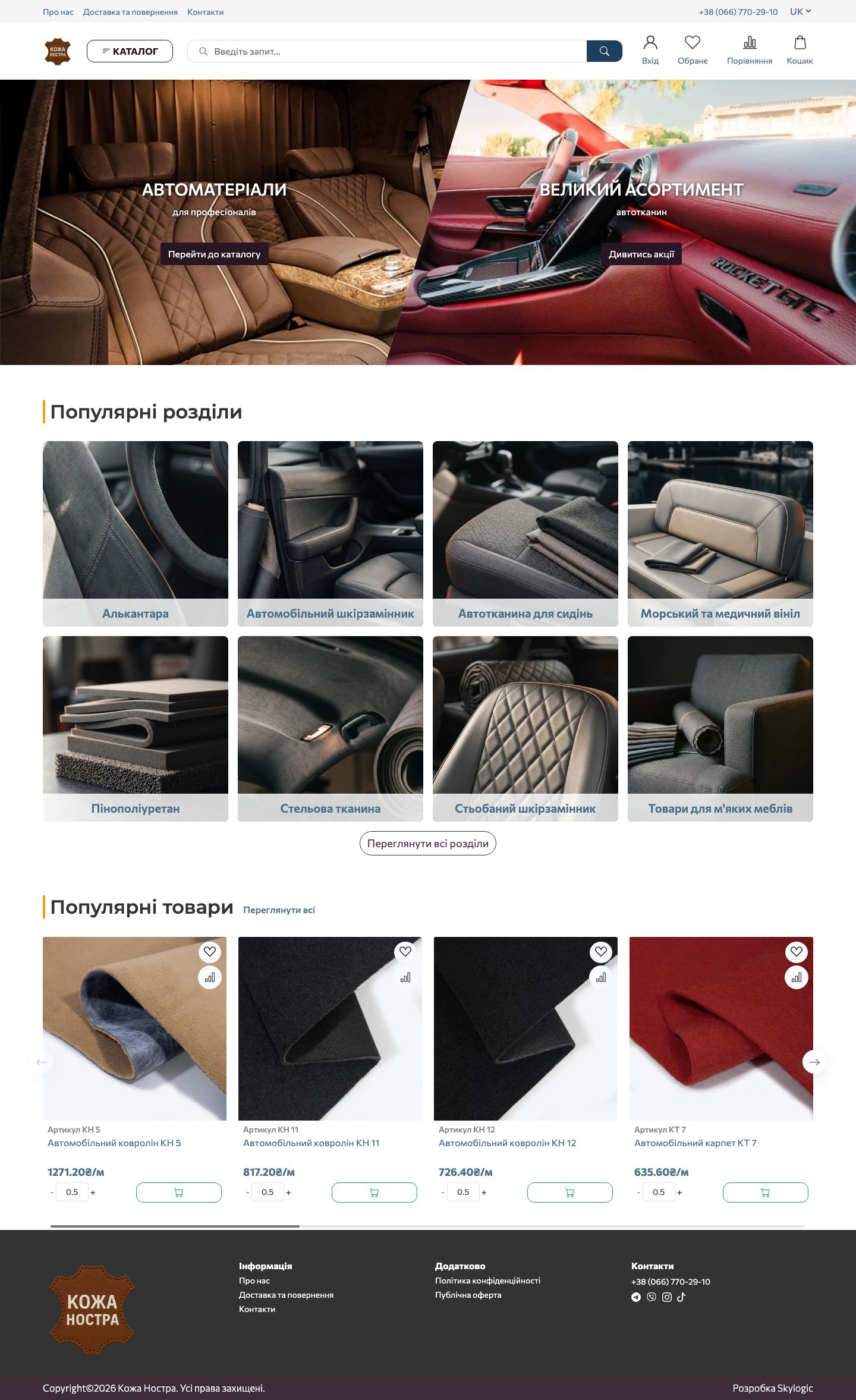
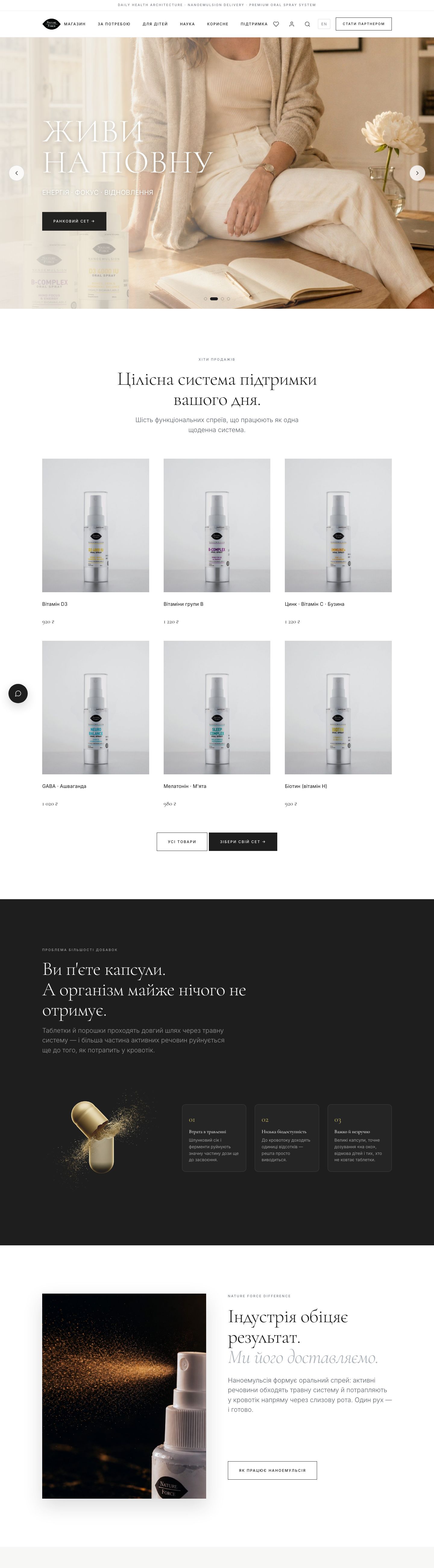
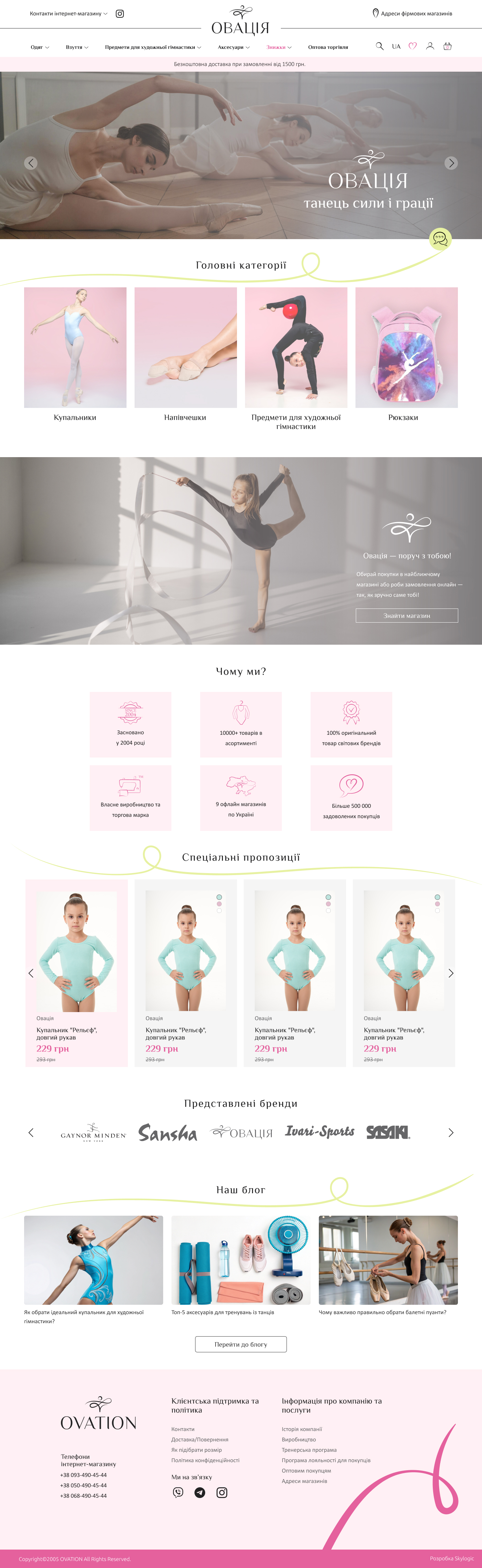
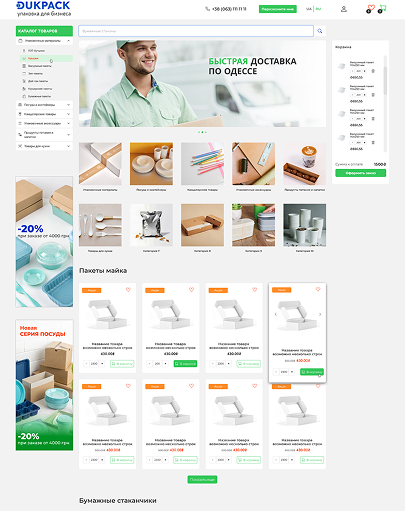
How to Choose a Design Template for Your Niche
A good template is not the one you like most — it is the one that helps a buyer find a product quickly and hit “Buy”. So choose by how your niche works inside, not by the picture: how many attributes a product has, how much the photo matters, how long the buyer takes to decide.
Clothing and footwear
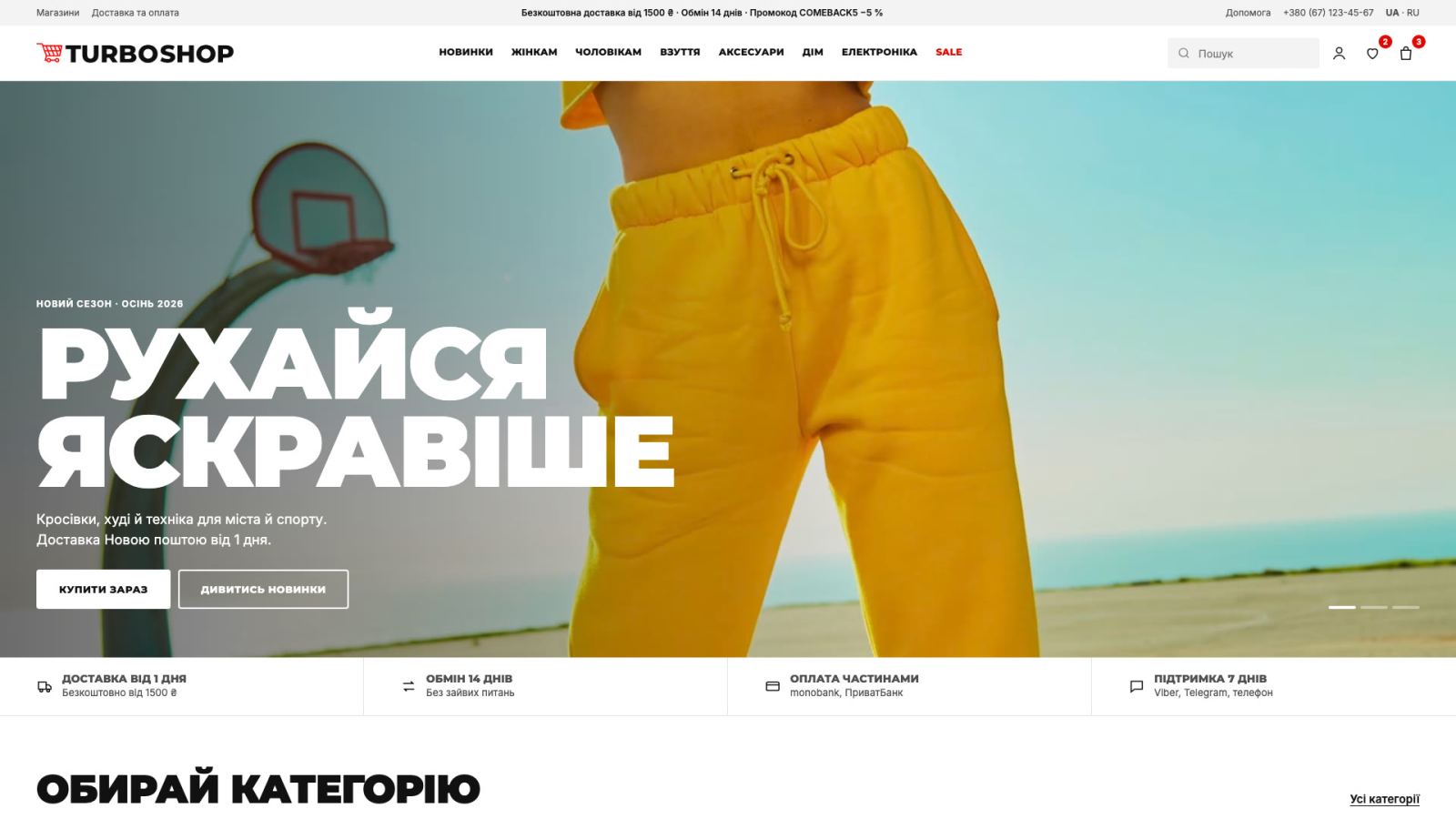
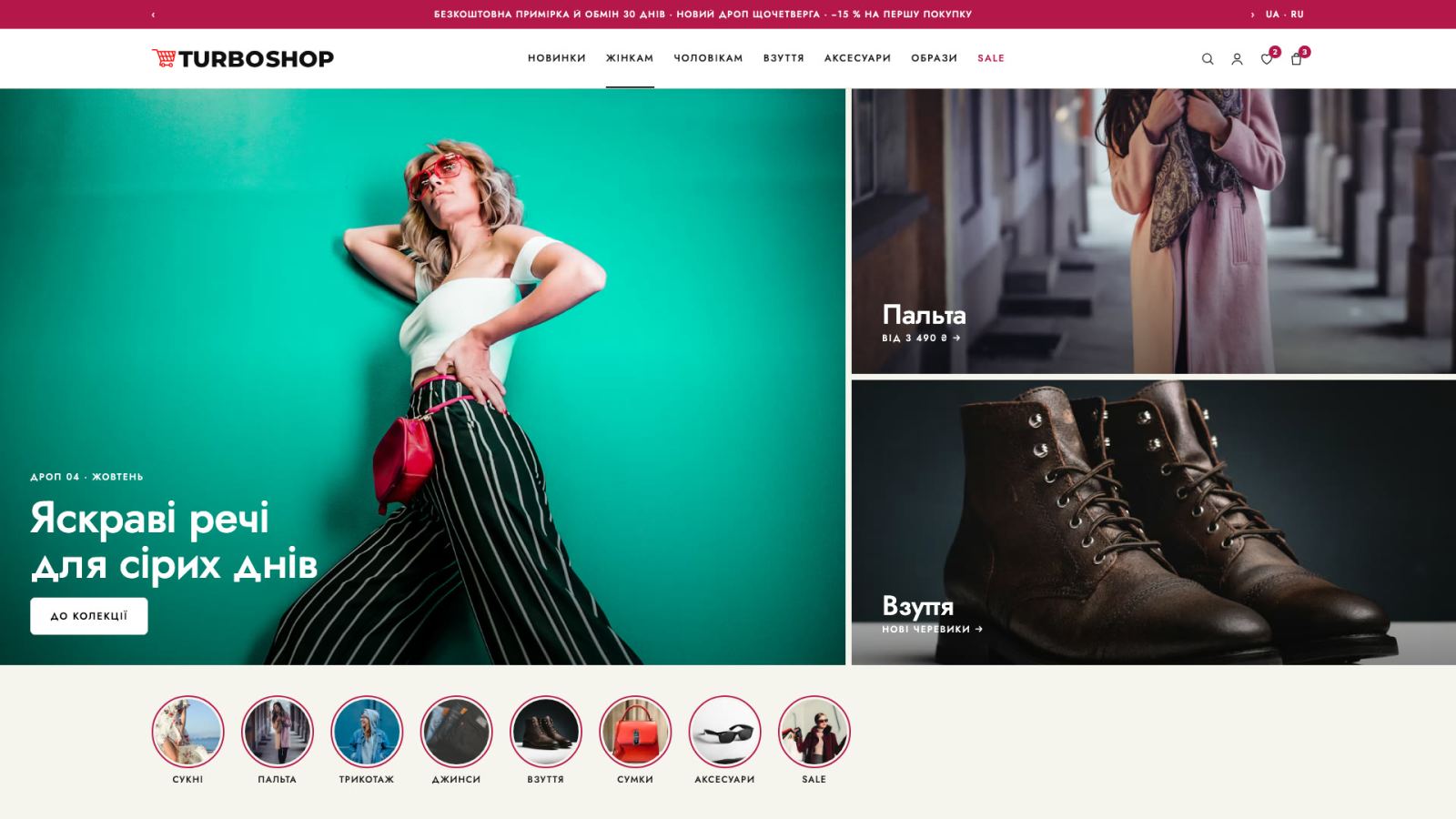
Large photos and a fast size and color choice matter most. You need product variants, a size filter and a grid with big previews instead of a dense list.
Electronics and appliances
Buyers compare specs. Pick a template with detailed attribute tables, product comparison and advanced parameter filters.
Groceries and everyday goods
Speed wins here: compact cards, one-click buying, repeating a previous order and a visible delivery block.
Furniture and home goods
The decision is long and visual: you need large banners, a multi-photo gallery, room-based sections and a “similar products” block for curated sets.
Cosmetics and perfume
Brand atmosphere and social proof sell: promo stickers, bundles and gift sets, reviews in plain sight, tidy typography.
Spare parts, tools, B2B
Search and filters come first. You need large catalogs, easy search by SKU, wholesale prices and buyer groups.
If your niche is not on the list, look at your catalog structure: many attributes — take a “technical” template; a visual product — take one with large photos. Any design from the gallery can be swapped for another later without moving your products.
What You Can Change Without a Designer
A ready-made template is a starting point, not a straitjacket. The main design elements are configured from the dashboard — no code and no designer or front-end developer involved.
Colors and logo
Brand colors for buttons, accents and the header, plus logo and favicon — the store starts looking like your brand, not like a template.
Fonts and typography
Heading and body typefaces change in the settings — to match the brand character and keep the catalog readable.
Banners and promo blocks
The home page slider, promo banners and seasonal sets are uploaded and swapped by you — no support ticket needed.
Block order and composition
The storefront, categories, brands, news and store advantages can be enabled, disabled and reordered to match your sales logic.
Menu and catalog structure
Categories, subcategories, filters and brand landing pages are set up around your assortment.
Page texts and content
Descriptions, delivery and payment terms, warranty and service pages are edited like in a regular text editor.
If you need something beyond the settings — a custom design or non-standard logic — turnkey development covers that. But it is not required to launch: most stores start on a ready-made template.
How Much an Online Store Design Costs
Ready-made designs from the gallery are included in the platform — there is no separate fee for a template. You pick a package based on catalog size and the features you need, and apply or switch any design whenever you like.
That is enough to test the niche on real buyers rather than assumptions, and only then decide where to put your budget.
Questions About Store Designs
Like a Design? Launch Your Store on It
The chosen template, catalog, payments and delivery — in a day. The
Create a Store