
Picture this: a shopper reaches checkout, enters their name, phone and address — and the browser highlights a “Not secure” label right next to the form. Half of those people will simply close the tab. An SSL certificate removes that problem and, at the same time, settles the questions of security, payments and search rankings. Let us go through it without technical fog: what it is, what happens without it and how it works in Turboshop.
What SSL is, in plain language
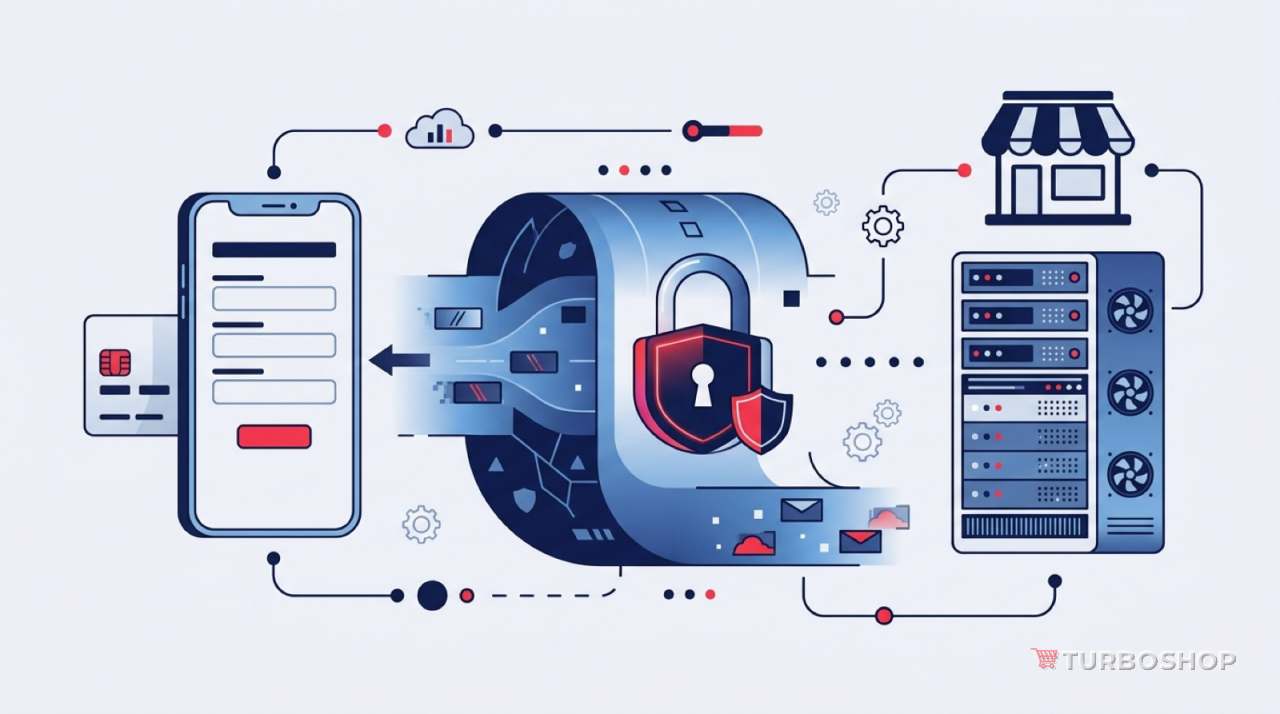
When a shopper opens your site, their browser and your server exchange data: pages, images, form contents. Without a certificate that data travels as plain text — anyone along the way can read or alter it: the owner of the café Wi-Fi, the provider, an attacker on the same network.
An SSL certificate (technically TLS these days, though the name “SSL” stuck) does two things:
- encrypts the channel — an outsider sees a stream of characters instead of a phone or card number;
- proves the site is really yours — the browser verifies the certificate was issued for this exact domain.
From the outside it looks like an address starting with https:// and a padlock next to it. Everything else happens automatically and invisibly for the shopper — they simply see no warnings.
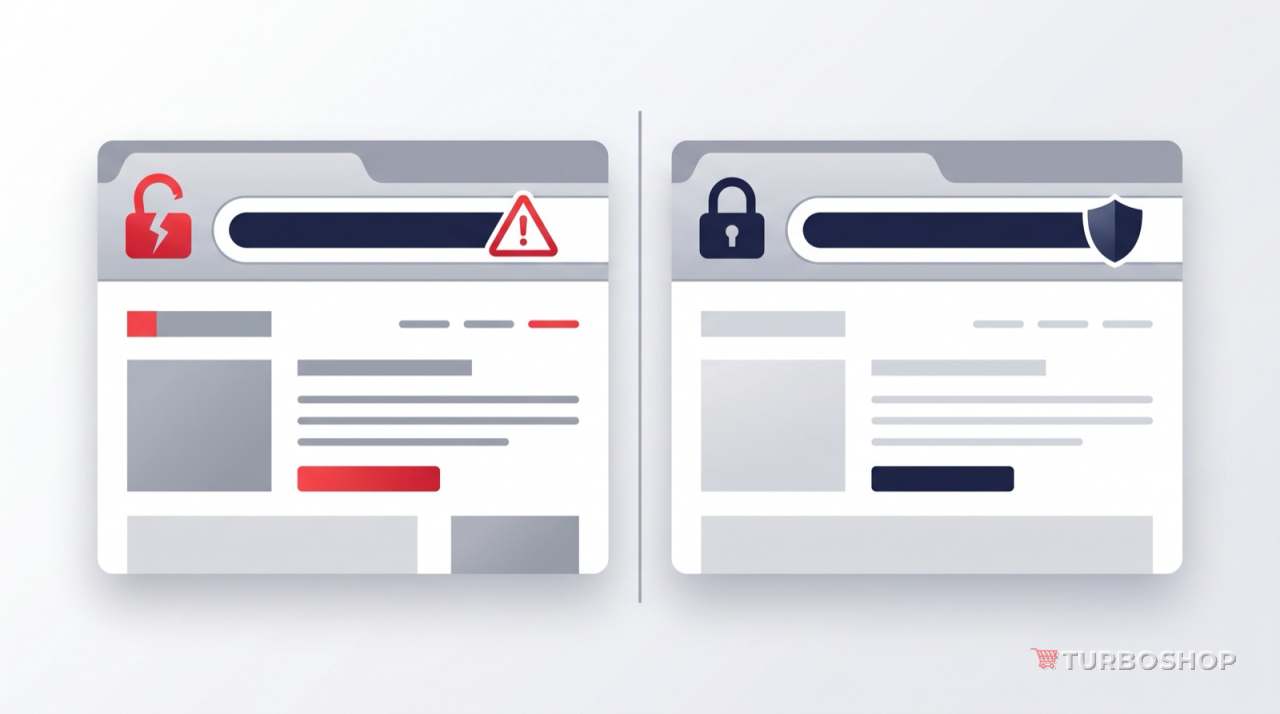
What happens without a certificate
This is not theory or a distant future — modern browsers react immediately:
- a “Not secure” label in the address bar on every page;
- a separate warning inside forms — the moment a shopper clicks into a phone, password or card field;
- a full-screen interstitial with a red warning when the certificate is missing or expired — after which the shopper has to deliberately click “proceed anyway”. Almost nobody does;
- payment systems simply refuse to work: acquiring and payment gateways require a secure connection, and payment notifications reach your site over https only.
Add the reputational effect: people do not analyse certificates, they see the word “unsafe” next to your store name — and draw conclusions about the store, not the technology.
Five reasons it is critical for a store specifically
1. You handle personal data
A store is not a blog. Names, phone numbers, delivery addresses and sometimes account passwords pass through your forms. Protecting the transmission channel is basic hygiene for personal data, not an optional extra.
2. Trust and conversion
The padlock is one of those small signals shoppers use to decide whether it is safe to enter a card here. It matters most for new stores with no established brand: they have no credit of trust, and every browser warning costs orders.
3. Search and SEO
Google officially treats HTTPS as a ranking signal — all else being equal, a site with a certificate is in a better position. A site without https is also harder to optimise technically: mixed content, broken redirects and traffic smeared across http and https complicate indexing. Speed and security are the two basic technical conditions SEO starts from; we covered the first one in the article on a fast storefront on a large catalog.
4. Payments, delivery and integrations
Payment services, delivery carriers, marketplaces, CRMs — every modern integration works over a secure connection only. Payment callbacks (when the bank tells your store “the payment went through”) also arrive at an https address. Without a certificate you are not merely “less secure” — part of your store simply will not function.
5. Ads, analytics and modern browser features
Ad platforms dislike insecure sites, analytics passes referral sources correctly only between secure pages, and a range of browser capabilities (geolocation, push notifications, running the site as an app) is available over https only.
A story of its own: an expired certificate
A certificate is issued for a limited period and has to be renewed in time. If it is not, the store does not merely degrade — it effectively disappears: instead of the catalog, visitors get a full-screen browser warning. This is one of those failures that is easy to miss over a weekend and to learn about from a customer call on Monday.
That is why a certificate is not a one-off purchase but a process: it has to be issued, installed, renewed and monitored.
How it works in Turboshop
The answer here is simple: you do not have to buy, install or renew anything.
- the SSL certificate is already part of the subscription — together with hosting, platform updates, backups and technical support. It is not an add-on service or a separate invoice;
- we connect it during the store’s technical launch, together with the domain. Owners never deal with hosting, certificate types or server installation;
- the platform monitors the certificate — the certificate check is part of the automatic health checks alongside database, queue and storage availability. A “quietly expired certificate” will not go unnoticed;
- the store runs over https from day one — the storefront, the admin panel and the checkout pages alike.
This is the logic of a builder platform: the entrepreneur works on products, prices and marketing, while infrastructure — servers, updates, backups, certificates — is on the platform. See what else the subscription covers on the pricing page.
Common misconceptions
“A free certificate is worse than a paid one.” For an online store there is no meaningful difference: the encryption is the same and browsers trust both. Paid certificates differ in the level of organisation validation and warranty, not in the “quality of the padlock”.
“The padlock means the seller is honest.” No. The certificate proves the connection is secure and the domain matches the address — it does not assess the business. Trust is built by contacts, return policies, reviews and real product photos.
“I do not take card payments on the site, so I do not need it.” You do: you still collect phone numbers and addresses, and the browser warns about insecure forms regardless of card fields.
“Install it once and forget.” Certificates expire; without renewal control the store will one day stop opening.
Checklist: audit your store in two minutes
- Open the site and look at the address bar: is there
https://and a padlock? - Check not only the home page but the product page, cart and checkout.
- Type the address with
http://— you should be redirected to the secure version automatically. - Click the padlock: the browser shows which domain the certificate was issued for and until when it is valid.
- Check the store on a phone — warnings are even more prominent on mobile, and that is where most shoppers come from.
FAQ
How much does SSL cost for a Turboshop store? Nothing extra — the certificate is already part of the subscription along with hosting, updates, backups and support.
Do I have to do anything myself? No. The domain and the certificate are connected during the technical launch, and the platform monitors the certificate afterwards.
What if I use my own domain? That is the normal setup — the certificate is issued for your domain and the store runs on it over https.
Will moving to https affect search rankings? HTTPS is a positive signal; the important part is leaving no pages or assets loading over http and keeping redirects from old addresses working.
Does a certificate protect the store from being hacked? No, these are different jobs. A certificate protects the transmission channel. Platform security is handled by updates, backups and server configuration — also part of the subscription.
If you are only planning to open an online store, check the "cost of creating an online store" page: hosting, SSL, updates and support are already included in the subscription.
Summary
An SSL certificate is a case where a basic technical thing directly affects revenue: without it shoppers see a warning instead of products, payments fail and search ranks the site lower. The good news is that it does not have to be a store owner’s task: in Turboshop the certificate is part of the subscription, connected at launch and kept under monitoring. You focus on sales, not on certificate expiry dates.