
Articles that bring shoppers from search and sell your products
Bring shoppers from search with articles that show products below the text: sections, categories, templates, SEO markup and sitemap, built in
What it gives your business
More ways into your store from search
At Turboshop we give every article and category its own page with meta tags, BlogPosting markup and a place in the sitemap, so your tips and reviews can reach readers through search.
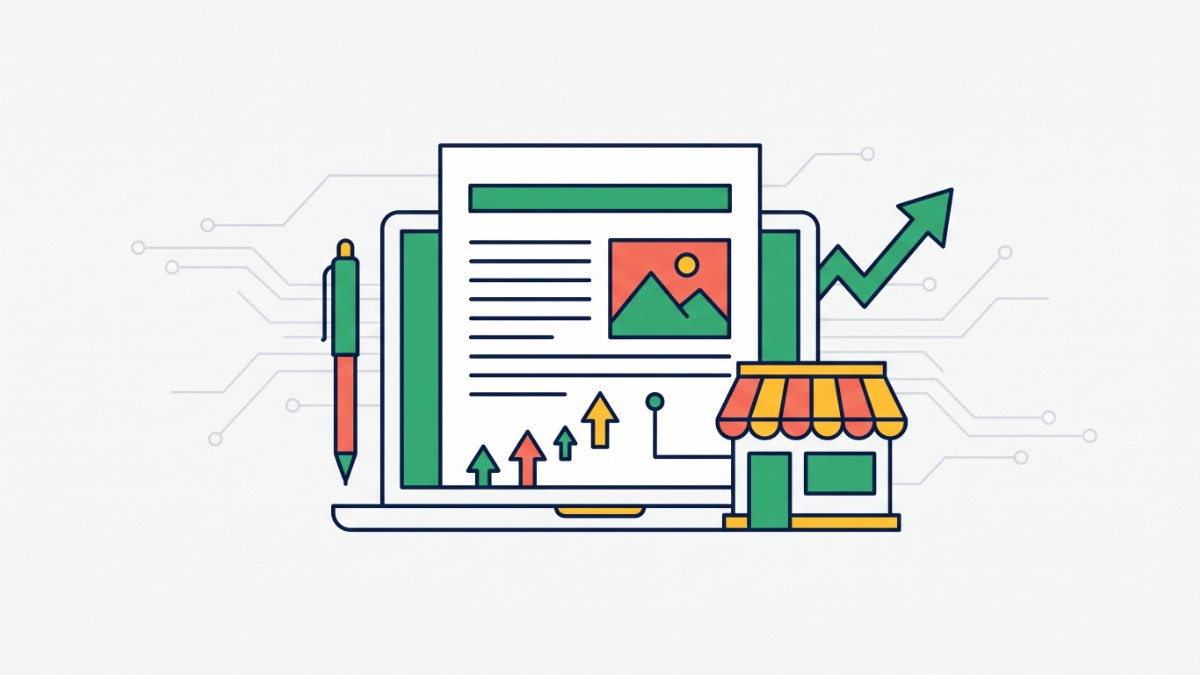
Readers see products right below the article
Link one or more product categories to an article and a product block appears below the text, so readers go from advice to purchase without searching the catalog.
Trust before the first order
News, tips and reviews show that you know your products, so shoppers choose you.
News and expert articles stay apart
Each blog section lives at its own address, such as /blog, /news or /article, with its own categories and templates, so readers and search engines always know where they are.
Change addresses without losing SEO
Rename a section prefix or move an article and we set up a 301 redirect and move the SEO meta to the new address, so the search results you earned are kept.
Features
Articles in every store language
Title, excerpt and body for each language, publication date, cover image and an active switch.
Category tree up to 5 levels
Every category gets a page with its own articles and those of all its subcategories.
Multiple blog sections
Each section has its own URL prefix, name, description, SEO meta and templates.
Layouts without a developer
7 article list templates, 3 article page templates and 4 widget templates, chosen in Settings → Design or per section.
Page builder blocks
Latest posts, Article lists with section and category selection, and Other posts from the same category.
SEO out of the box
Meta tags that fall back to the title and excerpt, hreflang only for translated languages, breadcrumbs, JSON-LD and a dedicated sitemap-articles.xml.
Telegram posts and translation
With the Pindex add-on, articles are posted to your Telegram channel with UTM tags, and the Translate button translates them into other languages.
Import and API
Load articles and categories via the REST API or a JSON file, for example from another store or an accounting system.
Who it is for
- Stores that want customers from search, not only from ads.
- Niches where shoppers need advice: cosmetics, home goods, electronics, spare parts.
- Stores that need company news and expert articles kept separate.
How to connect
- 1Sign in to your Turboshop dashboard and pick a store.
- 2Open the add-on and connect it — paid ones are checked out in the dashboard.
- 3The add-on turns on in your store admin, with settings in its own section.
FAQ
How much does the blog cost?
The blog is part of the Turboshop platform, so there is nothing extra to pay. You manage articles and categories in the store admin under News in the Site group.
Does the blog guarantee search traffic?
No. Rankings depend on the quality and regularity of your articles and on competition in your niche. We provide the technical base: separate pages, meta tags, markup, a sitemap and redirects, so useful content can be indexed.
Can I show products inside an article?
Yes. In the article form, select one or more product categories and a block with products from those categories and their subcategories appears below the text.
What happens if I change a section’s address?
Old links redirect to the new ones with a 301, and the section pages’ SEO meta moves with the address. Only site menu items need updating by hand, and the admin reminds you after saving.
Store blog
Other add-ons






No Turboshop store yet?
Create an online store — connect add-ons whenever you need them.