
Ship orders with Nova Poshta without retyping addresses
Nova Poshta delivery without manual work: branches at checkout and waybills right from the store admin.
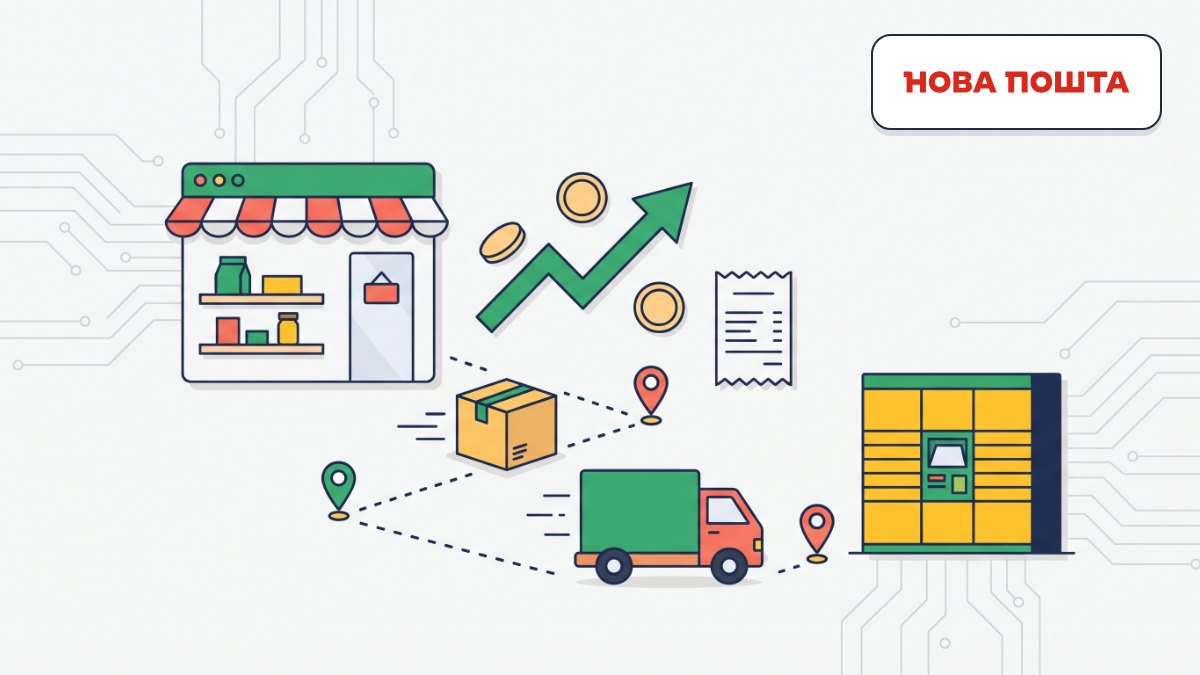
What it gives your business
Fewer address mistakes
Shoppers pick their town and pickup point from the Nova Poshta list, so you don’t have to call to confirm addresses or ship parcels to the wrong place.
A waybill in a minute from the order
We fill in the recipient, pickup point and amount from the order, so all you add is weight and a cargo description.
Directories that maintain themselves
Branches and parcel lockers update automatically once a week, so shoppers never choose a closed point and you don’t have to track changes.
Checkout that keeps working
We validate every new directory version first; if an update fails, shoppers keep seeing the last working one, so you don’t lose orders.
Features
Three delivery options at checkout
Branch or pickup point, parcel locker, or courier to the door — the shopper chooses.
Smart town search
Works in Ukrainian, Russian and Latin script and shows the region, so villages with the same name don’t get mixed up.
Point type saved with the order
Branch, pickup point or parcel locker is visible in the order card, emails and API.
Waybills from the order card
Recipient, point and sender are prefilled; declared value and cash on delivery come from the order total.
Waybill list
All store waybills in one place, with documents ready to download.
Directory update log
See point counts, the last successful update and any errors, and trigger an update on demand.
API for shipments
Waybills can also be created from external systems through the store API.
Who it is for
- Stores that ship Nova Poshta parcels across Ukraine every day.
- Teams still copying shopper addresses into the business account by hand.
- Sellers whose customers live in villages and collect parcels at pickup points.
- Stores that work with cash on delivery.
How to connect
- 1Sign in to your Turboshop dashboard and pick a store.
- 2Open the add-on and connect it — paid ones are checked out in the dashboard.
- 3The add-on turns on in your store admin, with settings in its own section.
FAQ
What do I need to connect Nova Poshta?
Your own API key from the Nova Poshta business account (Settings → Security). Add it as the default account under Integrations → Nova Poshta and choose Nova Poshta as the carrier in your delivery method.
Does the add-on calculate shipping cost for the shopper?
No, shipping cost is not calculated at checkout. The add-on handles point selection and waybill creation, while rates follow your own contract with Nova Poshta.
What happens when Nova Poshta closes a branch?
After the weekly update it disappears from the choice for new shoppers. Older orders and waybills keep their address.
Can I edit the data before creating a waybill?
Yes. We only prefill the form from the order; you review and correct anything before the waybill is created.
Nova Poshta
Other add-ons



No Turboshop store yet?
Create an online store — connect add-ons whenever you need them.