

An online store launch is not the finish line but the start. In the first 30 days you need to do five things: agree terms with your supplier and narrow the assortment, set up analytics, bring in your first traffic from free and paid channels, collect your first reviews, and start working on abandoned carts. Below is a step-by-step checklist with the metrics worth measuring from day one.
What is already done for you
The main advantage of a ready-made store on Turboshop is the fast start. You effectively get a working infrastructure straight away:
- a vetted supplier with a broad product range
- all the features and integrations trading requires
- filled product pages with descriptions and images
- a convenient category structure
So the technical base exists. The rest is up to you: what lies ahead are the steps no platform can take, because they depend entirely on the business owner. This article is about exactly those.
The first-30-days checklist
The most common mistake after launch is spreading yourself thin. The owner grabs advertising, social media, SEO and assortment expansion at once and finishes none of them. So let us break the month into four weeks with a clear focus each.
| Week | Focus | Result by the end of the week |
|---|---|---|
| Week 1 | Operations: supplier, payments, shipping, legal pages, analytics | The store can take and fulfil an order without you improvising |
| Week 2 | Assortment and content: narrow the focus, rewrite your top product pages | One or two priority categories chosen, top products properly presented |
| Week 3 | First traffic: free channels, social media, a first test campaign | First visits arrive; you can see which queries and ads earn clicks |
| Week 4 | Conversion: abandoned carts, reviews, funnel analysis | First sales and reviews; you know exactly where buyers are lost |
The order is not accidental. There is no point pouring advertising into a store that cannot take an order, and no point optimising conversion where there is no traffic yet.
Operational tasks for week one
- Establish communication with the supplier: lead times, order format, payment scheme, return terms, how often stock levels are refreshed. Put the agreement in a contract — an electronic signature carries the same weight as a paper one.
- Test payments and shipping end to end: a test order from cart to fiscal receipt and refund.
- Complete the legal and trust pages: contacts, public offer, payment and delivery, returns, privacy policy. A store without them loses both buyers and payment provider approval.
- Handle the technical setup: SSL, business email on your own domain, DNS. Step-by-step guides are in the instructions section.
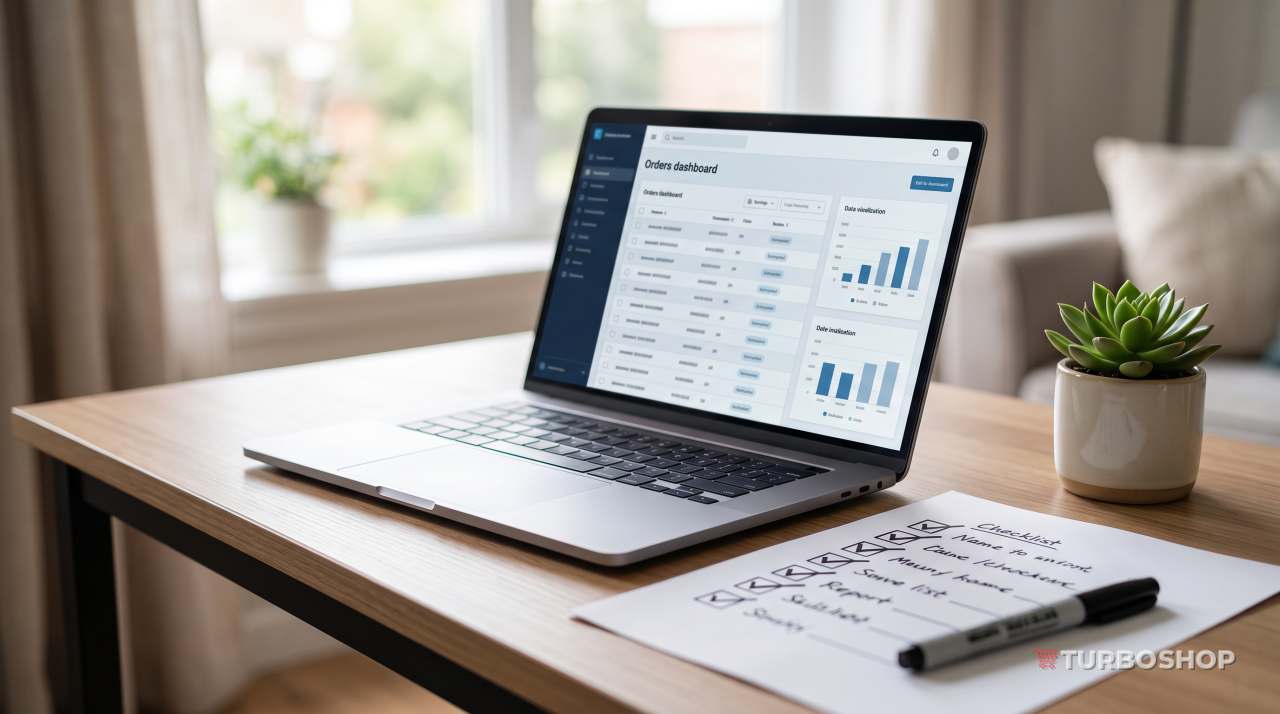
- Set up analytics — before the first visitor arrives.
Narrow the assortment and set your pricing
Suppliers typically offer thousands of products, but trying to sell everything at once is a guaranteed way to sell nothing. Pick one or two priority categories: the store is easier to manage, advertising is cheaper and recognition comes faster. Start with sports nutrition, for example, and add vitamins once the first category produces steady orders.
Next, the target audience. A store «for everyone» is a store for no one. Write down who your buyer is: what they are looking for, what they fear, which criterion decides their choice. Your product copy, your ads and your channel choice all follow from that.
Then pricing. The price must be competitive and still leave a profit. It has to absorb the purchase cost, taxes, payment provider fees, advertising spend, logistics and your own margin. Calculate the economics of one average order in full — this is the stage where it becomes visible which products are worth selling and which merely create turnover without earnings.
First sales: where to find your first traffic
The most painful question after launch: the site is live, the products are there, and nobody visits. That is normal — a new store is unknown to everyone. Here are the channels in order of how fast they pay back.
- Your immediate circle. Tell people about the store on your own social accounts, among friends, in relevant chats and communities. It is not «serious marketing», but this is usually where the first two or three orders come from — and, more importantly, the first feedback about what is confusing on the site.
- Topic communities and forums. Not spam, but genuinely useful answers where people ask for buying advice. Slow, but free.
- The store's own social media. For visual niches Instagram and TikTok deliver traffic faster than any other free channel. Regular simple content is enough: unboxings, roundups, answers to questions.
- Marketplaces. Selling on platforms in parallel gives turnover and reviews while your own site gains authority. But do not make a marketplace your only channel — you do not own the customer there.
- Paid advertising. The fastest way to test hypotheses: within a week you learn which products and which wording resonate.
- SEO. The slowest channel and the cheapest in the long run. Expect first results after several months, which is exactly why you should start immediately — more about it on the platform SEO features page.
In the first month your goal is data, not profit. Ten orders with a known source are worth more than thirty random ones.
Set up analytics before your first visitor
A store without analytics is a store where you do not know what works. The minimum that should be ready in week one:
- Web analytics with ecommerce tracking: traffic sources, behaviour, orders and revenue.
- A «purchase» goal on the thank-you page — without it no advertising report means anything.
- Intermediate goals: add to cart, checkout started, phone number tapped, messenger contact.
- A webmaster tool to monitor indexing and search queries.
- A simple bookkeeping sheet for orders, costs and profit. A plain file is enough at the start, but keep it from day one — reconstructing it later is painful.
Verify that data is actually being collected: place a test order and confirm it appears in the reports with the correct amount. Half of all beginners discover configuration errors a month later, when there is nothing left to analyse.

Your first ads: how not to burn the budget
The main rule of a first campaign: you are buying information, not sales. The budget should be an amount you would not regret spending in full, and the expectations should be realistic.
What works best at the start:
- Search ads on specific products. The warmest traffic there is: the person is already looking for what you sell. Start with narrow queries containing model names, not broad ones like «buy shoes».
- Shopping ads. They need a correct feed from the catalogue, but they show your product with a photo and price directly in the results.
- Social ads for visual niches. Clothing, cosmetics, decor and children's goods sell well in the feed — here the creative decides.
- Remarketing. The cheapest way to bring back people who already visited. Turn it on as soon as you have a first audience.
Do not switch a campaign off after one day without orders, and do not change everything at once — otherwise you will never learn what worked. Give a test a week and change one element at a time.
Collect reviews from your very first order
A new store attracts natural distrust: the buyer knows neither the brand nor you. Reviews are the fastest way to remove that distrust, and you should collect them from the very first customer rather than «when there are more sales».
The working scheme is simple. A few days after delivery, send the buyer a short email asking them to rate the product and the service, with a direct link to the form. Always reply publicly to every review, including the negative ones: a calm, substantive answer to criticism convinces new buyers more than a dozen enthusiastic ratings. In parallel, collect reviews on external platforms — maps, directories, social networks: those are seen by people who have never visited your site.
A bonus on top: reviews are free unique content written in the buyers' own natural language, and they work well for product page SEO.
Work on abandoned carts
Some of the people who add a product to the cart never reach payment — that is normal behaviour in any store. What is not normal is doing nothing about it, because this is the warmest audience you will ever have: they already chose the product.
What to do:
- Remove the causes first. The most common ones: surprise shipping costs, mandatory registration, an overly long form, no familiar payment method, unclear return terms.
- An email reminder. One short email a few hours after abandonment and, if needed, a second the next day. No more: persistence earns unsubscribes.
- Remarketing. Show exactly the product the person left in the cart.
- A call or message for expensive items, if you have contact details. At the start, when order volume is low, doing this manually is entirely realistic.
- A discount last of all. If you teach buyers to abandon carts in exchange for a coupon, you simply reduce your own margin.

What to measure in month one and what to conclude
In the first month there is no need to chase complex metrics. Five indicators are enough — and, above all, an understanding of what to do with each of them.
| Metric | What it tells you | What to do if it is poor |
|---|---|---|
| Visits and sources | Whether there is traffic and where from | No traffic is a channel question, not a site one: push advertising and social |
| Add-to-cart events | Whether product pages convince | Visits but no carts — rewrite pages, photos, prices and delivery terms |
| Order conversion | Whether buyers are lost at checkout | Carts but no orders — simplify the form, add payment methods |
| Average order value | How much one order brings | Too low — add companion products, bundles and a free-shipping threshold |
| Cost per order from ads | Whether advertising is profitable | Above your margin — narrow the audience and queries, test other products |
The core principle of analysis is to look at the funnel rather than the final sales number. «Few sales» is not a diagnosis. A diagnosis is «we have traffic, people reach the cart, and we lose them at payment» — phrased that way, what needs fixing is immediately obvious.
Typical mistakes of the first weeks
- Waiting for sales without traffic. A website does not bring visitors by itself. The first month is above all channel work.
- Changing everything at once. Product pages rewritten, prices changed and ads relaunched simultaneously — and now you cannot tell what worked.
- Drawing conclusions after three days. The minimum horizon for a decision is a week, preferably a month.
- Ignoring mobile. Most buyers arrive from a smartphone — check the store there.
- Slow replies. In the first weeks response speed matters more than any optimisation: a buyer who waits a day goes to a competitor.
- Keeping no records. Without a sheet of costs and revenue you do not know whether you are earning or funding a hobby.
Frequently asked questions
When should I expect the first sales?
It depends on the niche, the channels and the budget, so there is no universal timeframe. But the pattern is stable: the first orders almost always come from the warmest sources — friends, social media and search ads on specific products. If a month of active channel work brings no orders at all, the problem is usually not the product but traffic that is either too small or not targeted.
How much should I budget for first ads?
As much as you are ready to spend in full without hurting the business. A first campaign buys data, not guaranteed sales. Discipline matters more than the amount: do not change everything daily, give a test a week, and measure cost per order rather than per click.
What comes first — SEO or advertising?
Both in parallel, but with different expectations. Advertising brings traffic immediately and is needed to test hypotheses about product and audience. SEO gives steady free traffic but takes months to show — which is why the basics (meta tags, descriptions, structure) should be done from the first weeks rather than postponed.
Can I combine my own site with marketplaces?
Yes, and at the start it is often sensible: marketplaces bring turnover and reviews while the site gains authority. But the site must remain the main asset — that is where you own the customer base, control prices and do not depend on someone else's platform rules.
If you are only planning to open an online store, see which tools for online store promotion are already built into the platform.
Summary
A ready-made online store is not a magic pill but a solid base: you start with no development costs and minimal technical hassle. Everything after that depends on what you do in the first weeks: narrow the assortment, set up analytics, bring the first traffic, collect reviews and analyse the funnel honestly. Do it one step at a time rather than all at once — and after a month you will have data rather than guesses to build month two on.
If you do not have a store yetcreate one on Turboshop


