To set up online payments on your website you need four things: a registered sole proprietorship or company with a bank account, a contract with a payment provider, that provider's keys connected to your store, and fiscal receipts issued through a software cash register. On Turboshop payments, shipping and fiscalization are switched on from the dashboard, with no developer. Below is the whole path from choosing payment methods to your first test transaction.
Which payment methods a Ukrainian store needs
A beginner's mistake is to treat «online payments» as a single thing: a «pay by card» button. In reality the Ukrainian buyer is used to choosing, and each method addresses a different fear and a different audience segment. Some pay by card without thinking twice, some take cash on delivery as a matter of principle because they are not ready to hand money to an unfamiliar store, and some wait for instalments because they are buying expensive electronics.
A practical rule: at launch offer at least three options — card online, wallets (Apple Pay / Google Pay) and cash on delivery. That covers most scenarios without overloading the checkout. Add the rest once you see demand in the questions buyers actually ask.
| Payment method | Who it suits | The detail people forget |
|---|---|---|
| Card online (Visa / Mastercard) | The baseline method for any store | Requires a provider contract and a fiscal receipt for every payment |
| Apple Pay / Google Pay | Mobile traffic, impulse purchases | The shortest possible path to payment — enable it as soon as your provider supports it |
| Cash on delivery | Cautious and first-time buyers, the regions | Unclaimed parcels grow — budget the return shipping cost into your economics |
| Instalments / pay in parts | Expensive goods: electronics, furniture, bikes | Terms and availability depend on the provider's partner bank |
| Bank invoice | B2B customers, companies and sole traders | You need automatic invoice generation, otherwise it eats a manager's day |
| Cash on pickup | Stores with a pickup point or showroom | Still requires a fiscal receipt — cash does not exempt you from the cash-register rules |
Do not keep ten methods at checkout «just in case». Every extra option is one more decision the buyer has to make, and every extra decision lowers conversion. Three or four clear options work better than a long list.
How to choose a payment provider
The Ukrainian market is covered by several large players: WayForPay, LiqPay by PrivatBank, monobank acquiring, Fondy and classic bank internet acquiring. They all accept Visa and Mastercard, and most support wallets and instalments. The differences live in details that only become visible in day-to-day work.
- Transaction fee. The rate depends on the provider, the plan, your turnover and your product category — it is negotiable, so ask for terms for your own case instead of trusting a number from someone else's blog.
- Payout speed. Money may land on your account the next business day, or several days later. For a store that buys stock from a supplier daily, this is a critical parameter.
- Built-in fiscalization. Some providers issue fiscal receipts themselves. That removes the need for a separate cash-register service and makes the launch noticeably simpler.
- Support and documentation. When a payment is stuck and the buyer is calling, you need a human on support, not a ticket answered in three days.
- Refunds. Check whether full and partial refunds can be issued straight from the provider's dashboard — this is a daily operation, not a rare exception.
A practical note: do not commit to a single provider forever. Stores that have grown often keep two — a primary and a backup — so that a technical failure on one side does not stop sales. At launch that is overkill, but keep the option in mind.
Connecting a payment provider step by step
Step 1. Prepare the legal basis
No provider will onboard a private individual. You need a registered sole proprietorship or company, the right activity codes (retail trade over the internet) and a bank account. If the business is not registered yet, start there — registration takes longer than all the technical settings put together.
Step 2. Apply and pass the review
You apply on the provider's website. They review the site itself: contacts, public offer, shipping and return terms, and whether your assortment matches the declared activity. A store with empty «About us» and «Payment and delivery» pages gets rejected more often than you would expect. From experience: submit the application in parallel with filling the catalogue, so payments are live by the time you launch.
Step 3. Enter the merchant keys in your dashboard
Once approved, the provider issues merchant credentials — an identifier and a secret key. In the Turboshop dashboard you simply paste them into the payment settings. Everything after that is automatic: the buyer places an order, moves to a secure payment page, and the order status updates by itself once the provider confirms the transaction. The full list of supported integrations is on the platform features page.
Step 4. Configure statuses and the thank-you page
Payment is not only about money leaving a card. The store has to react correctly to every outcome: a successful payment, a bank decline, a cancellation by the buyer. Each scenario needs a clear screen and an email. Check the thank-you page separately: that is where analytics records the purchase, and without it you will not know which channel brings sales.
Step 5. Run a full test cycle
Before launching, always walk the whole path on a minimal amount: card payment → funds received → order status changed → fiscal receipt delivered to the buyer → refund processed correctly. Fifteen minutes of testing saves days of troubleshooting after launch. Step-by-step setup guides live in the instructions section.
Fiscalization: when a receipt is mandatory
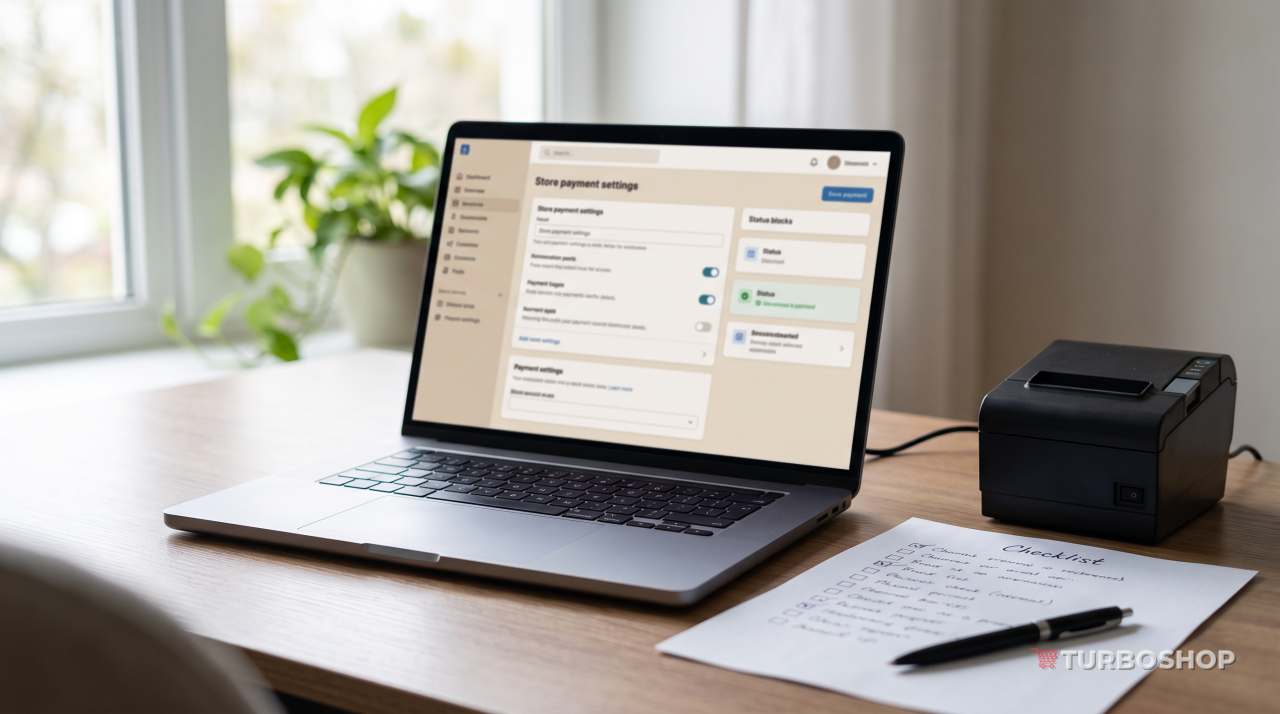
A fiscal receipt for every settlement is a legal requirement for the vast majority of retail activities. And it applies to more than card payments online: cash on pickup, cash on delivery, paying the courier — these are all settlement operations that require a receipt. The common beginner illusion — «while sales are small we can skip the cash register» — is expensive: penalties for unfiscalized settlements are significant, while connecting the service takes a day.
Instead of a physical cash register, businesses today use a software one — an app or service that registers the sale with the tax authority and sends the receipt to the buyer by email or messenger. A working setup looks like this:
- Check whether your payment provider has built-in fiscalization. If it does, enable it there — that is the simplest route.
- If not, connect a separate software cash-register service and link it to the store so a receipt is generated automatically when the order status changes to «paid».
- Think through cash on delivery separately: the receipt must be issued at the moment of the actual settlement, not when the order is placed.
- Set up receipt storage — both you and the buyer must be able to retrieve them in case of a return or a dispute.
Turboshop supports fiscalization, so no custom development is needed — everything is configured from the dashboard. But your tax regime and whether the cash-register rules apply to your specific activity should be confirmed with an accountant: there is no universal answer that fits everyone.
Fees and how they affect your margin
A provider's fee is not an abstract technical charge — it directly reduces the profit on every order. It should be calculated per product group rather than «across the store», because the same rate hits products with different margins very differently.
Imagine two products at the same price. The first has a large markup, and the fee takes a small share of the profit. The second has a minimal markup — and the same fee can eat a noticeable part of the earnings, while together with advertising and shipping it may push the order into the red. This is exactly why cheap low-margin items are often sold in bundles: the average order value rises and the share of fixed per-order costs falls.
Fees are always counted together with shipping, returns and advertising. The whole order has to be profitable, not a line in a price list.
What to do about it in practice:
- Calculate the unit economics of one average order: cost of goods, fee, shipping, advertising, taxes — and only what remains is your profit.
- Do not add the fee as a visible surcharge for paying by card: buyers read it as a penalty for convenience. Build it into the overall price.
- Renegotiate the plan with your provider as turnover grows — the rate is negotiable and terms are usually better at higher volumes.
- Watch the share of unclaimed cash-on-delivery parcels: return shipping often costs more than the entire online payment fee.
The cost of the platform is part of this economy too. On Turboshop thepricing page — so you can plan expenses ahead instead of meeting surprises.
What the buyer sees at checkout — and how not to lose them there
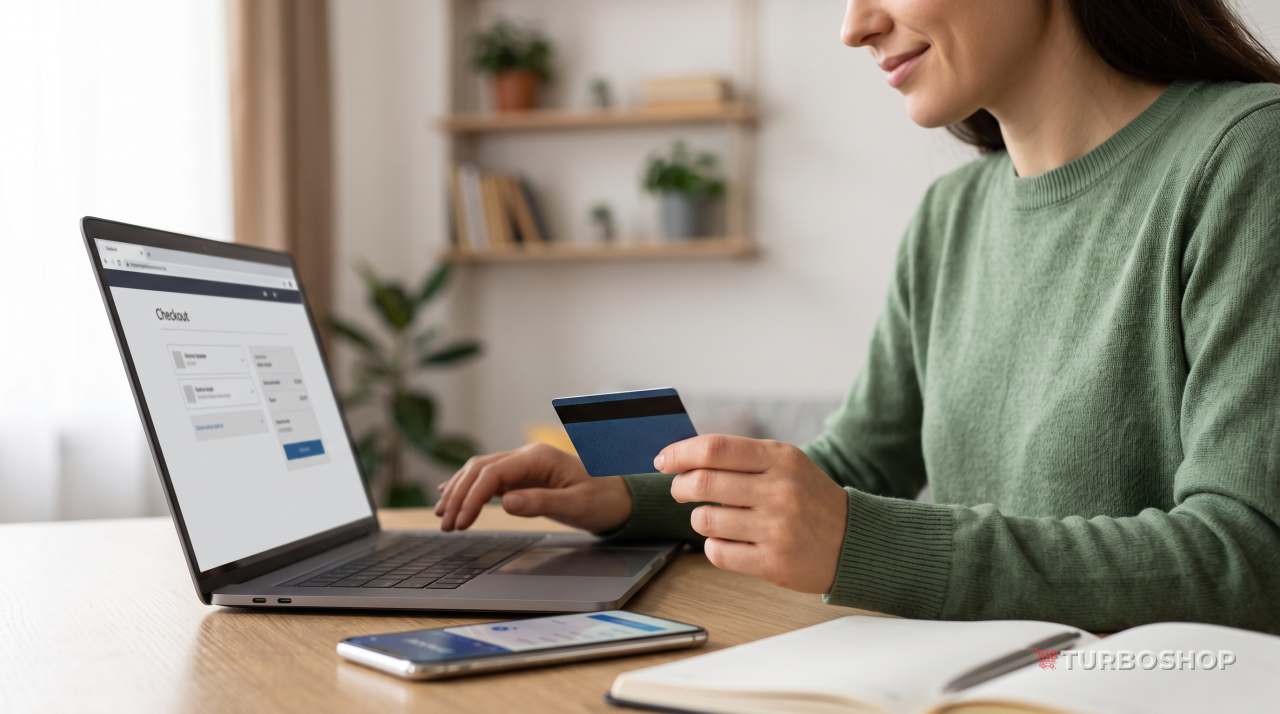
Checkout is the most expensive screen in the store. Someone who has reached payment has already travelled the whole path: found the product, compared prices, decided to trust you. Losing them at the final step is the most painful kind of loss, because the entire ad budget has already been spent.
The most common reasons for dropping off at this screen are predictable:
- Surprise shipping cost. If the buyer only learns it at checkout, some will simply close the tab. Show shipping terms on the product page already.
- Mandatory registration. Buying must be possible without creating an account — offer registration after the order is placed.
- An overly long form. Ask only for what you cannot ship without. Every extra field costs conversion.
- No familiar payment method. A classic: the person was looking for cash on delivery and it is not there — no order.
- No clarity on what happens next. After paying, the buyer must immediately see an order number, the amount and the next step, not a blank page.
- Security doubts. HTTPS, clear contacts, a return policy and the provider's name on the payment page remove that anxiety.
A separate word on mobile: most traffic of Ukrainian stores comes from smartphones. Test the checkout from a phone, not only from a desktop. Tiny fields, a form that jumps when the keyboard appears, a pay button below the fold — all of this kills conversion quietly.
Typical first-payment mistakes
These are what we see most often with newcomers — and all of them are fixed before launch, not after.
- Testing only the happy path. People check a payment that succeeds and never check a bank decline, a cancellation or a refund. That is exactly where the problems hide.
- Selling without fiscalization «for now». The most expensive saving at launch — connecting a software cash register takes a day, the consequences last much longer.
- A single payment method. A store without cash on delivery loses the part of the audience that refuses to prepay an unfamiliar seller.
- An unverified thank-you page. Without it analytics never sees purchases and you make advertising decisions blind.
- Catalogue and payment page prices that disagree. Usually because of promotions or rounding — trust disappears instantly.
- No order notifications. The payment goes through and the owner finds out the next day — by then the buyer is messaging a competitor.
- A secret key in a public place. Merchant keys must never go into templates, screenshots or chat threads — that is a direct route to fraudulent transactions.
Payment security and refunds
The key thing to understand: your buyer's card details should never reach your website at all. Card data is entered on the provider's secure page, and the store only receives the transaction result. That removes an enormous layer of responsibility from you — provided you do not try to store payment data yourself.
Minimum security hygiene for a store: a working HTTPS certificate across the whole site, unique passwords and two-factor authentication in the provider's dashboard, restricted staff access to payment settings, and regular reconciliation of provider payouts against actual orders.
Refunds should be thought through in advance rather than during your first conflict. Buyers have a legal right to return goods within a set period, and your «Payment and returns» page must explain the procedure in plain words: within what period, in what condition and where the money goes back. Stores that state this honestly and visibly get fewer disputes and, paradoxically, more orders: a clear return policy is itself an argument in favour of buying.
Frequently asked questions
Can I accept payments without registering a business?
Payment providers work with registered businesses — a sole proprietorship or a company with a bank account and appropriate activity codes. So accepting payments legally means registering first. That is the step to start with, because it takes the most time.
How long does it take to connect payments?
The technical part — pasting merchant keys into the dashboard — takes minutes. Most of the time goes into the provider's review of your documents and your website, which usually takes a few business days. Apply early, in parallel with filling your catalogue.
Do I need fiscal receipts if the buyer pays cash on delivery?
The settlement happens when the buyer actually pays for the goods, so cash on delivery does not exempt you from issuing a receipt. The exact procedure depends on your operating model and tax regime — agree it with an accountant before launch rather than after the first inspection.
What if the money was charged but no order was created?
First check the transaction status in the provider's dashboard: often the payment is simply pending confirmation. If the funds really were taken and there is no order, create it manually or issue a refund. The critical part is answering the buyer fast — a quick reaction saves both the reputation and the customer.
If you are only planning to create an online store, see what else the Turboshop online store builder can do.
Summary
Online payments on a website are not one button but a chain of four elements: well-chosen payment methods, a reliable provider, correct fiscalization, and a checkout that does not lose the buyer at the final step. Each of them can be set up within a few days if you go in order and never skip testing.
If you do not have a store yetcreate one on Turboshop The overall launch algorithm is covered in our guide on how to open an online store.