
Card payments in a window over your site, no page hopping
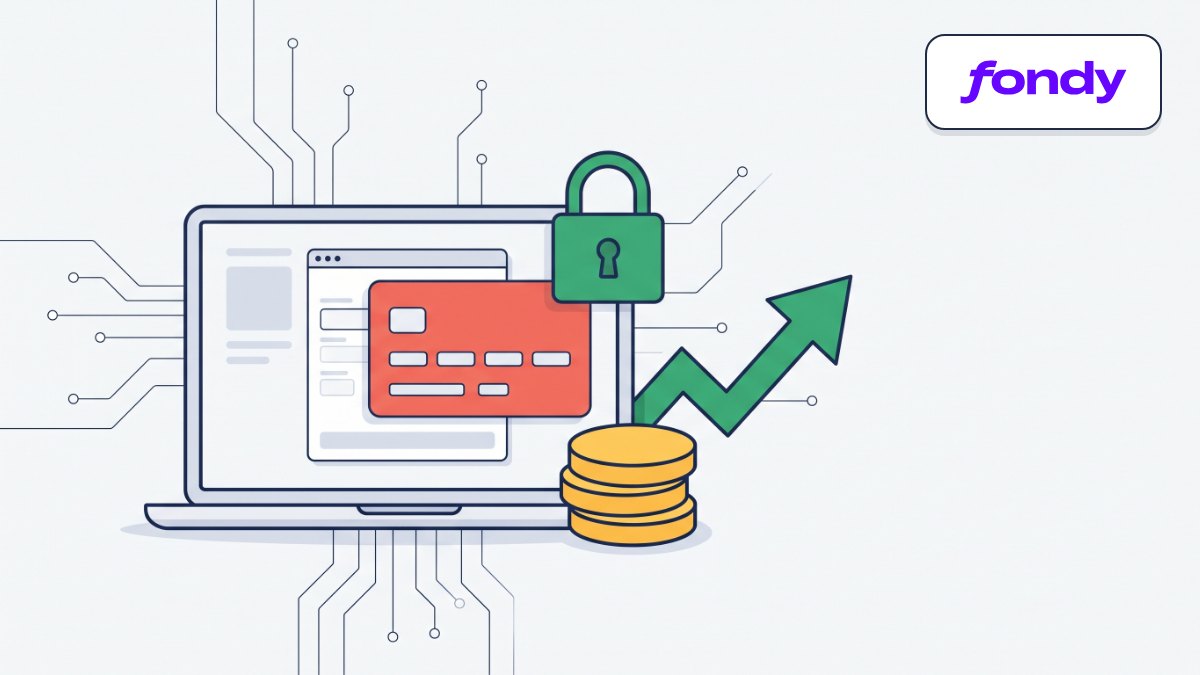
Accept card payments with the Fondy payment widget at checkout.
What it gives your business
Shoppers stay on your site
The Fondy payment widget opens over the thank-you page, so shoppers pay without leaving your store.
Paid orders before you ship
Shoppers pay by card right after checkout, so the parcels you send are already paid for.
Payment status without manual checks
An order is marked paid as soon as Fondy confirms it, so you don’t check payments in the merchant portal.
Clean payment records
A repeated notification won’t record a payment twice, and a late decline won’t cancel a paid order, so your reports add up.
Features
“Pay online” button
On the thank-you page the shopper clicks the button and the Fondy widget appears.
Notifications with zero setup
We pass the notification URL to Fondy with every payment, so there is nothing to set in the portal.
Back to the order
After payment the shopper is safely returned to their order page in your store.
Widget in the shopper’s language
The payment widget opens in the language the shopper used on your site.
Test mode without credentials
Check payments before launch without even entering a merchant ID and key.
Who it is for
- Stores that already have an agreement with Fondy.
- Sellers who want shoppers to stay on the site while paying.
- Stores that want prepayment for orders.
- Anyone who wants to test online payments before launch.
How to connect
- 1Sign in to your Turboshop dashboard and pick a store.
- 2Open the add-on and connect it — paid ones are checked out in the dashboard.
- 3The add-on turns on in your store admin, with settings in its own section.
FAQ
What do I need to connect?
Your own Fondy merchant account. Copy the merchant ID and secret key from the merchant portal, paste them under Payment services in the store admin and enable the Fondy provider.
Is it safe to store the secret key in the store?
We keep the secret key encrypted and verify the signature of Fondy confirmations before changing the order status.
Where does the money go?
To your account under your agreement with Fondy. We only hand the order over for payment and receive the confirmation.
How can I test payments before launch?
Turn on test mode: it needs no credentials and makes no real charges.
Fondy payments
Other add-ons


No Turboshop store yet?
Create an online store — connect add-ons whenever you need them.