
Your products on Rozetka with current prices — no manual entry
Sell on Rozetka without manual entry: a product feed for the seller account in Ukrainian and Russian. One payment, no subscription.
What it gives your business
Get on Rozetka without filling in listings
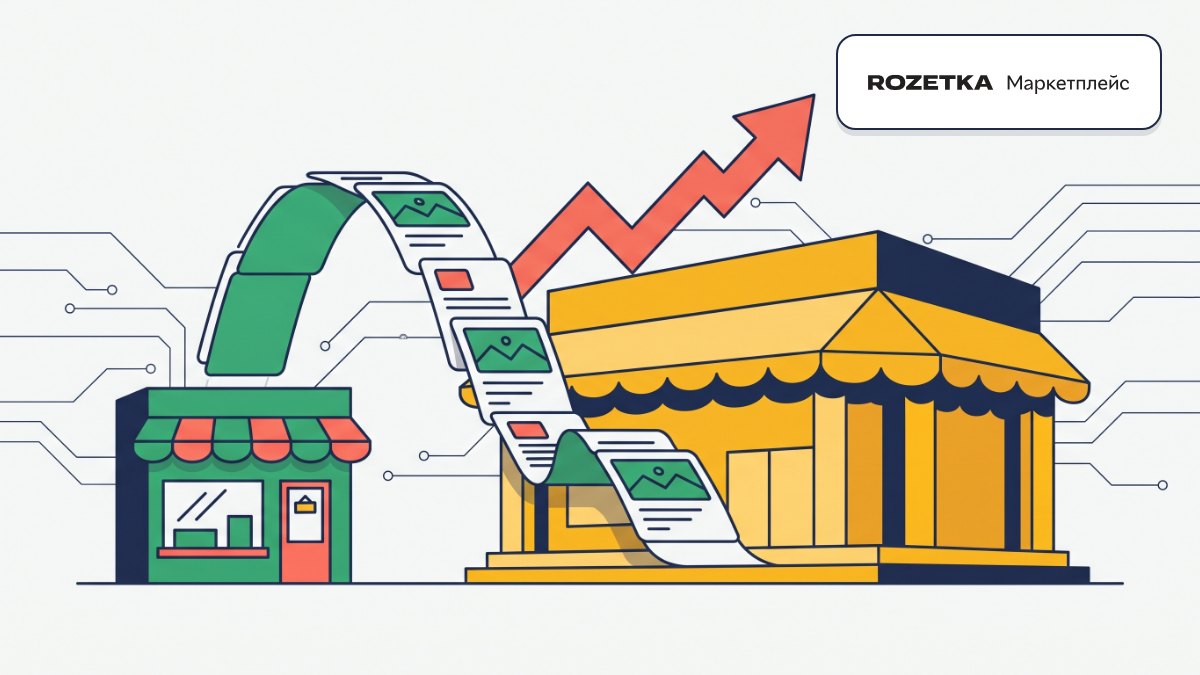
We at Turboshop built a store product feed for the Rozetka seller account in both Ukrainian and Russian, so your assortment reaches the marketplace without rewriting product cards.
Prices and stock match your website
The feed is generated on request, and Rozetka fetches it from a permanent link on its own, so shoppers see current prices and stock.
Your website product cards stay untouched
You can override data for Rozetka separately without changing the product on your site, so the marketplace and your store each follow their own rules.
Move platforms without losing offers
If you are moving from an old website, you can keep the same offer ID so Rozetka doesn’t treat your products as new.
Features
Permanent feed link
Copy and Open XML buttons to paste the feed into your seller account and check what’s inside.
Price type for export
A separate price list for the marketplace, if you have one.
Categories with Rozetka codes
The export flag is inherited down the tree, and rz_id links a category to the Rozetka tree.
Attributes and values
Enabled groups go into the feed as parameters, and Rozetka codes link them to the marketplace reference.
Color and size variant options
They define the product variation and aren’t repeated as a separate parameter.
Per-product settings
Turn on export for a specific product or change its data for Rozetka only.
Bundles and services
A bundle goes out as one offer with an “old” price so shoppers see the savings, services are optional.
Who it is for
- Stores that want Rozetka as an additional sales channel.
- Sellers moving from an old website who already have offers on Rozetka.
- Stores with a separate price list for marketplaces.
- Sellers of bundles who want shoppers to see the value of a set.
How to connect
- 1Sign in to your Turboshop dashboard and pick a store.
- 2Open the add-on and connect it — paid ones are checked out in the dashboard.
- 3The add-on turns on in your store admin, with settings in its own section.
FAQ
What do I need to get started?
Your own Rozetka seller account and brands and prices filled in for the products you want to sell. You connect the add-on in your turboshop.ua account, nothing to install by hand.
Why didn’t a product make it into the feed?
The feed includes active products with a brand and a price, linked to an exported category and marked on the Products tab. Check these conditions and open the XML to see the result.
Will the add-on change my product cards on the site?
No. The package only reads catalog data, and Rozetka settings are stored separately.
What if I don’t set a Rozetka category code?
Then the feed uses the store’s internal category code, or the category name if there is none. Filling in rz_id gives more accurate placement on the marketplace.
Rozetka integration







No Turboshop store yet?
Create an online store — connect add-ons whenever you need them.