
Create Ukrposhta shipments right from the order card
Ukrposhta delivery: branches at checkout, shipments, labels and tracking from the store admin.
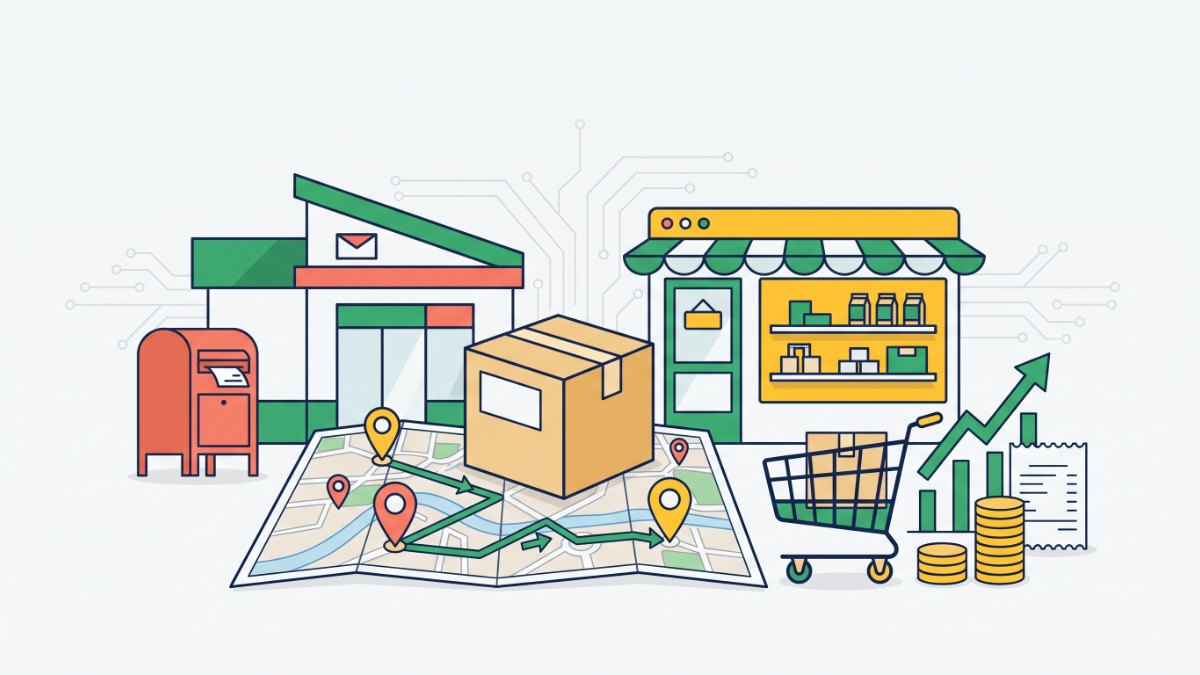
What it gives your business
Shoppers don’t guess the postcode
We show Ukrposhta branches as a list with postcode and address, so orders arrive with a correct address and parcels don’t come back.
No carrier portal, no retyping
Shipments are created right in the order card, so you don’t copy data by hand or rewrite barcodes.
Fewer “where is my parcel” calls
Shipment status refreshes every two hours, so you know where the parcel is without opening the Ukrposhta site.
Protected from duplicates and typos
A second shipment for the same order can’t be created by accident, and Ukrposhta errors are shown as is, so you fix the field and try again.
Features
Branch selection at checkout
Town search in Ukrainian or Latin script; if a village has no branch, we show the one that serves it.
Courier delivery to the door
A separate option with street, house and postcode that you can switch off in settings.
Prefilled shipment
Recipient, branch, declared value and cash on delivery come from the order; weight and size from your settings.
Parcel labels
Print a 100×100 label or an A4 sheet.
Delete before drop-off
Delete a shipment until it is accepted at the branch, then create it again with corrected data.
Self-updating directories
Regions, towns and branches load and refresh automatically, with a log on a separate tab.
Test environment
Run the whole flow on test tokens without creating real shipments.
Who it is for
- Stores whose customers live in small towns and villages.
- Sellers who work with cash on delivery.
- Stores sending low-cost or lightweight goods by Ukrposhta.
- Businesses that already have a Ukrposhta contract and want to drop the manual work.
How to connect
- 1Sign in to your Turboshop dashboard and pick a store.
- 2Open the add-on and connect it — paid ones are checked out in the dashboard.
- 3The add-on turns on in your store admin, with settings in its own section.
FAQ
What do I need to connect?
A contract with Ukrposhta: your Ukrposhta manager issues the Bearer eCom and counterparty tokens. Enter them under Integrations → Ukrposhta → Settings, register the sender and choose Ukrposhta as the carrier in your delivery method.
What do shoppers see before the tokens are added?
The Ukrposhta method keeps working as before, with regular address fields. Shoppers never see an empty branch list.
Can I change the cash on delivery amount?
Yes, everything in the shipment form can be edited before creation. Cash on delivery just can’t exceed the declared value.
Is it safe to store the tokens in the store?
We keep the tokens encrypted, and the form only shows a “Saved” mark.
Ukrposhta
Other add-ons
No Turboshop store yet?
Create an online store — connect add-ons whenever you need them.