
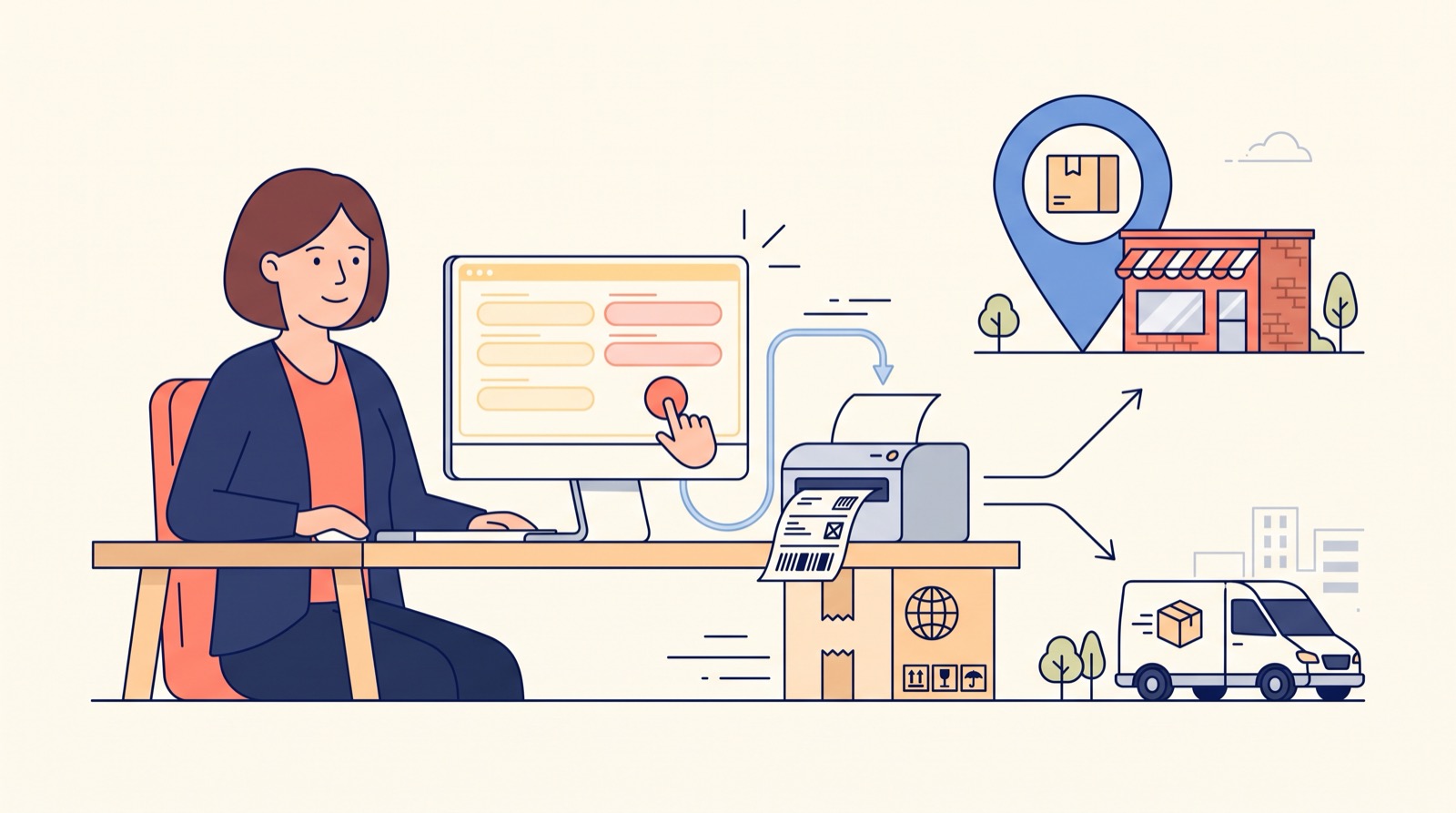
We at Turboshop kept hearing the same complaint from store owners: "The buyer picked a Nova Poshta branch at checkout, but I cannot see it in the order card and have to look it up again". The data was in fact saved, but the card showed only the fields for Ukrposhta and courier delivery: city, postcode, address. For Nova Poshta orders they were empty, so the manager dug through the comment, called the buyer, or opened the waybill form and searched the city and branch in the directories from scratch. So we did two things: we show the Nova Poshta data right in the order card, and we taught the express waybill form to fill in the recipient from the order. Now it is one tab and two manually entered fields from order to finished waybill.
What every "lost" waybill cost a store
Together with clients we counted how long one waybill takes when the data has to be found again: three to four minutes on average plus one call to the buyer. At twenty shipments a day that is over an hour of the manager's time that could have gone into sales. But money is lost on more than time:
- a surname retyped with a mistake means a refusal at the branch and a return shipment at your expense;
- the wrong branch means the buyer travels across town or refuses the order;
- a call to "clarify the branch" a day after the order, and the buyer has already bought elsewhere;
- a manager annoyed by routine makes mistakes in the next orders too.
What the buyer chooses at checkout
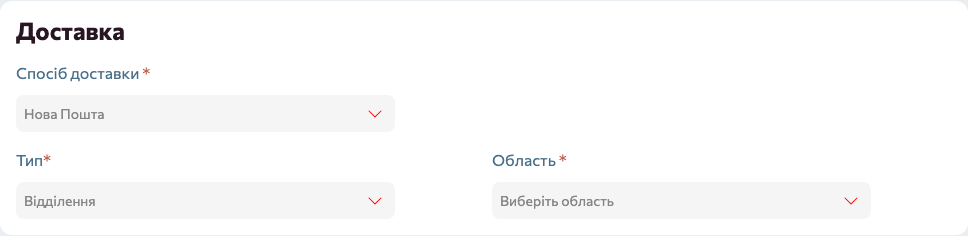
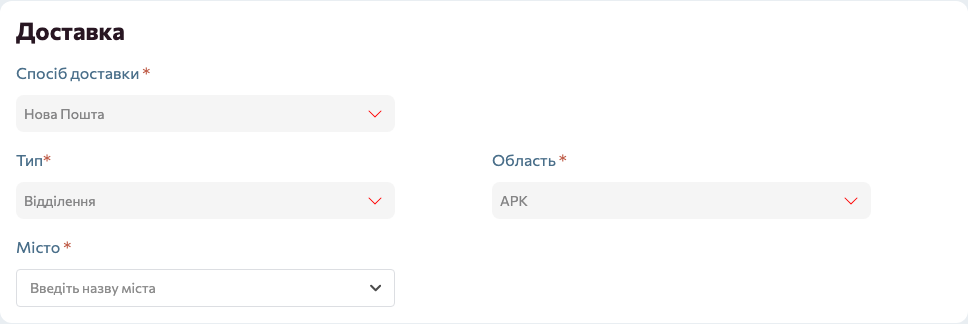
Let us start with the storefront, because that is where the data comes from. When the buyer picks "Nova Poshta" as the delivery method, extra fields unfold under it: Type (Branch, Parcel locker, or Address if you allow door delivery), Region, City and Branch / parcel locker number. The list of cities and branches comes from the directories you import from Nova Poshta in the admin panel, so the buyer cannot enter a non-existent branch. We store the choice in two forms at once: as readable names for the manager and as Nova Poshta's internal identifiers for the waybill.
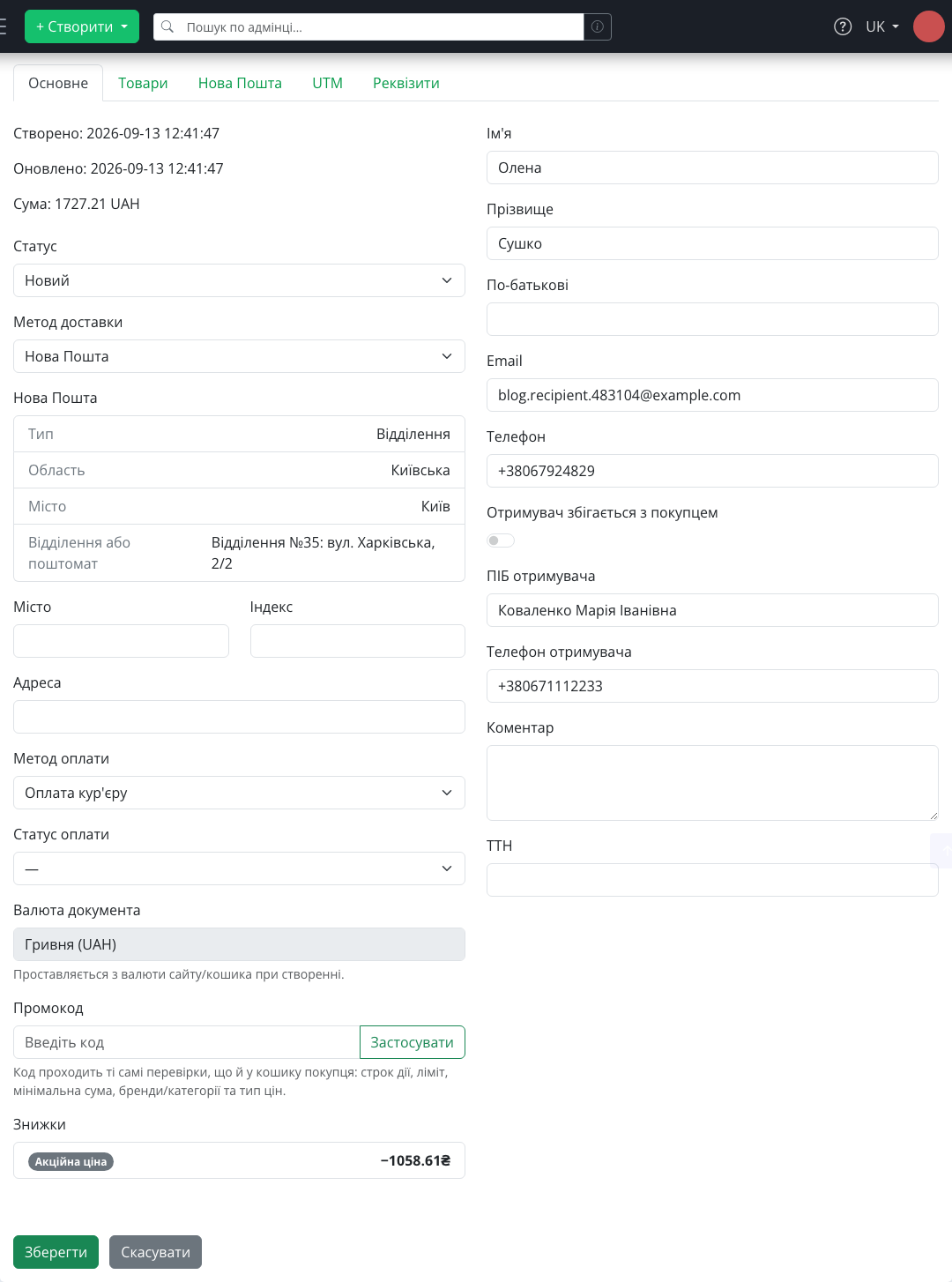
The "Nova Poshta" block in the order card
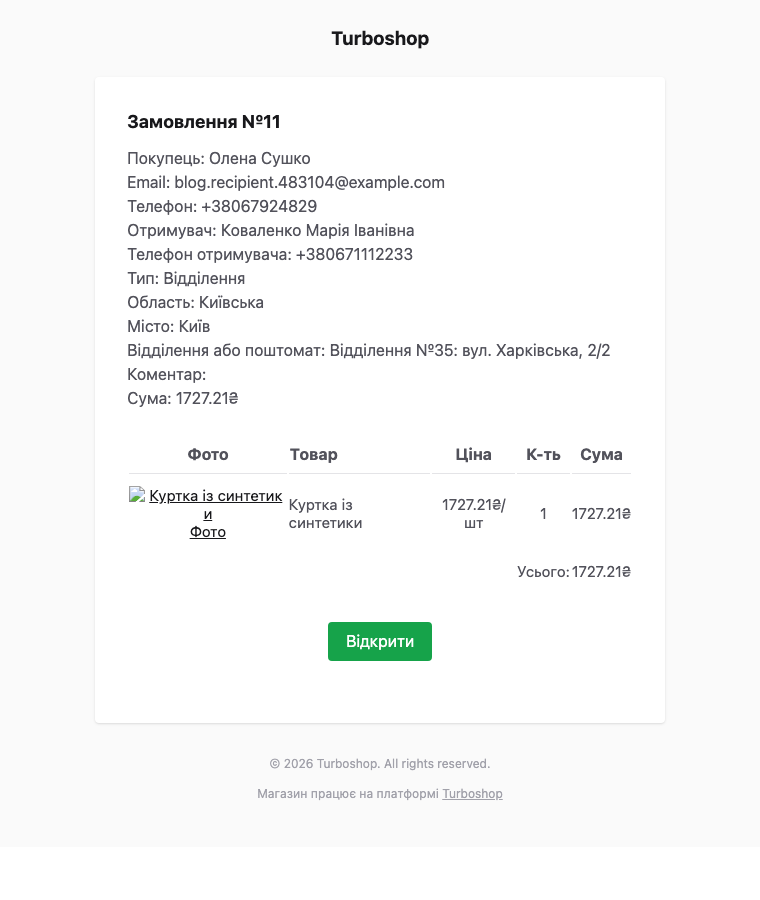
Now the main part. Right under the delivery method in the order card there is now a "Nova Poshta" block with four lines: Type, Region, City, Branch or parcel locker. It is exactly what the buyer chose at checkout, unchanged. The block appears only for Nova Poshta orders; for courier or Ukrposhta orders the card looks as before. We deliberately made it informational rather than editable: the manager should not change the branch on the buyer's behalf, but must see it, and now does, without opening any extra tab.
We added the same four lines to the new-order email to the administrator. If you process orders from your phone, you no longer need to open the admin panel to know where the parcel is going.
A waybill form that fills itself in
The "Nova Poshta" tab in the order card is the express waybill form. It used to open empty. Now, when the manager opens it, we have already filled in everything we know from the order:
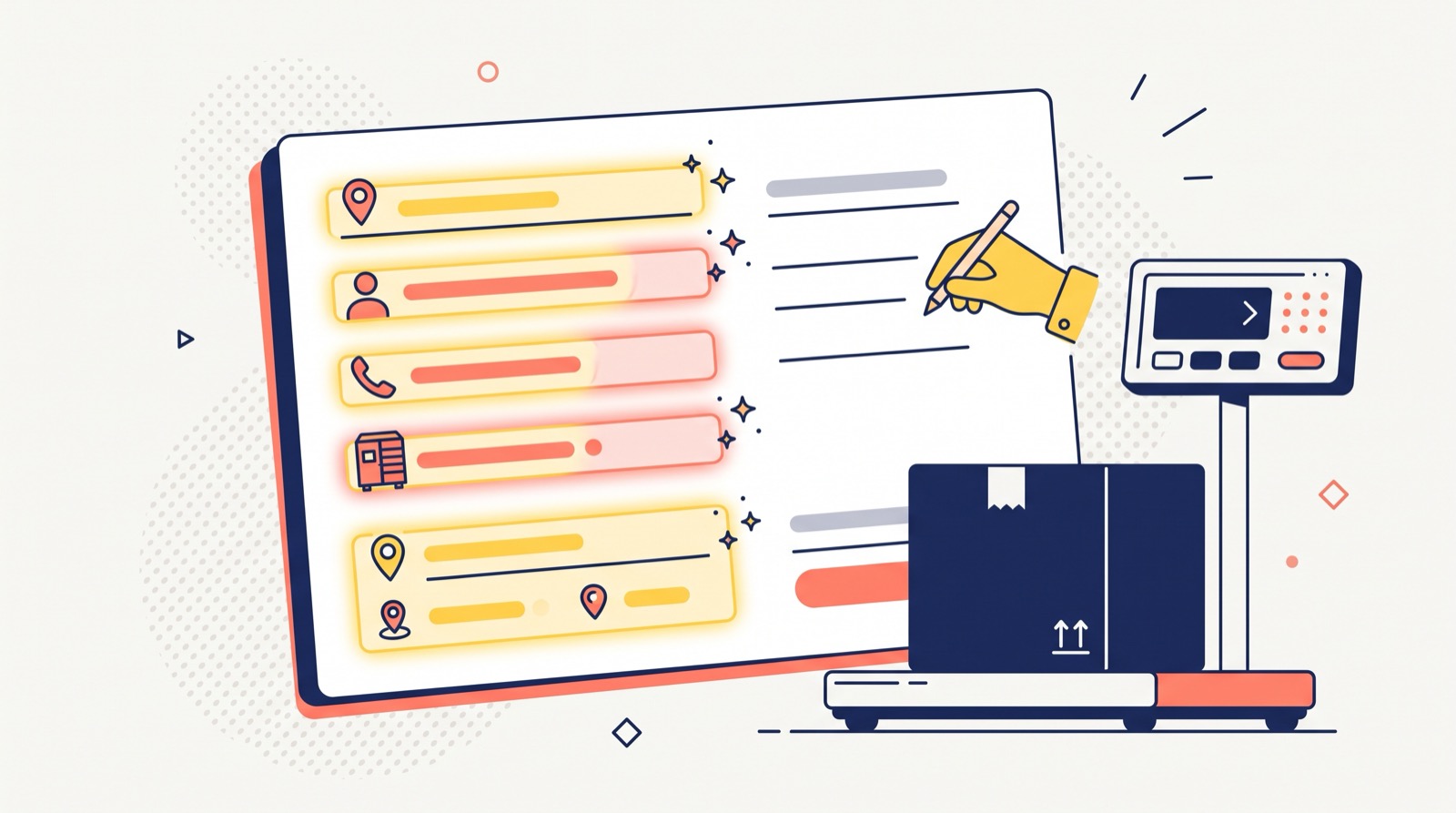
- Recipient city and Recipient branch: the ones the buyer chose at checkout, by Nova Poshta's internal identifiers, so there is never confusion between branches with the same name;
- Surname, First name, Patronymic and Recipient phone: from the buyer's details, or from the other recipient if the buyer specified one at checkout;
- Delivery type: "Branch to Branch", "Branch to Parcel locker" or "Branch to Address" depending on the buyer's choice, plus the street for door delivery;
- sender, payer, cargo type and payment method: from your default Nova Poshta account, as before.
The manager only enters the weight, cargo description, declared value and shipping date, then clicks "Generate waybill". The waybill number then appears in the same tab with "Print waybill", "Regenerate waybill" and "Delete waybill" buttons. We deliberately left weight and value manual: they are the only data the order does not contain, and they depend on how exactly you pack the goods.
We also thought through orders placed for someone else. If the buyer specified another recipient at checkout, the waybill is issued to that person: the "Surname First name Patronymic" line is split into three fields automatically, and the phone is the recipient's, not the buyer's. We covered this feature in detail in "Ordering for someone else".
What you need for it to work
Auto-filling relies on three things, all configured once in "Integrations → Nova Poshta":
- An account with an API key on the "Accounts" tab. The key comes from the Nova Poshta business account; without it the waybill list shows the warning "An API key is required".
- Directory import on the "Directories" tab: regions, settlements, branches and parcel lockers. These are what the buyer picks from at checkout, so repeat the import from time to time; branches open and move.
- Sender city and branch in the default account; without them a waybill cannot be created.

We described the step-by-step setup from scratch, from the API key to checking checkout, in a separate Nova Poshta setup guide. If the branch list at checkout is empty, first check the account and run the directory import.
How this changes a manager's day
- An order arrives; the city and branch are already visible in the email or Telegram.
- The manager opens the card, checks the items and, if needed, calls the buyer only about the goods, not the address.
- Switches to the "Nova Poshta" tab: the recipient and branch are in place; enters the weight and value.
- Clicks "Generate waybill", prints it and sticks it on the parcel.
- The waybill number stays in the order: the buyer sees it in their account, and all waybills are listed on the "Waybills" tab.
Examples by niche: who saves the most
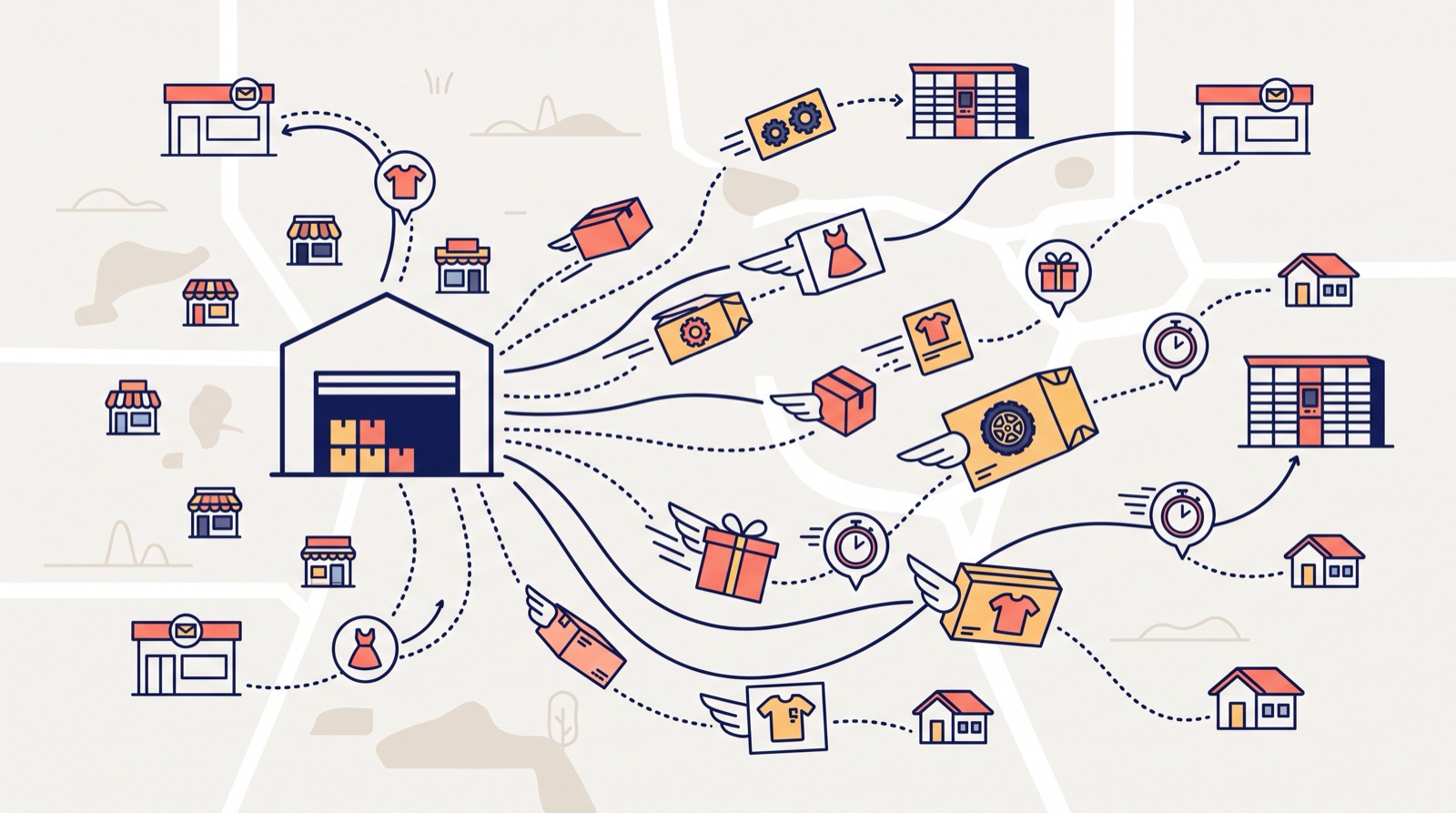
- Clothing and footwear. Dozens of parcels a day to different cities: this is where manual branch lookup ate the most manager time.
- Dropshipping. Orders to the end customer with another recipient: the waybill is issued to the person collecting it, with no manual intervention.
- Auto parts. Heavy and bulky parcels: the manager focuses on weight and packaging, not the address.
- Cosmetics and gifts. Parcel-locker orders: the "Branch to Parcel locker" delivery type is filled in automatically, so the type can no longer be wrong.
- Single-manager stores. An owner who both sells and packs: every minute saved is one more call handled.
FAQ
Can the branch chosen by the buyer be changed? Not in the card block, which shows the buyer's choice. In the waybill form the manager can pick another city or branch before generating the waybill.
What about orders placed before the update? If the buyer chose a branch at checkout, the data is already stored and will appear in the card after the update.
Does auto-filling work for courier delivery and Ukrposhta? For those the Nova Poshta waybill form fills in only the buyer's contact; there is nowhere to take a city and branch from.
Can a waybill be issued without a Nova Poshta account? No. Waybills are generated through the Nova Poshta API, so an account with a valid key is required.
Where can I see all the store's waybills? In "Integrations → Nova Poshta", the "Waybills" tab: number, recipient, status and delivery cost for the chosen period.
If you are only planning to open an online store, see what else the Turboshop online store builder can do.
Summary: what you get
We made sure the data the buyer already entered at checkout never has to be looked up or retyped. You get a "Nova Poshta" block in the order card and in the email, a waybill form that fills in the city, branch, recipient name and phone on its own, and a waybill in one minute instead of four. Together with the "other recipient" option this closes the most common causes of shipping errors. All new platform features are in the "Features" section.