
Change your catalog with confidence: one-click database backup
Store database backups from the admin, so data can be restored if something goes wrong.
What it gives your business
Bulk changes without the worry
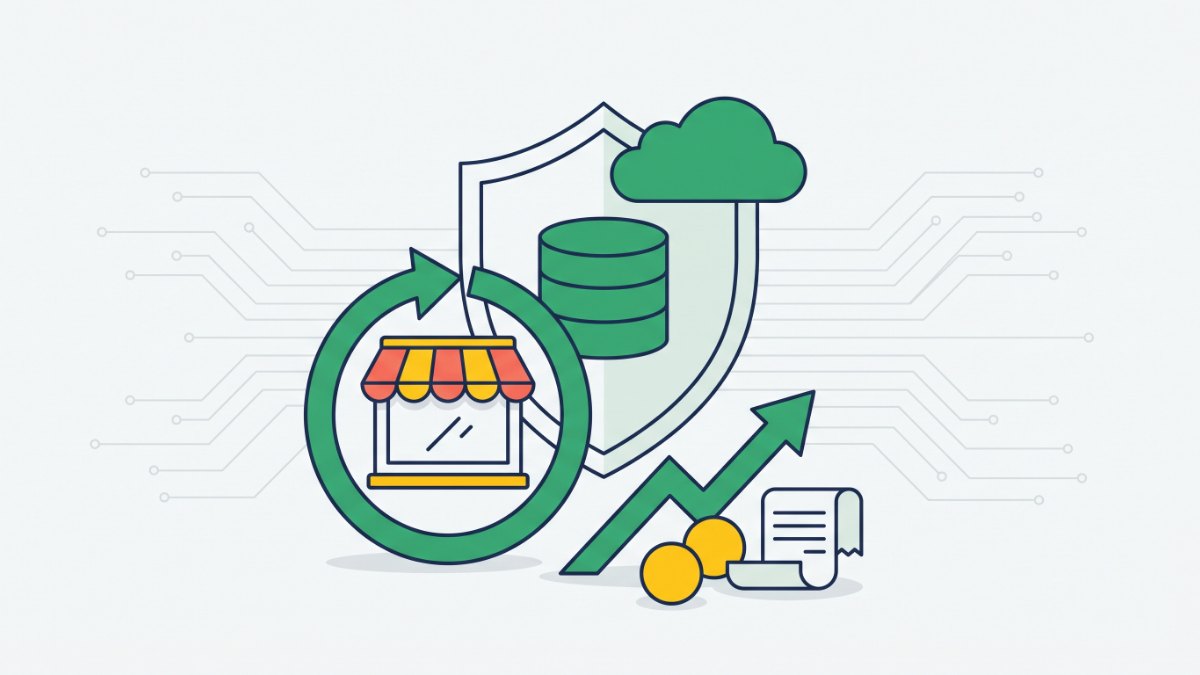
We at Turboshop built a one-click database backup, so before a bulk price change, an import or a catalog clean-up you always have a fresh snapshot of your data.
Your data can be restored
If an edit goes wrong or the server fails, products, orders and customers can be restored from a backup, so your work isn’t lost.
A copy off the server
You can download a backup to your own computer, so you keep an extra copy of your store data.
The disk doesn’t fill up
Old backups are cleaned up according to the retention strategy, so copies don’t fill the server disk.
Features
One-click database backup
A full copy of products, categories, orders, customers and settings in a ZIP within seconds.
Backup list
File name, date, time and size of each copy, newest first.
Search by name
Quickly find the backup you need by part of its file name.
Multiple storages
If your store has several disks configured, you can switch between them.
Download and delete
Save a single backup to your computer or remove it from storage after confirmation.
Admins only
The Security → Backups section is visible only to store administrators.
Who it is for
- Stores with a large catalog and frequent price updates.
- Stores that regularly import products from suppliers.
- Owners who let several managers edit the catalog.
- Stores that value their order history and customer base.
How to connect
- 1Sign in to your Turboshop dashboard and pick a store.
- 2Open the add-on and connect it — paid ones are checked out in the dashboard.
- 3The add-on turns on in your store admin, with settings in its own section.
FAQ
What does a backup from the admin include?
A backup created with the button is a full copy of the database: products, categories, orders, customers and settings. Site files such as product photos and documents are not included; their backups are configured separately on the server.
Can backups run automatically?
Scheduling isn’t set in the admin: automatic database and file backups are configured on the server by our support team. You can check that they are being created by the dates in the backup list.
How do I restore my store from a backup?
There is deliberately no restore button in the admin, because a restore affects the whole store. Contact support with the name of the backup you need, or send a copy you downloaded earlier.
Backups






No Turboshop store yet?
Create an online store — connect add-ons whenever you need them.