
Win back shoppers who left their cart with emails from your store
Win back shoppers who abandoned their cart: up to three reminder emails from your store mailbox — no per-email fees.
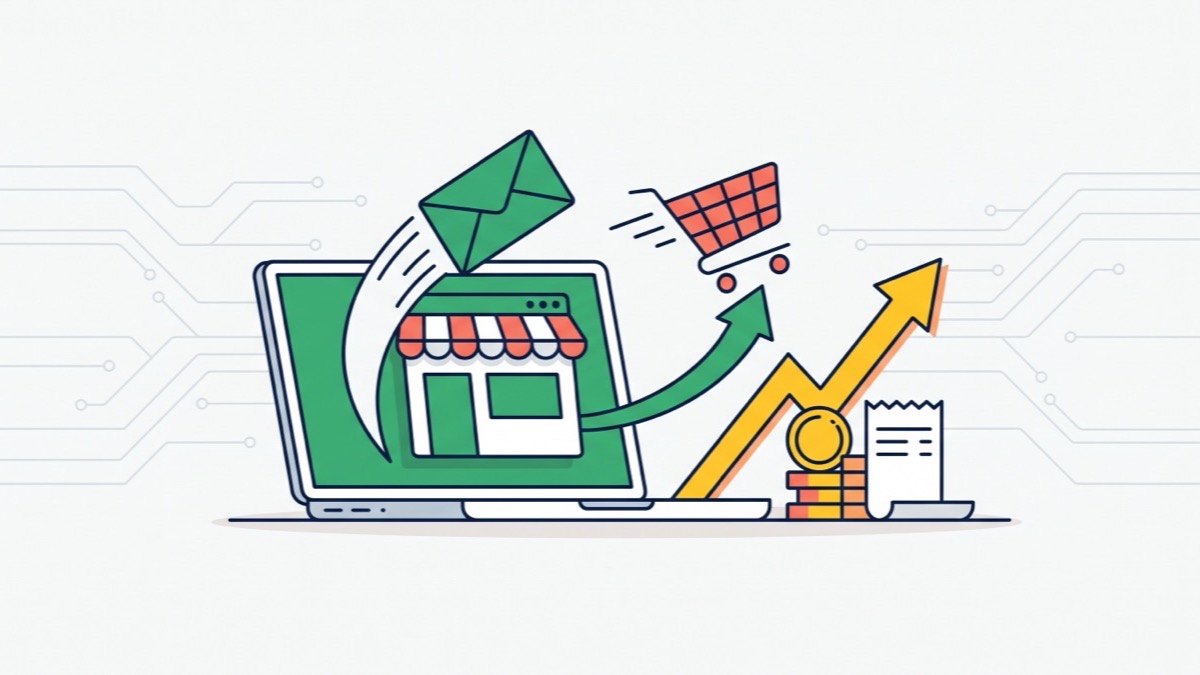
What it gives your business
Recover orders you almost lost
We at Turboshop built cart reminders so a shopper who left items and an email address gets a message with that exact cart and comes back to buy. You don’t need a subscriber list — results start with the first carts.
Emails go out on their own
The store sends up to three reminders — after an hour, a day and three days — and stops as soon as the shopper places the order. Set the series up once and stop chasing carts by hand.
See how much the emails earned
The overview shows how many emails were sent and how many orders and how much revenue they brought. Figures come only from your store’s email log and orders, so you judge real results.
Emails reach the inbox, your domain stays clean
Before you start we check your store mailbox, and addresses that keep bouncing are suppressed automatically so mail providers keep trusting your domain.
Features
Abandoned cart reminder
An email with product photos and prices and a button that takes the shopper back to their cart.
Readiness check
Checks the SPF, DKIM and DMARC records of the sender domain so emails don’t land in spam.
Log of every email
Who, when, which subject and how sending ended — with the reason if an email was skipped.
Test email to yourself
See the email the way a shopper will before the first real send.
One-click unsubscribe
Every email carries an unsubscribe link and header, as Gmail and Yahoo require.
“Don’t remind me” button
The shopper turns off only cart reminders while other store emails keep working.
Who it is for
- Stores where shoppers often add items to the cart and don’t finish the order.
- Owners who want more sales from existing traffic, not only from new ads.
- Stores without a subscriber list that want results from email right away.
- Anyone who wants to send emails from their own mailbox on the store domain.
How to connect
- 1Sign in to your Turboshop dashboard and pick a store.
- 2Open the add-on and connect it — paid ones are checked out in the dashboard.
- 3The add-on turns on in your store admin, with settings in its own section.
FAQ
Will my emails end up in spam?
The Readiness block checks the SPF, DKIM and DMARC records of the sender domain and shows what to fix. Whoever manages your domain’s DNS adds the records, and the help center has a guide with examples.
Can I send a newsletter or a promotion?
Right now the add-on sends automated emails, starting with the cart reminder. Campaigns for news and promotions, contacts and a signup form are coming in the next update.
What happens if the subscription ends?
Emails stop going out, but contacts, the log and statistics are kept. When you renew, you pick up where you left off, and unsubscribe links in emails already sent always work.
Do I need to install anything?
No. You connect the add-on in your turboshop.ua account, the store gets access automatically, and you turn on cart reminders in the admin panel when you’re ready.
Mailing
Other add-ons

No Turboshop store yet?
Create an online store — connect add-ons whenever you need them.