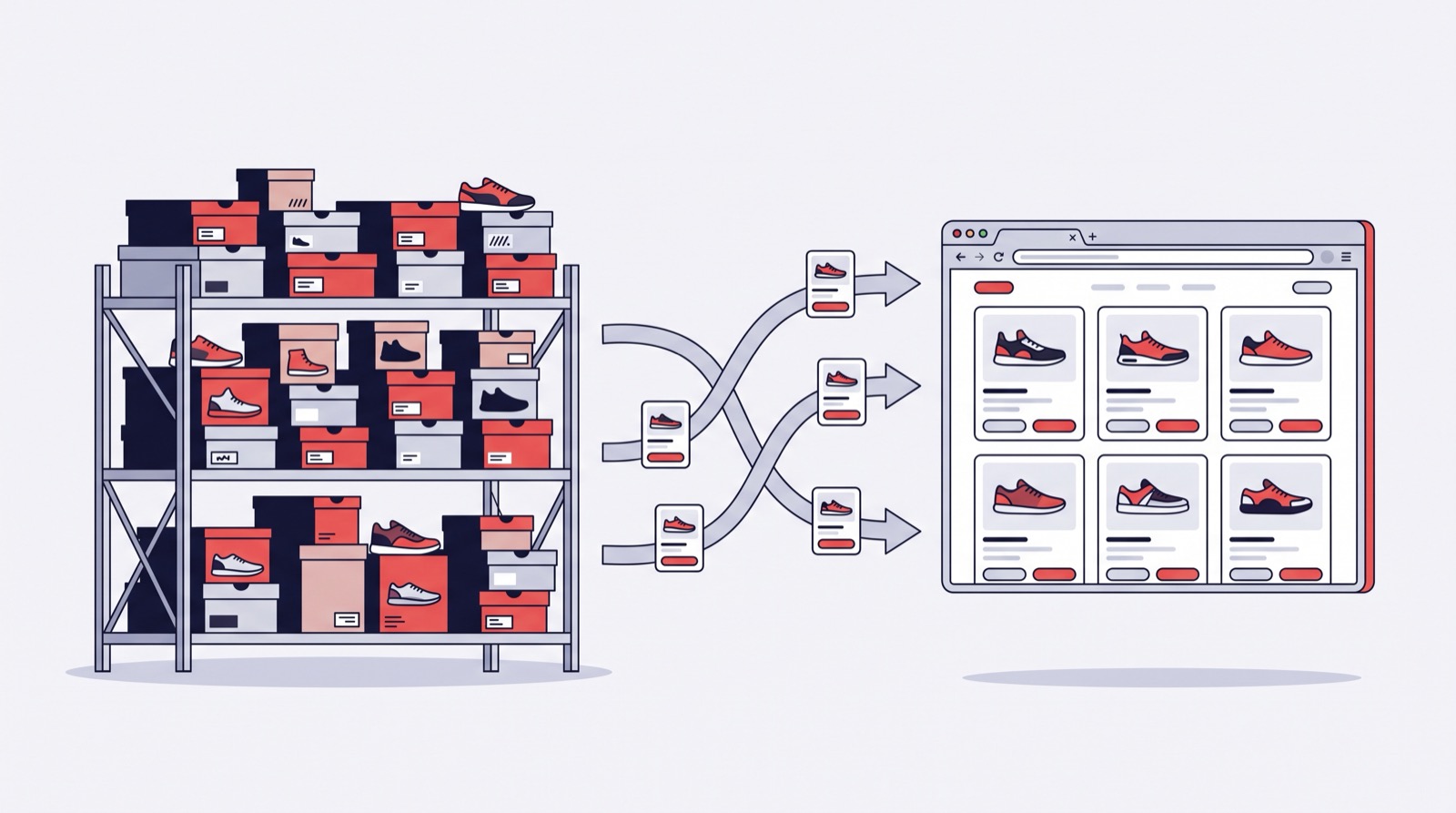
If you sell footwear and work with the Forsage-studio portal — at a market, wholesale or retail — your online store is already half built. Turboshop ships a production-grade Forsage integration module: it automatically brings the assortment you need into your store — photos, attributes, brands, retail and wholesale prices — and keeps it up to date without your involvement. This is not months of custom development for a six-figure budget; it is a ready-made industrial solution: connection takes hours, a full store launch about a week.
What Forsage is and where Turboshop comes in
Forsage-studio is a footwear catalog platform: suppliers, products with professional photo shoots, attributes, current purchase and retail prices, stock levels. Thousands of sellers use it as their product source.
Turboshop is an online store builder. The integration module connects the two: your Turboshop store talks to the Forsage API on its own — pulling products, keeping prices and stock fresh, reacting to changes. You focus on selling, not on copying product cards.
What the integration does — point by point
1. Full catalog import
- reference data: categories, brands, suppliers and attributes sync first, so every product lands in the right section;
- products: created and updated by their unique Forsage code — no duplicates on repeated imports;
- photos: downloaded automatically in a separate queue without blocking the product import;
- names are assembled automatically as “Subcategory + material + colour + gender”: “Sneakers leather black men” — instantly clear to both shoppers and search engines;
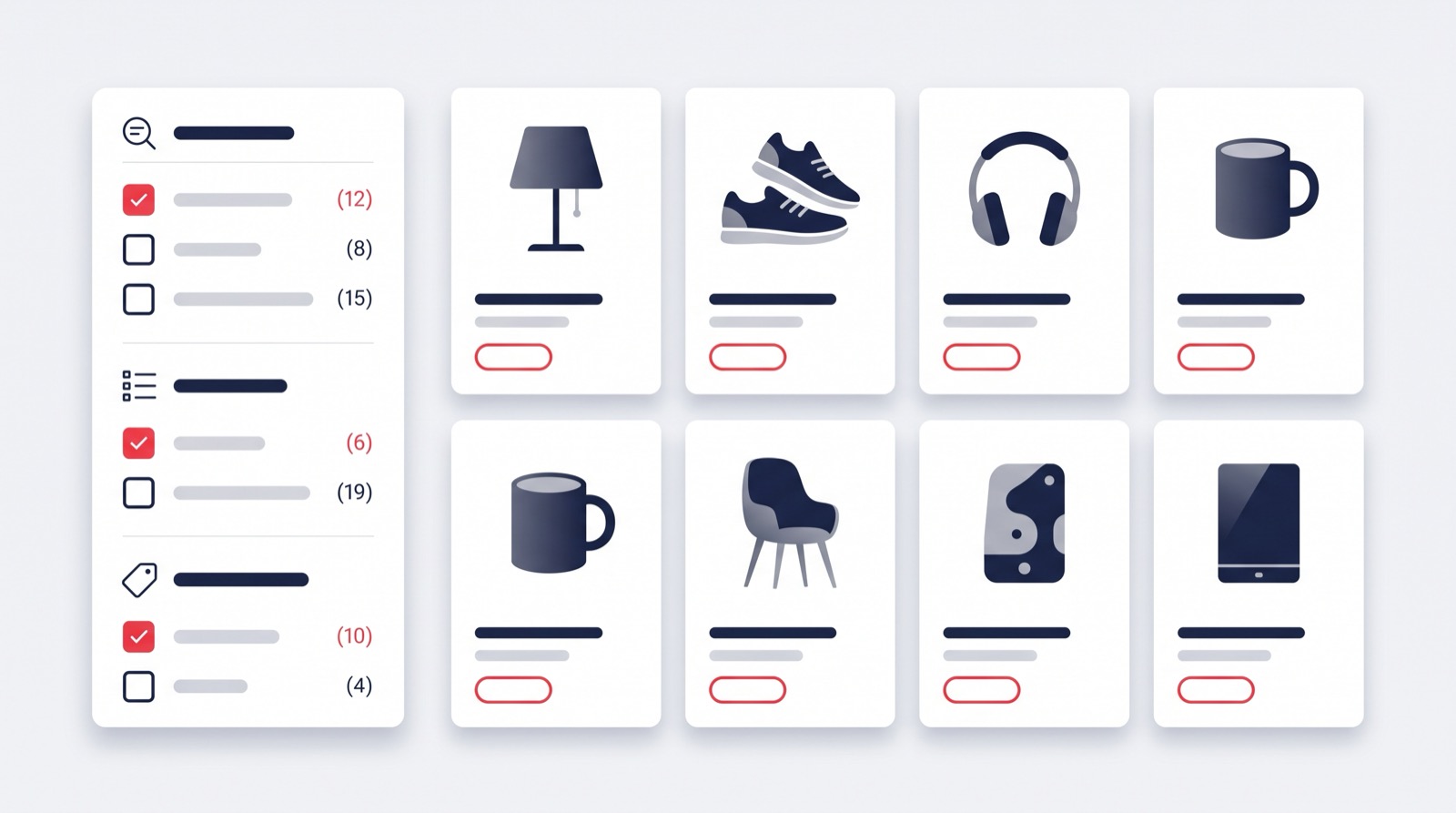
- attributes become catalog filters: size, material, colour, season — shoppers filter the assortment with zero setup on your side;
- gender categories are created automatically: men’s, women’s and kids’ footwear sorts itself into sections.
2. Retail and wholesale prices
Forsage delivers two prices at once: the retail price for the storefront and the purchase (wholesale) price — with currency and an old price for sale strikethroughs. For wholesale trade the “pairs per box” coefficient comes along too — the attribute shoe wholesale cannot work without. One catalog serves both retail shoppers and wholesale clients.
3. Automatic nightly updates
While you sleep, the store syncs itself on schedule: categories, attributes, brands and suppliers first, then yesterday’s product changes and deleted items. By morning the storefront matches the Forsage database: new models online, discontinued ones hidden, prices current.
4. Instant reaction via webhooks
On top of the nightly schedule, Forsage sends real-time push notifications: a new product queues for import; a supplier removes an item — it is deactivated on the storefront; base attributes change — the card updates. A shopper will not order shoes that are already gone.
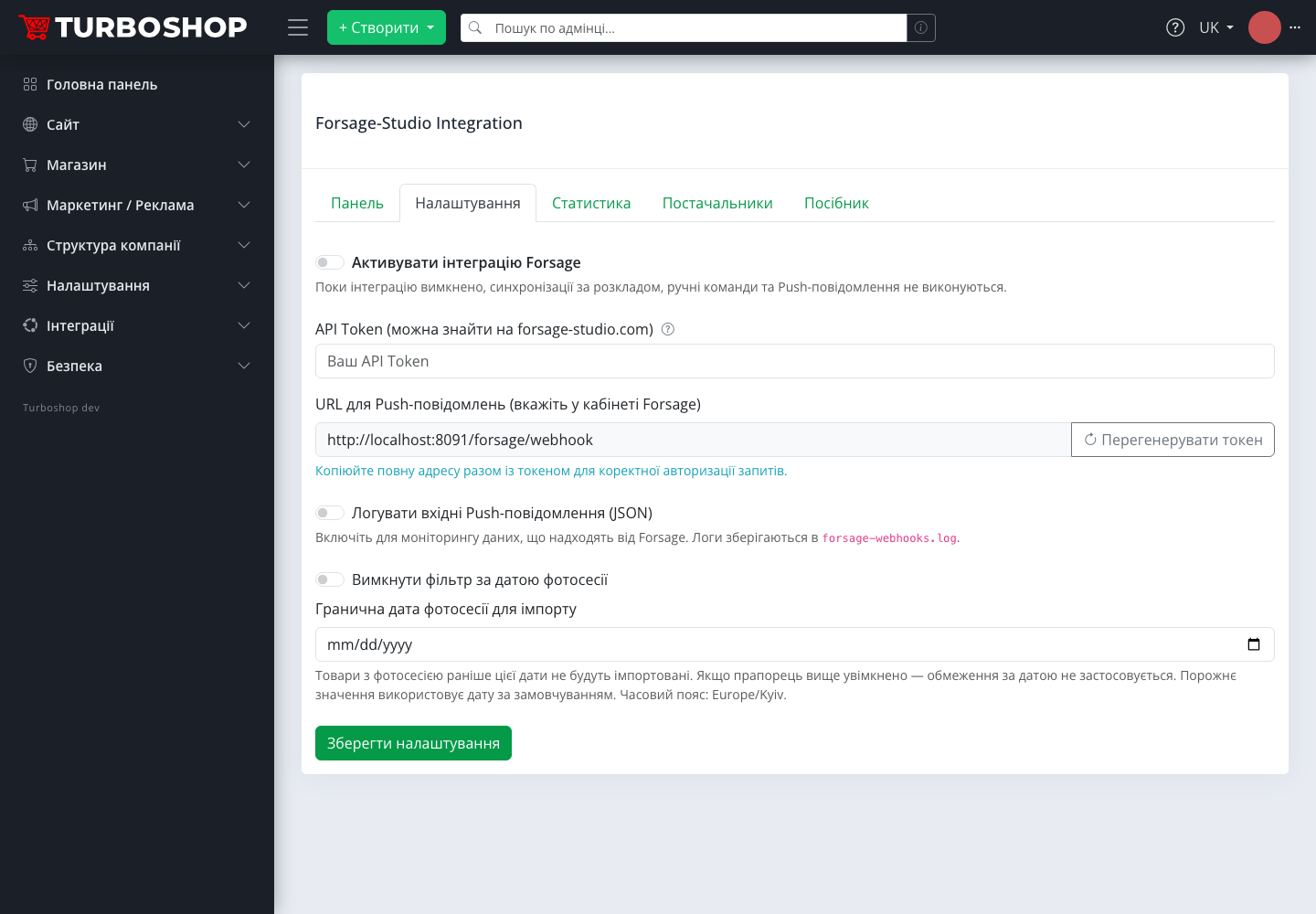
5. Content quality control
A dedicated setting filters imports by photo shoot date: bring in only products with fresh photography so the storefront never fills with outdated shots. An availability audit runs on top, regularly checking active products against the API and deactivating those no longer in the database.
6. Managed without a developer
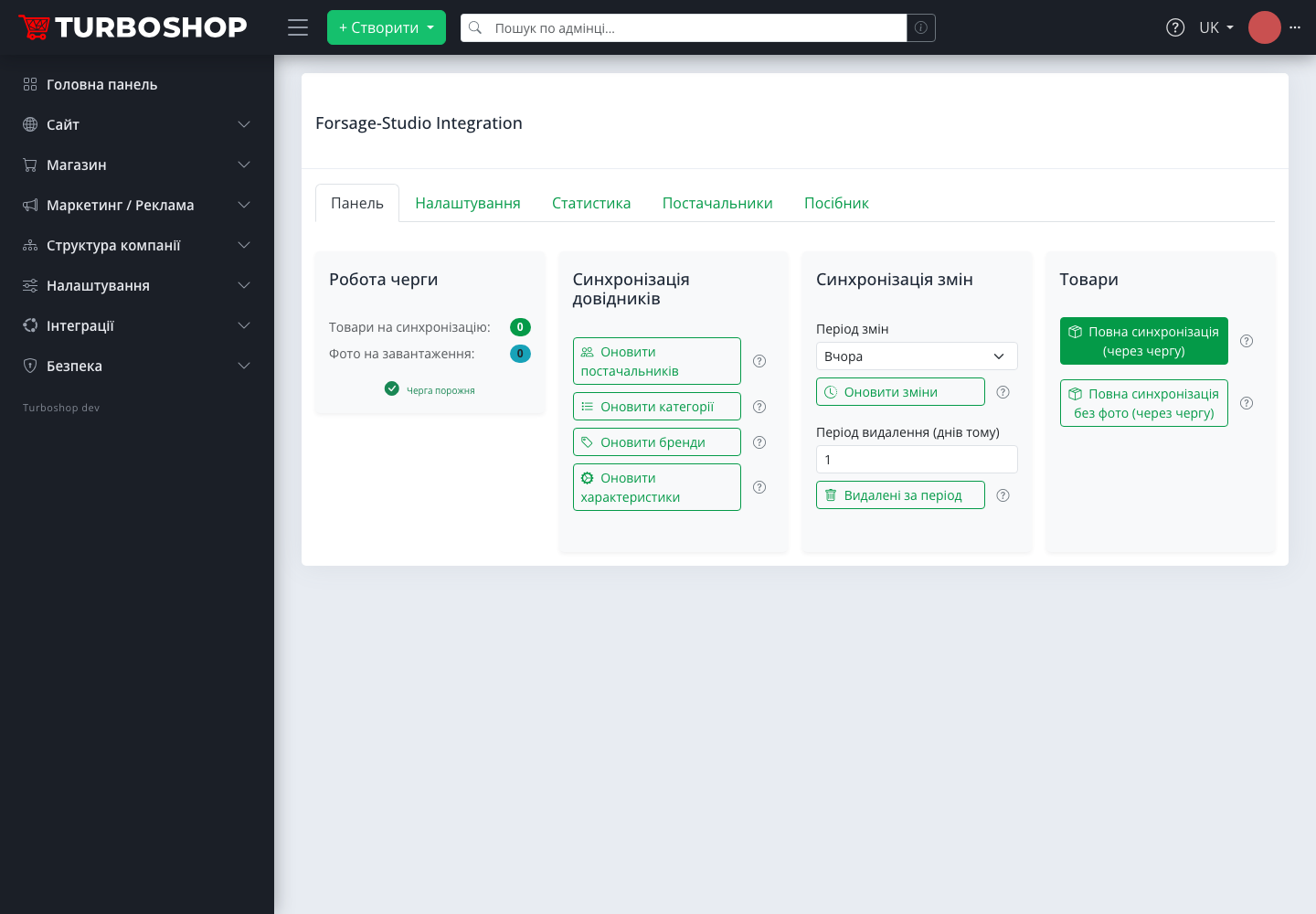
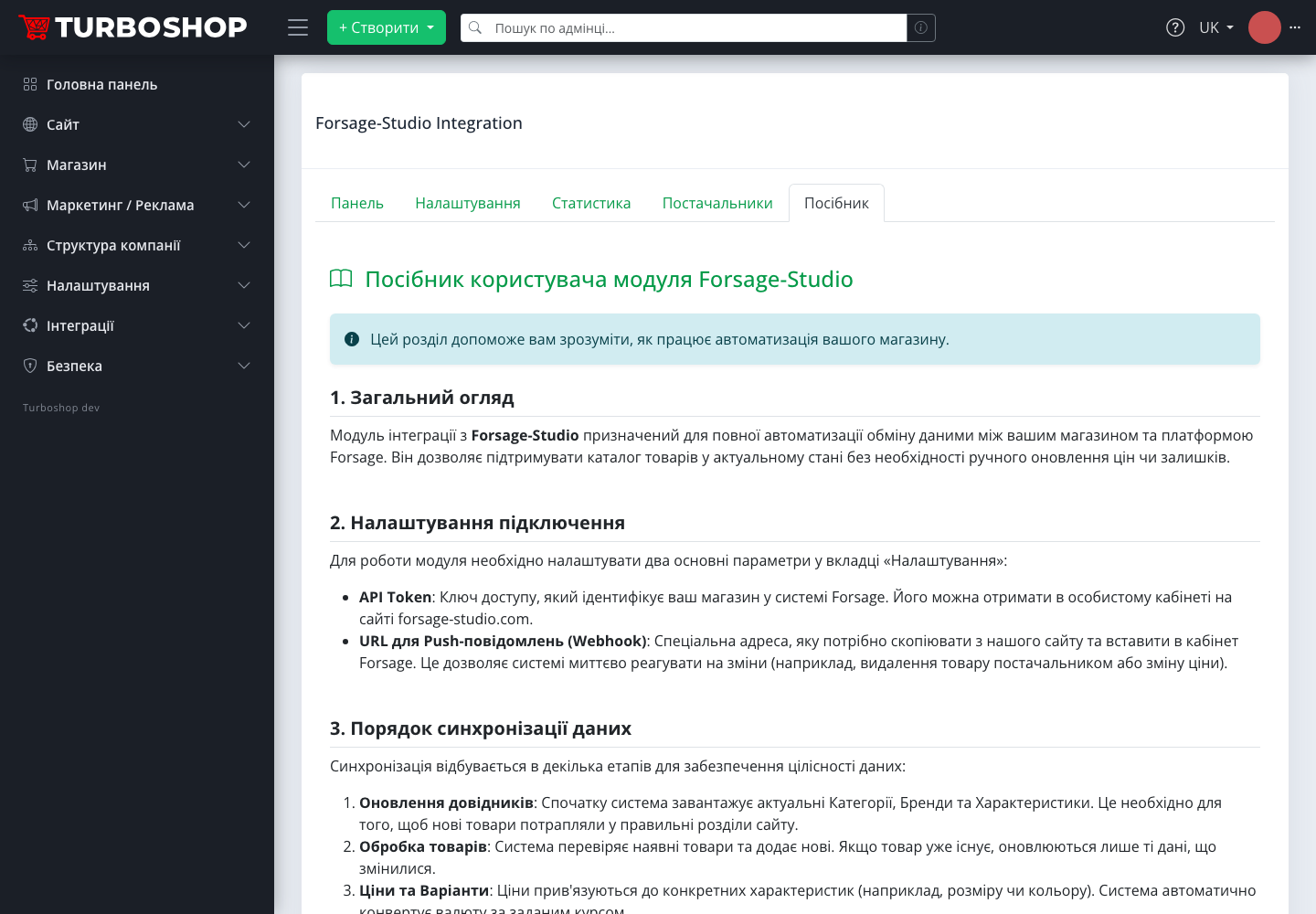
The whole integration lives on a single admin page: queue status, manual sync buttons, created/updated/deleted statistics, the supplier list and a built-in user guide. No technical knowledge required.
Who this solution is for
- Market sellers with products on Forsage. Your assortment is already in the database — the online store becomes a second sales channel with zero manual card work;
- Wholesale shoe sellers. Purchase prices, currencies and “pairs per box” import straight from the database — the wholesale catalog is ready immediately;
- Retail shoe stores. Complete cards with photo shoots and size/material/colour filters — no photographer or content manager needed;
- Starters without a warehouse. Sell against supplier stock: availability syncs continuously, so you only sell what actually exists.
Why a ready module beats custom development
- A week instead of months. The store is created in a day, the integration connects with two fields, the first import runs through the queue automatically. Building such an integration from scratch takes months of developer time;
- A production-grade serial solution. The module runs in live stores, updates with the platform and is maintained by the Turboshop team — not a freelancer’s one-off script that breaks with the first API change;
- A whole store, not just an import. With the integration you get the entire platform: smart filters with product counts, reviews with Google stars, promo codes, Prom and Rozetka feeds, a fast storefront and SEO out of the box;
- A predictable price. A platform subscription instead of a development budget plus a developer on retainer.
How to start — step by step
- Create a store on Turboshop — registration and basic setup take a day: name, a design from ready templates, delivery and payment;
- Get your API Token from your forsage-studio.com account;
- Activate the integration on the “Integrations → Forsage-studio” page: the toggle, the token, and copy the push notification URL into your Forsage account;
- Run the full import with one button — reference data and products arrive through the queue, photos follow;
- Check the storefront and take orders. From then on the catalog updates itself — nightly on schedule and instantly via webhooks.
FAQ
Do I need to enter products manually? No. Products, photos, prices, brands and attributes import from the Forsage database automatically and update the same way.
What happens when a supplier removes a product? Forsage sends a push notification — the product is deactivated on the storefront. Nightly sync and the availability audit clean up any leftovers.
Can I sell both retail and wholesale? Yes — both prices arrive from the database: retail and purchase, with currencies and the “pairs per box” coefficient for wholesale shipments.
I have no warehouse — is that a problem? No. Stock syncs with the supplier database, so the storefront only shows what is actually available.
How technical is the setup? Two fields in the admin: the API Token and the webhook URL. A built-in guide walks through every step; no developer needed.
How long until launch? The store is created in a day and the catalog imports automatically through the queue. A realistic full launch is about a week including design, delivery and payment setup.
If you are only planning to open an online store, see how dropshipping with suppliers works on Turboshop.
Summary
If your products are already on Forsage, the longest part of launching an online store is already done. Turboshop adds everything else: the storefront, cart, payments, SEO and — most importantly — a ready integration that keeps the catalog current without you. A proven serial solution: launch in a week, not a months-long project. Explore more platform capabilities in the “Features” section.