
Store leads, customers and orders in TurboCRM, with no copying
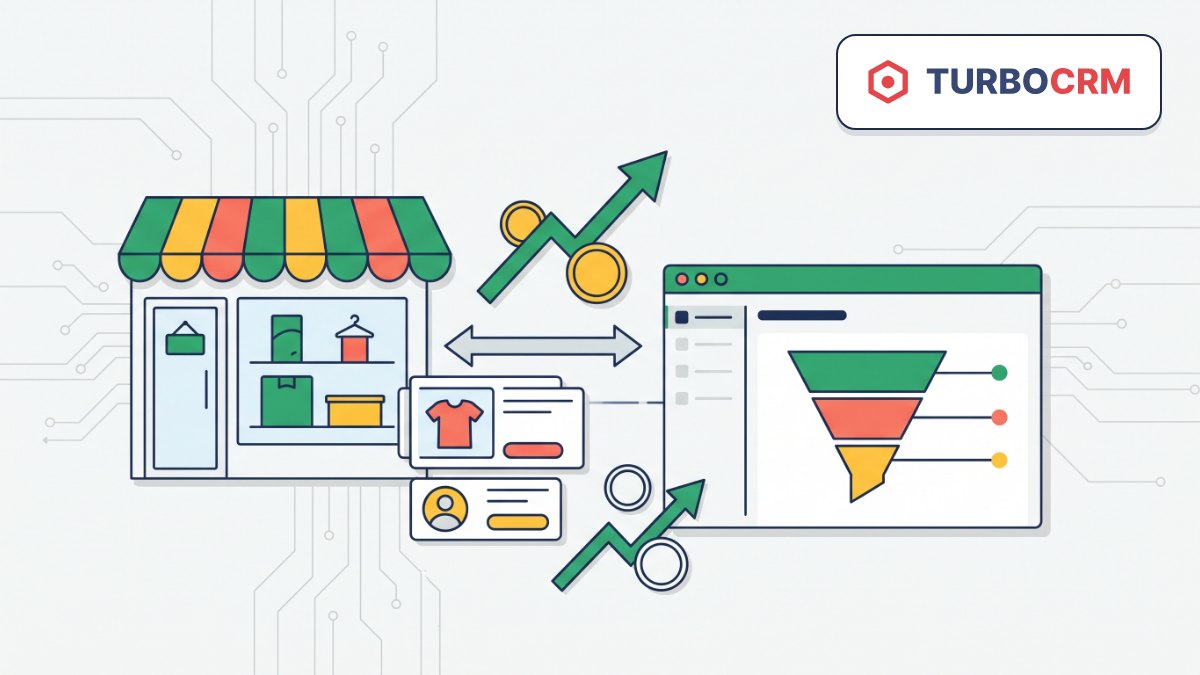
Leads, customers and orders flow into TurboCRM automatically; products and stock sync with one button.
What it gives your business
Managers work in one place
At Turboshop we send form requests, registered customers and orders to TurboCRM, so your team runs sales in the CRM it knows instead of copying data from the store admin.
Orders arrive complete
A placed order appears in the CRM as a deal together with its products and customer, so managers don’t have to look anything up.
Start with all your data
On first connection, a one-click full sync sends your catalog with photos, stock, customers and past orders, so you don’t start from an empty database.
No unnecessary requests
Data flows one way and unchanged records are never resent, so the site stays the source of truth and the CRM stays current.
Features
Automatic sending on events
Separate switches for leads, customers and orders send data right after the event happens in the store.
One-click full sync
For leads, customers, products, orders and stock, with on-screen progress and a Stop button.
Integration diagnostics
Eight checks, from the token and connection to the past day’s success rate, with a green, yellow or red summary.
Request log
Every call to the CRM with date, status, duration, request and response body, so you can find the cause of a failure fast.
Who it is for
- Stores that manage sales and customers in TurboCRM.
- Stores where managers, not the owner, handle form requests.
- Teams that need current stock and a catalog with photos inside the CRM.
How to connect
- 1Sign in to your Turboshop dashboard and pick a store.
- 2Open the add-on and connect it — paid ones are checked out in the dashboard.
- 3The add-on turns on in your store admin, with settings in its own section.
FAQ
What do I need to connect?
Your TurboCRM account and an API token from Integrations → API keys. It is shown only once, so save it right away. In the admin, enter the token, your account’s API address and the lead source.
Will the CRM change data on my site?
No. The integration only sends data from the store to the CRM, so changes made in TurboCRM don’t come back to the site.
How do I check that it works?
Run Diagnostics in Integrations → TurboCRM and send a test request from the site. If it doesn’t show up in the CRM, the request log will show why.
TurboCRM integration







No Turboshop store yet?
Create an online store — connect add-ons whenever you need them.