
"Dictionaries" is a store of shared value lists used in different places across the store. Instead of typing the same options by hand, you set them up here once.
What you see
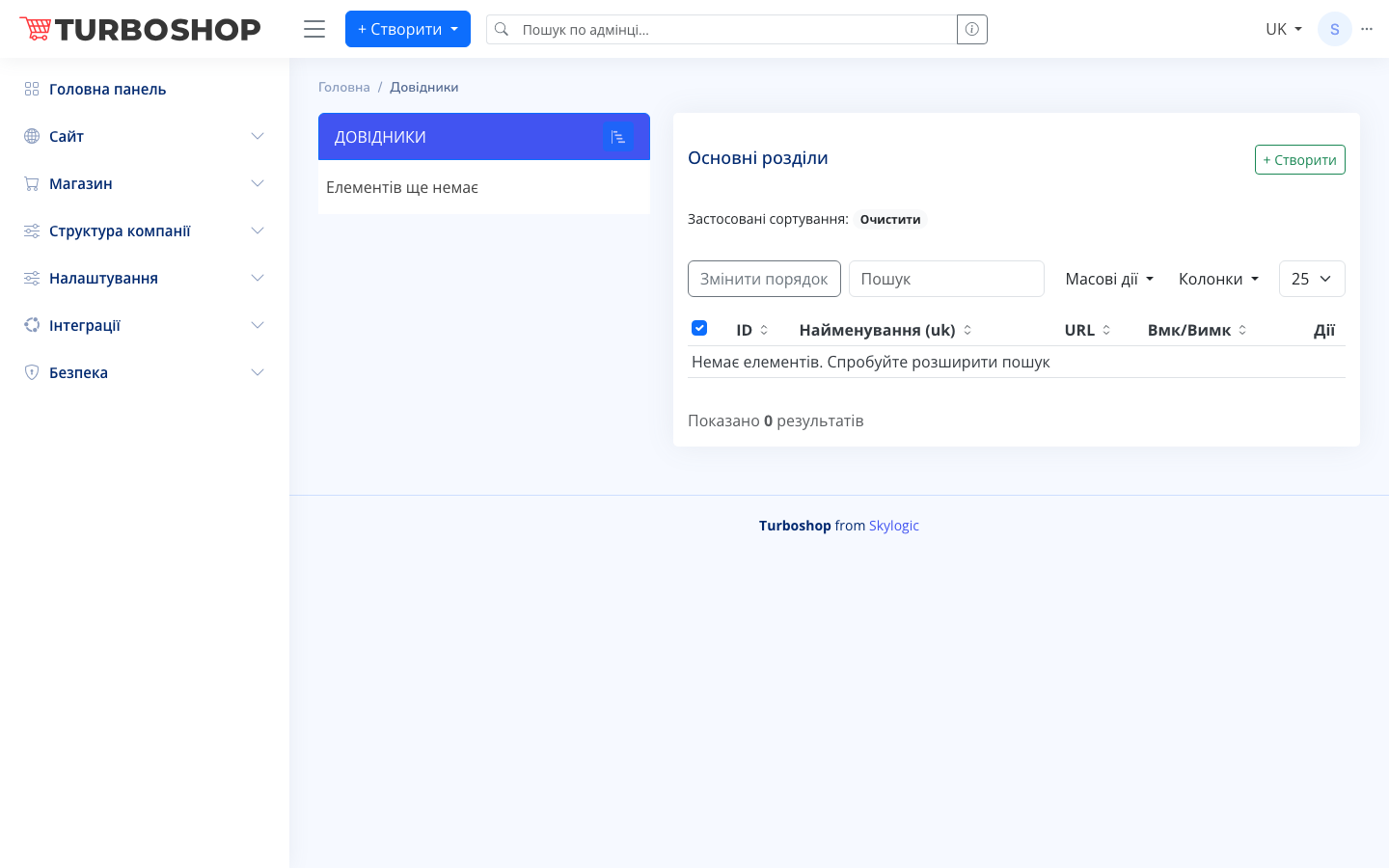
The screen is split in two. On the left is the "DICTIONARIES" panel with a list of groups (if there are none yet, it shows "No items yet"). On the right is the selected dictionary's table under the heading "Main sections" with columns ID, Name (uk), URL, an On/Off toggle and Actions. Above the table are the "+ Create" button, a "Search" field, "Change order", "Bulk actions", a column picker and a rows-per-page selector. A results counter sits at the bottom.
How it works
Pick the group you need on the left, then click "+ Create" to add a new dictionary item. Fill in the name and other fields and save. The toggle in a row turns an item on or off, "Change order" lets you set the sequence by dragging, and the search quickly finds the value you need.
Why it matters
Dictionaries remove duplication and mistakes: every value is standardized and managed from one place. Change something in a dictionary and it is automatically reflected everywhere it is used.