
«NetHunt CRM» connects the Turboshop store with the external NetHunt CRM system through webhooks. As soon as an event happens in the store (for example, a new order), the store automatically sends the data to NetHunt, and the order appears in the sales funnel.
What you see
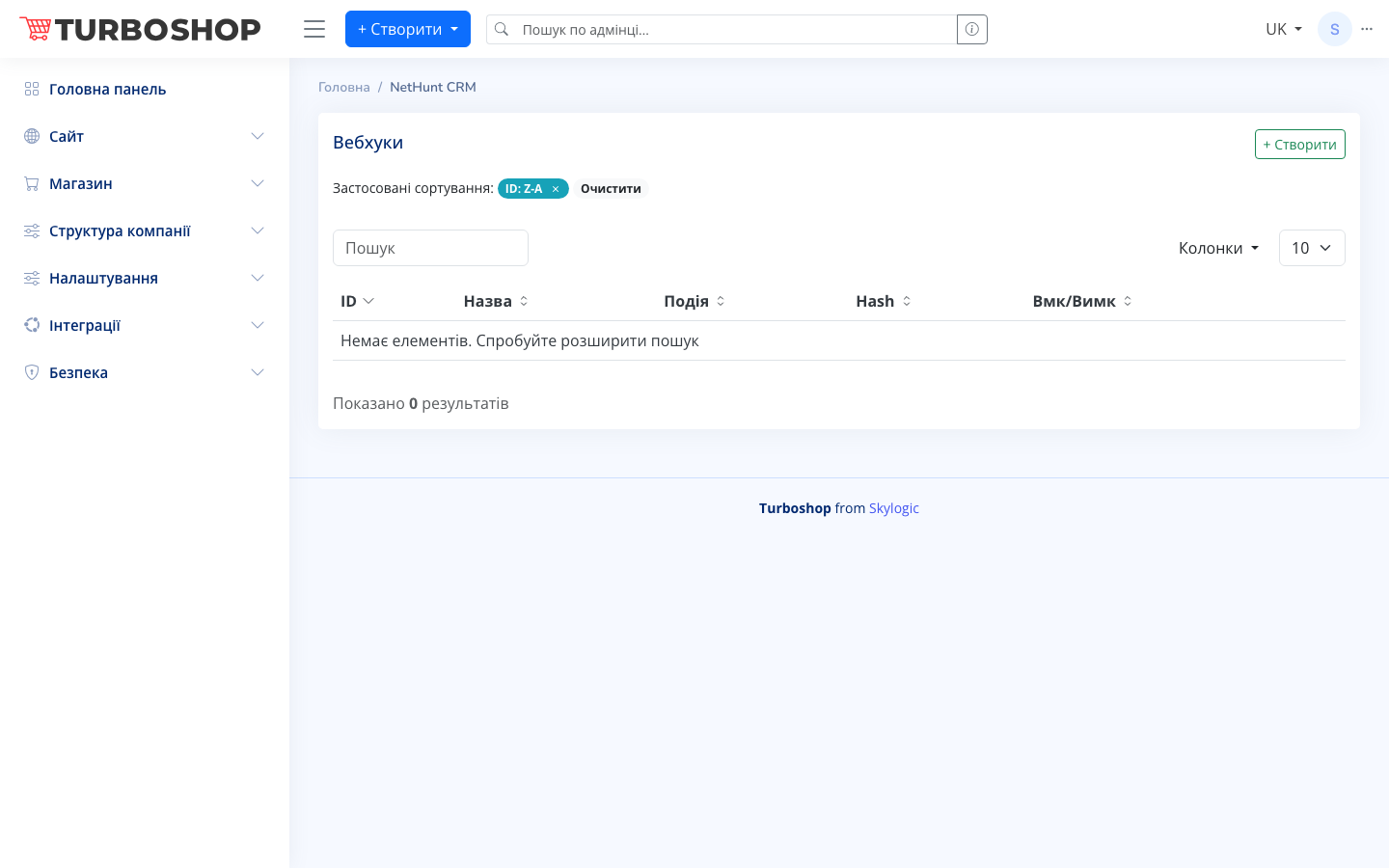
A «Webhooks» table opens with the columns: «ID», «Name», «Event» (which store event the webhook reacts to), «Hash» (a unique link code) and «On/Off» (an activity toggle). At the top there is a «+ Create» button to add a new webhook, a search field, a row-count selector and a column settings menu. If there are no webhooks yet, the table shows «No items».
How it works
Click «+ Create», set a name, choose a store event and specify the connection parameters for NetHunt. The «On/Off» toggle lets you temporarily stop the transfer without deleting the setup. After activation, events automatically fly into the CRM.
Why it matters
Orders and contacts reach the CRM without manual entry — managers immediately see new requests, nothing is lost, and customer work is built into a single sales funnel.