
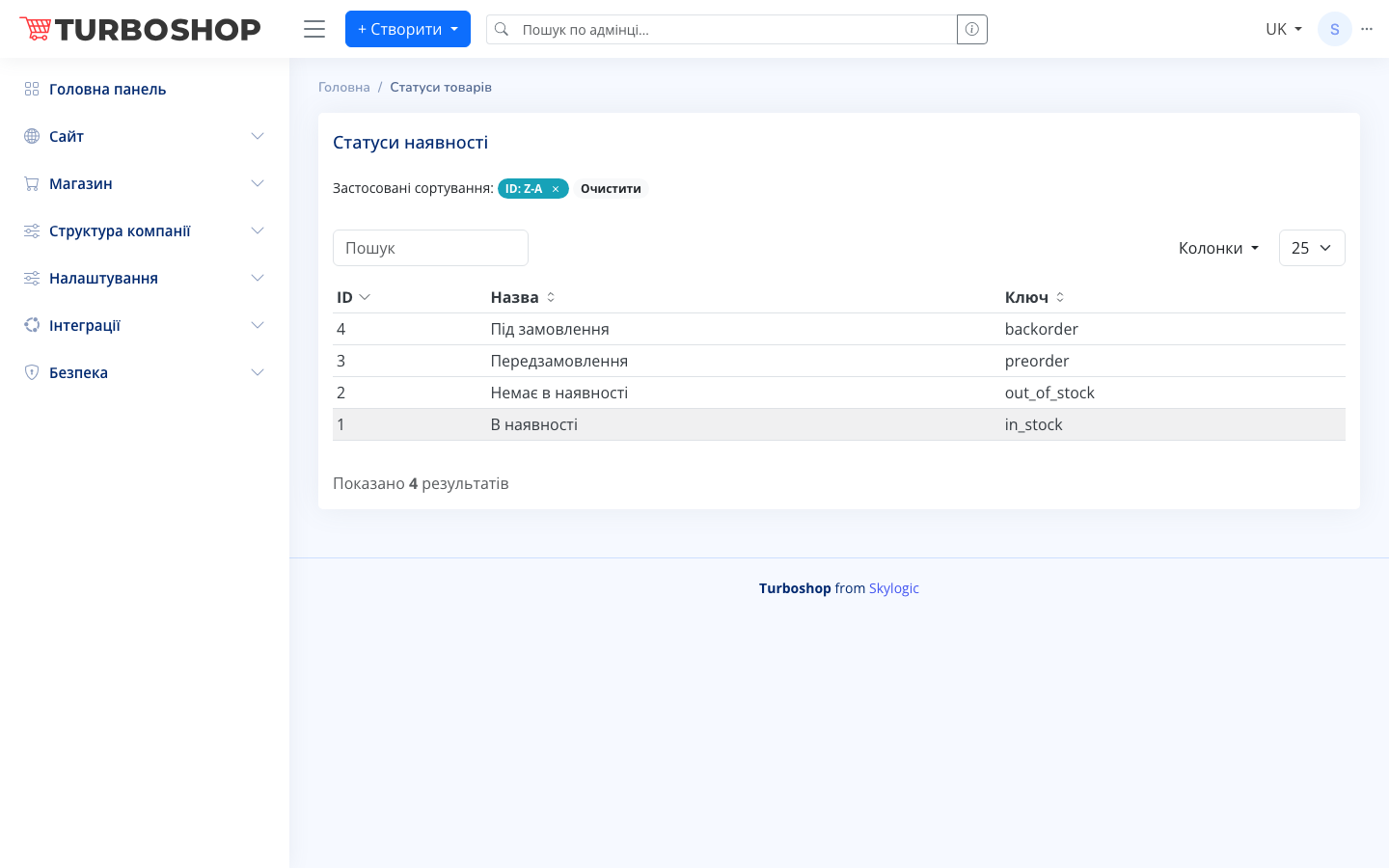
“Availability statuses” is a directory of a product’s stock states: “In stock”, “Out of stock”, “Pre-order”, “To order”. They manage buyer expectations and cart logic.
What you see
A table with the columns ID, Name (In stock, Out of stock, Pre-order, To order) and Key — a system identifier (in_stock, out_of_stock, preorder, backorder). At the top are search and sorting. This is a system directory, so the rows here are usually just viewed.
How it works
- Each status has a technical key that the store logic relies on (for example, whether the item can be added to the cart).
- In the product card on the “Main” tab the availability status is chosen from the list.
- The status is shown on the product page and affects the “Buy” button.
Why it matters
Honest availability sets the right expectations: the buyer sees whether they can take the item now or must wait. This reduces cancellations and complaints and preserves trust in the store.