
"Menus" is the section where you manage the site's navigation: the sets of links a visitor sees at the top of the page and in the footer.
What you see
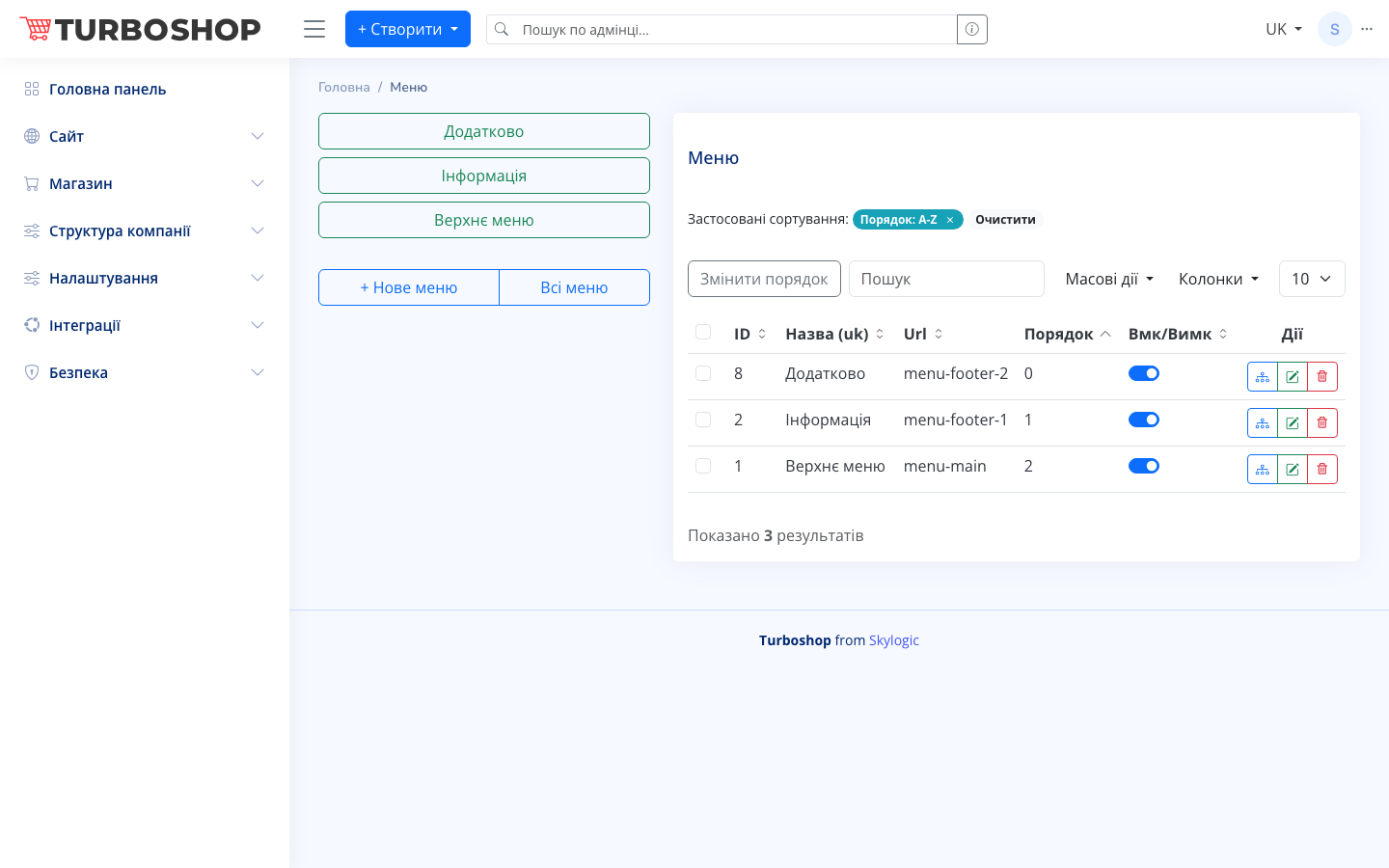
At the top are quick-access buttons to existing menus ("Additional", "Information", "Top menu"), plus "+ New menu" and "All menus". On the right is a table listing the menus with columns:
- ID — the menu's internal number.
- Name (uk) — the menu name in Ukrainian.
- Url — the menu's system code (e.g. menu-main, menu-footer-1) used to place it into the template.
- Order — the sort position.
- On/Off — the active toggle.
- Actions — buttons to manage menu items, edit, and delete.
Above the table are a search field, "Change order", "Bulk actions", a column picker, and a rows-per-page selector.
How it works
Click "+ New menu", set a name and a Url code, and save. Then use the actions button in the row to open the items editor and add links — to pages, categories, or external addresses. The On/Off toggle hides or shows the menu on the site without deleting it.
Why it matters
Menus are how visitors find the sections they need. Convenient navigation reduces the number of "lost" customers and shortens the path to purchase.