
“Product statuses” are marketing labels on products: “New”, “Sale”, “Bestseller”. They appear as badges on cards and help draw attention.
What you see
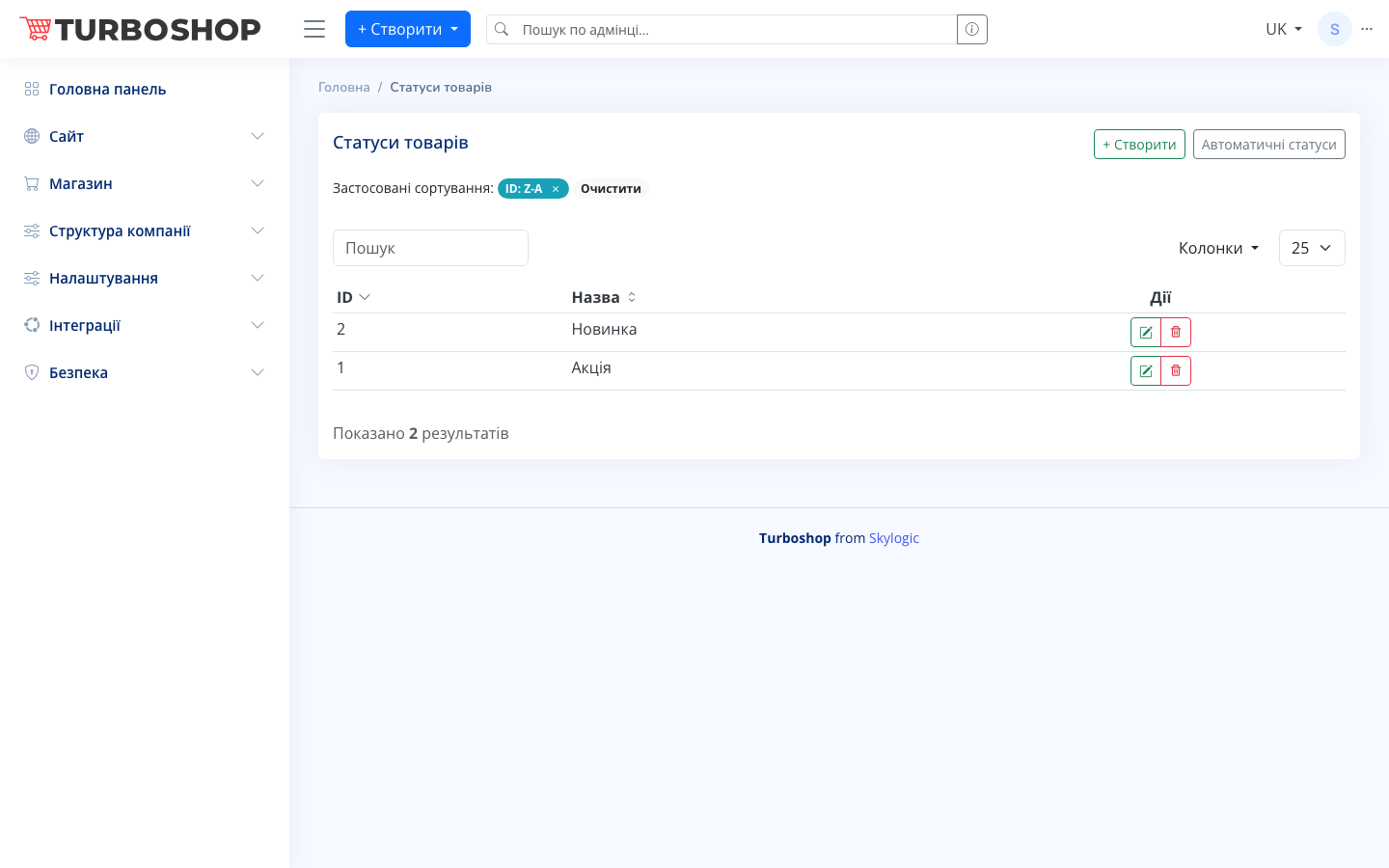
A table with the columns ID and status Name (e.g. “New”, “Sale”). At the top are search, sorting, the + Create button and an Automatic statuses button (auto-assignment rules). On the right are edit and delete.
How it works
- Create a status (the + Create button), then assign it to products in the card on the “Statuses” tab.
- The Automatic statuses button lets you define rules that set the label automatically (e.g. “New” for products added in the last 30 days).
- On the storefront the status appears as a bright badge.
Why it matters
Badges grab attention and create a sense of value or novelty that nudges a purchase. Automatic rules save time — labels update without manual work.