
"Metadata" is a table of SEO fields for individual store pages (categories, products, the home page). This is where the title and description that search engines show in results come from.
What you see
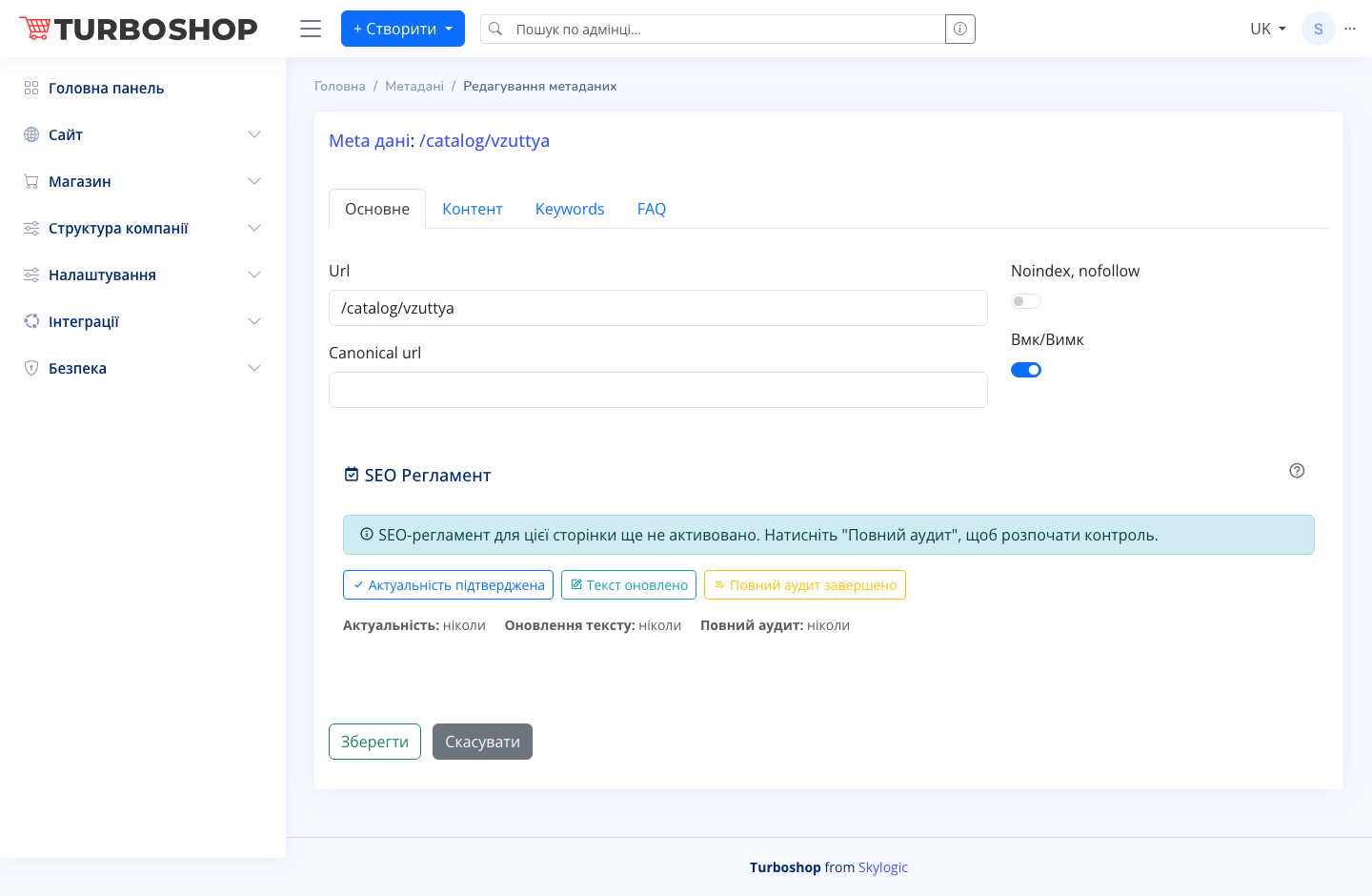
A list of metadata with columns: ID, Url (the page address as a link), Locales (which languages have a translation — ru, uk), Title (uk), Regulation (SEO-control status icons), Check (a tick or a warning) and an On/Off toggle. At the top are the "+ Create", "Check META", "Export to XLSX" and "Import from XLSX" buttons, plus search, bulk actions and a column picker. The edit page has the tabs "Main", "Content", "Keywords" and "FAQ"; the "Main" tab holds the Url and Canonical url fields, the "Noindex, nofollow" and "On/Off" toggles, and a "SEO Regulation" block with the buttons "Relevance confirmed", "Text updated" and "Full audit done".

How it works
Click "+ Create" or the pencil in a row to open the form. Fill in the Url and meta tags, and if needed the canonical address and content. Save with the "Save" button. The toggle in the list switches a record on or off. "Import/Export XLSX" let you edit metadata in bulk in a spreadsheet.
Why it matters
Good metadata means higher search rankings and an attractive snippet that gets more clicks. The "SEO Regulation" block helps you remember to refresh texts and keep pages up to date.