
"Search history" is a log of the search queries visitors entered into the site's search. The section reveals the audience's real interests.
What you see
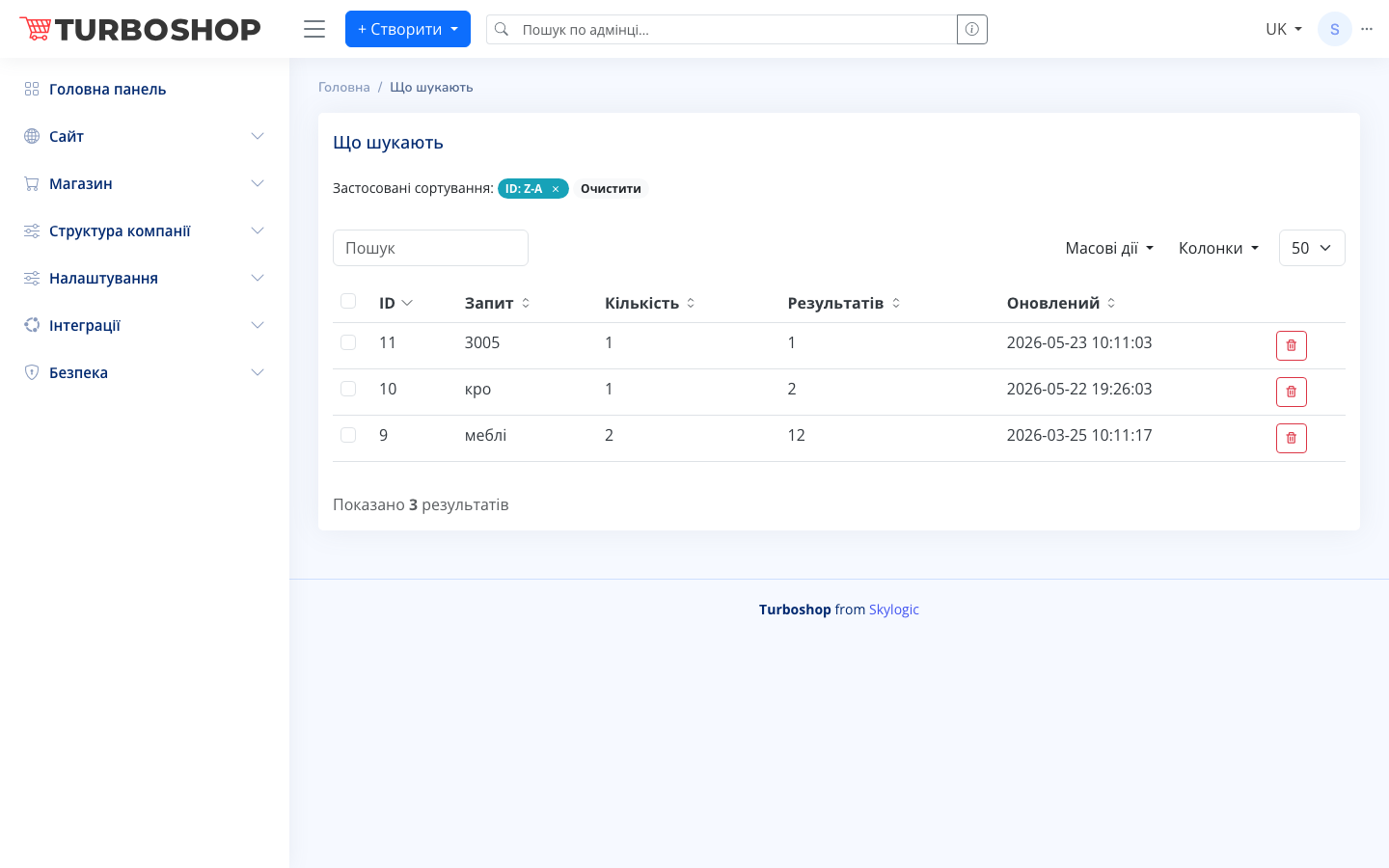
At the top are the applied sorting ("ID: Z-A") with "Clear", a search field, "Bulk actions", and column and rows-per-page selectors. The table contains columns:
- ID — the record number.
- Query — the text the visitor entered (e.g. "furniture", "cha").
- Count — how many times it was queried.
- Results — how many products the query found.
- Updated — the date and time of the last query.
- Actions — delete the record.
How it works
Records accumulate automatically — they are not created by hand. Pay special attention to queries where the "Results" column shows 0: people are searching for something you do not have or that is named incorrectly. Records can be sorted, searched, and deleted.
Why it matters
Analyzing search queries tells you which products to add, which names to fix, and which categories are popular. It is a direct source of ideas for expanding your range and growing sales.