
“Order statuses” are the stages an order passes through (New → Processed → Cancelled, etc.). You configure them to match your own business process.
What you see
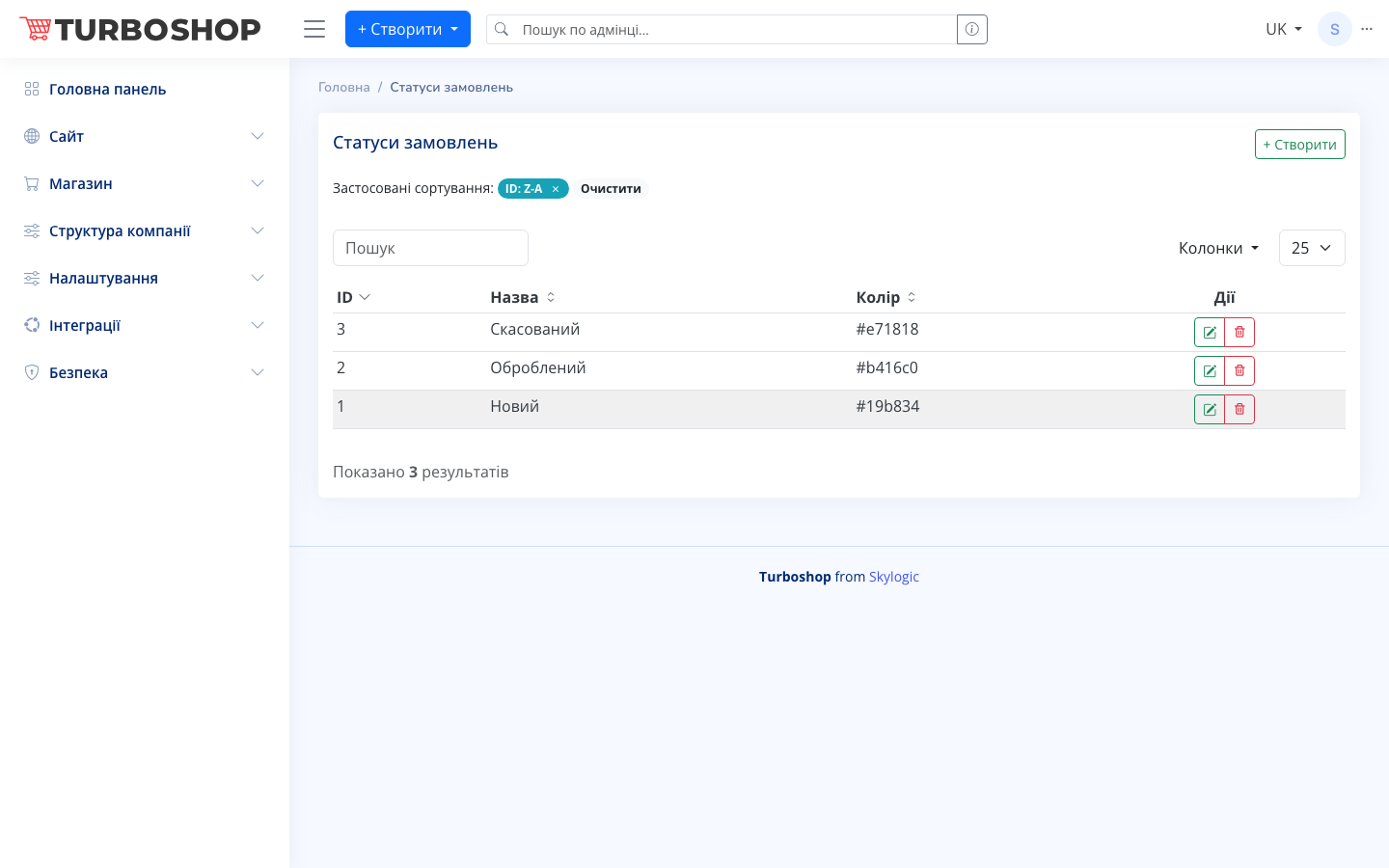
A table with the columns ID, status Name and Color (a hex code, e.g. #19b834 for “New”). At the top are search, sorting and the + Create button. On the right are edit and delete.
How it works
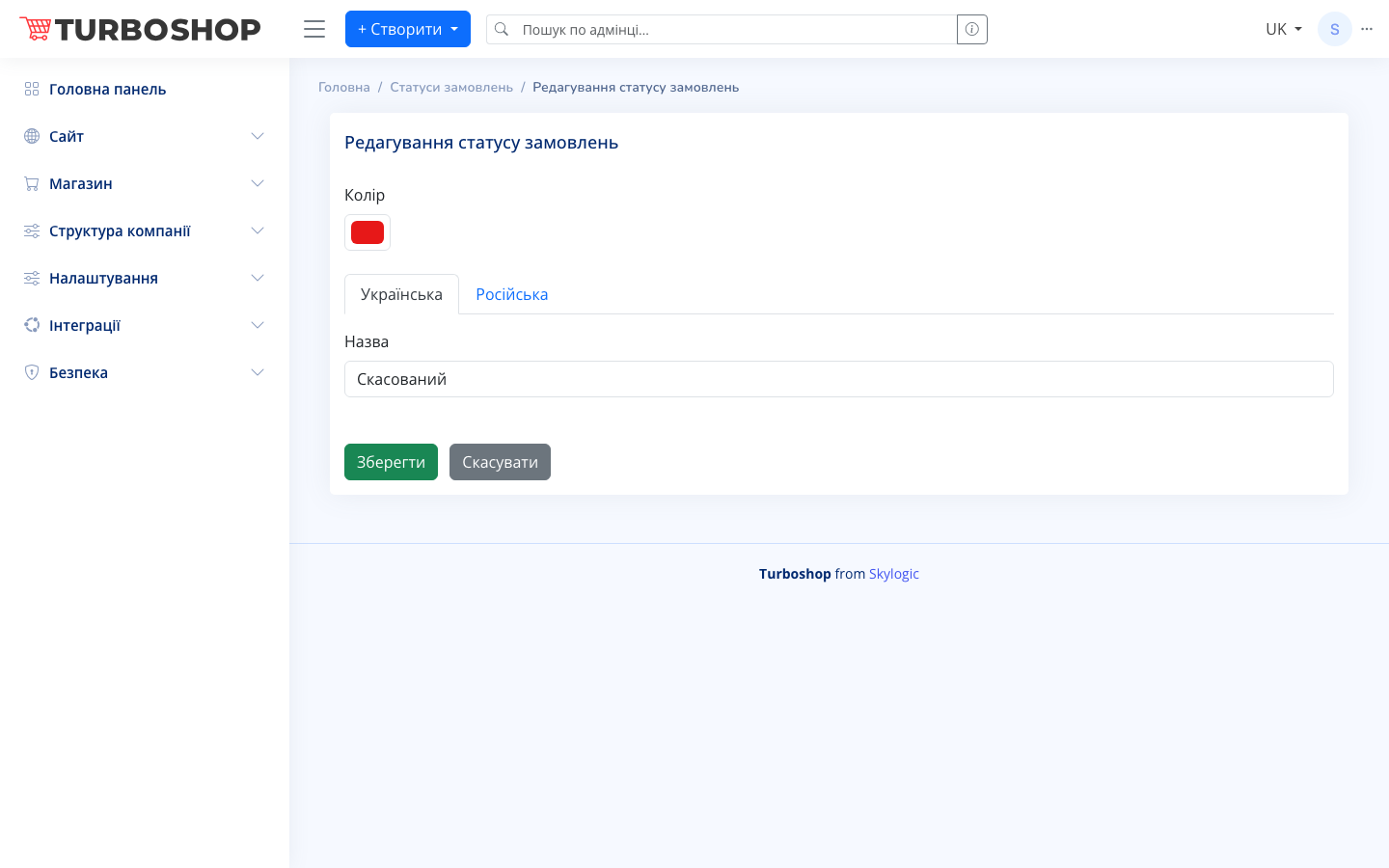
- The edit screen has a color picker and the status name in two languages (the “Ukrainian” / “Russian” tabs).
- Color makes statuses instantly distinguishable in a long order list.
- Changing an order status can trigger automatic customer notifications (SMS, email).
Why it matters
Custom statuses reflect the real path of an order in your store and make the managers’ work transparent. They also act as automation triggers — the customer gets a message at every important stage.