
"Sliders" are banner carousels shown on the home page and elsewhere. Each slider contains several slides that cycle through one another.
What you see
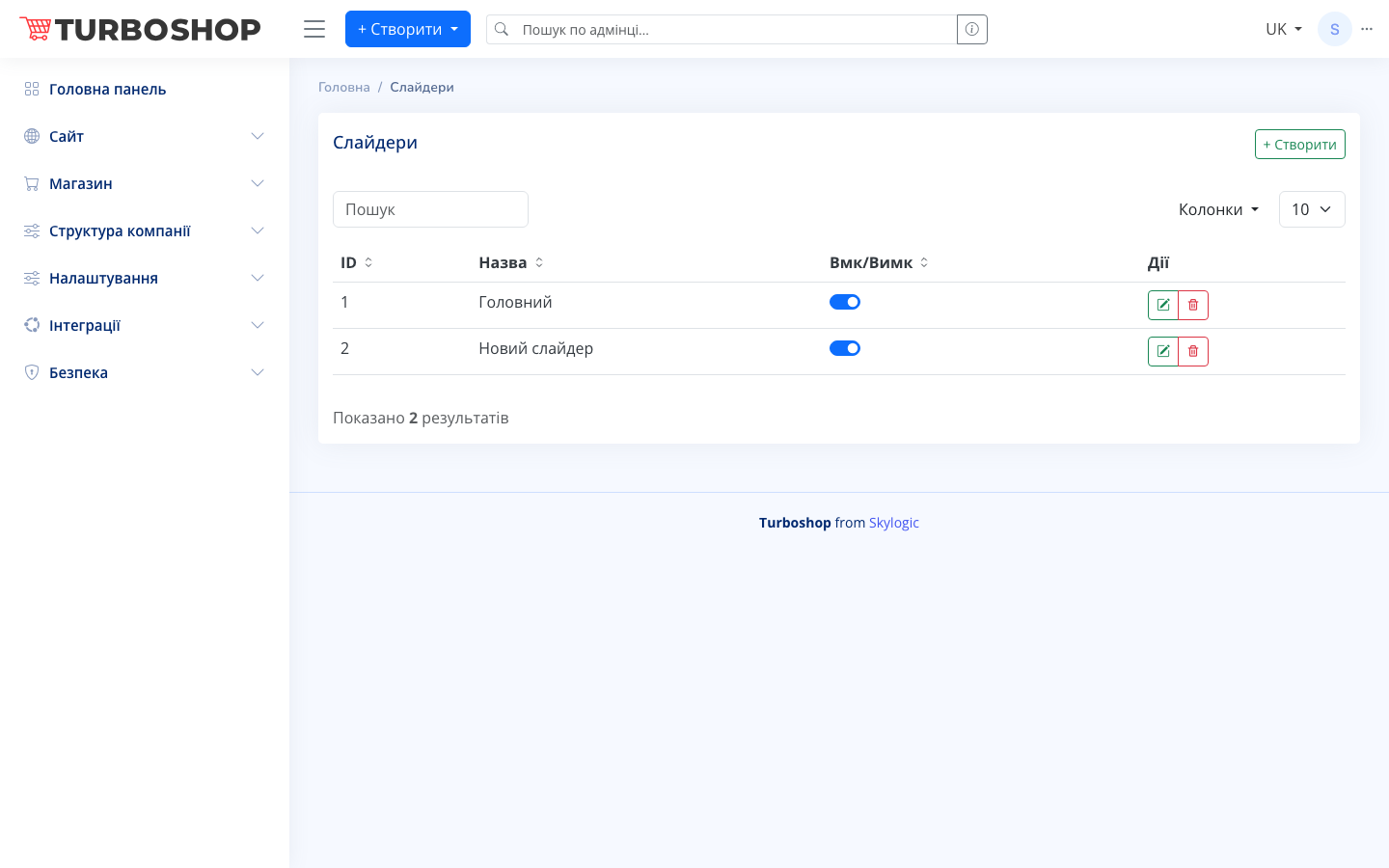
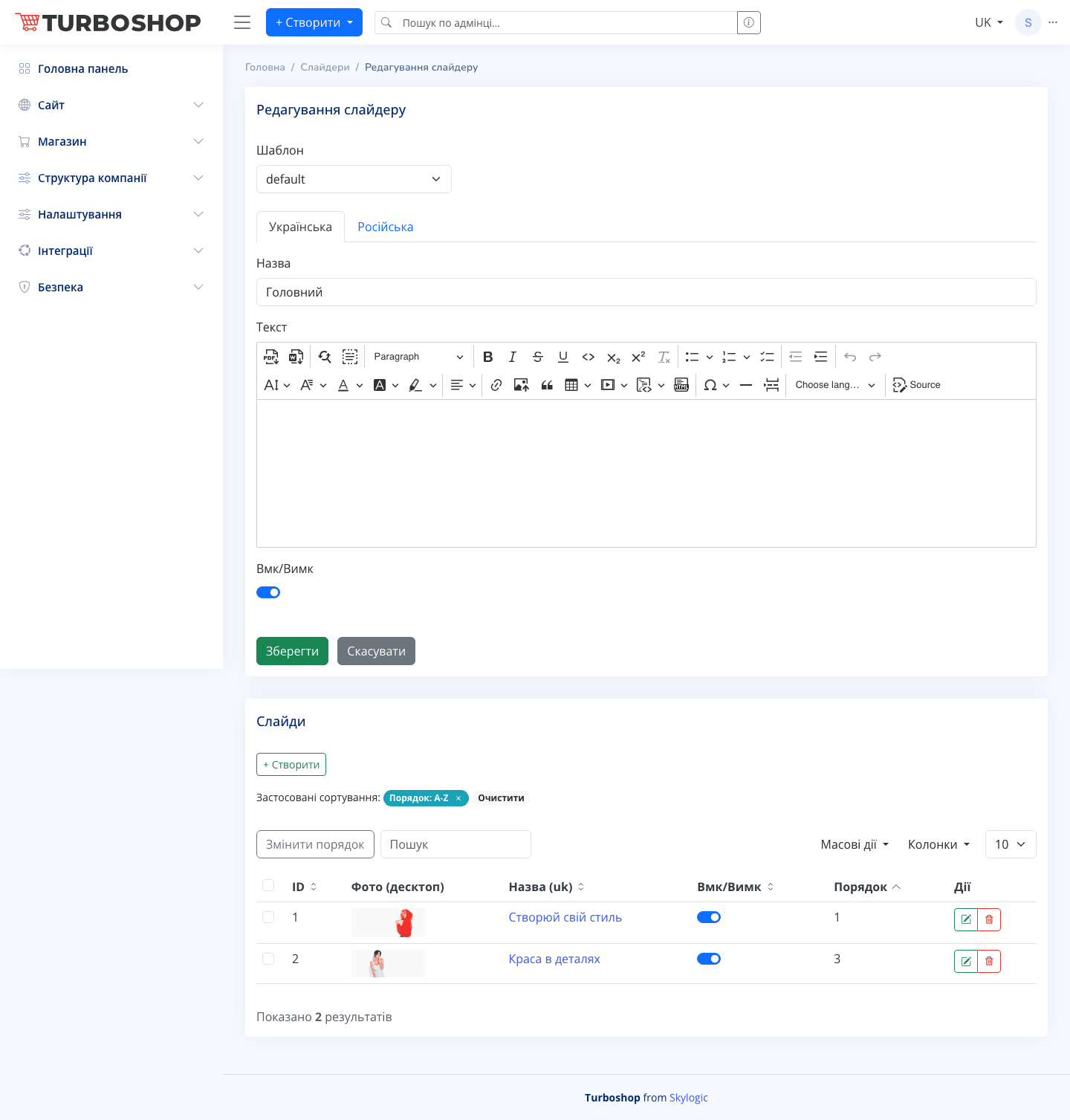
In the list there are a "+ Create" button, a search field, a column picker, and a table with columns ID, Name, On/Off (toggle), and Actions (edit and delete). On the slider edit form, the top has a "Template" selector, the "Ukrainian/Russian" language switcher, a "Name" field and a "Text" rich-text editor, an On/Off toggle, and "Save/Cancel" buttons. Below is a separate "Slides" block with its own "+ Create" button and a slides table: ID, Photo (desktop), Name (uk), On/Off, Order, Actions.
How it works
First create a slider (the container) and give it a name. Then, in the "Slides" block, add individual slides — upload images, enter text, set the order, and enable the toggle. The slider is attached to a page via the "Sliders" section in the builder.
Why it matters
Sliders draw attention to promotions, new arrivals, and bestsellers right when a visitor enters the site, increasing click-through and the home page's conversion.