
"FAQ" is a block of frequently asked questions with prepared answers that helps customers quickly find information.
What you see
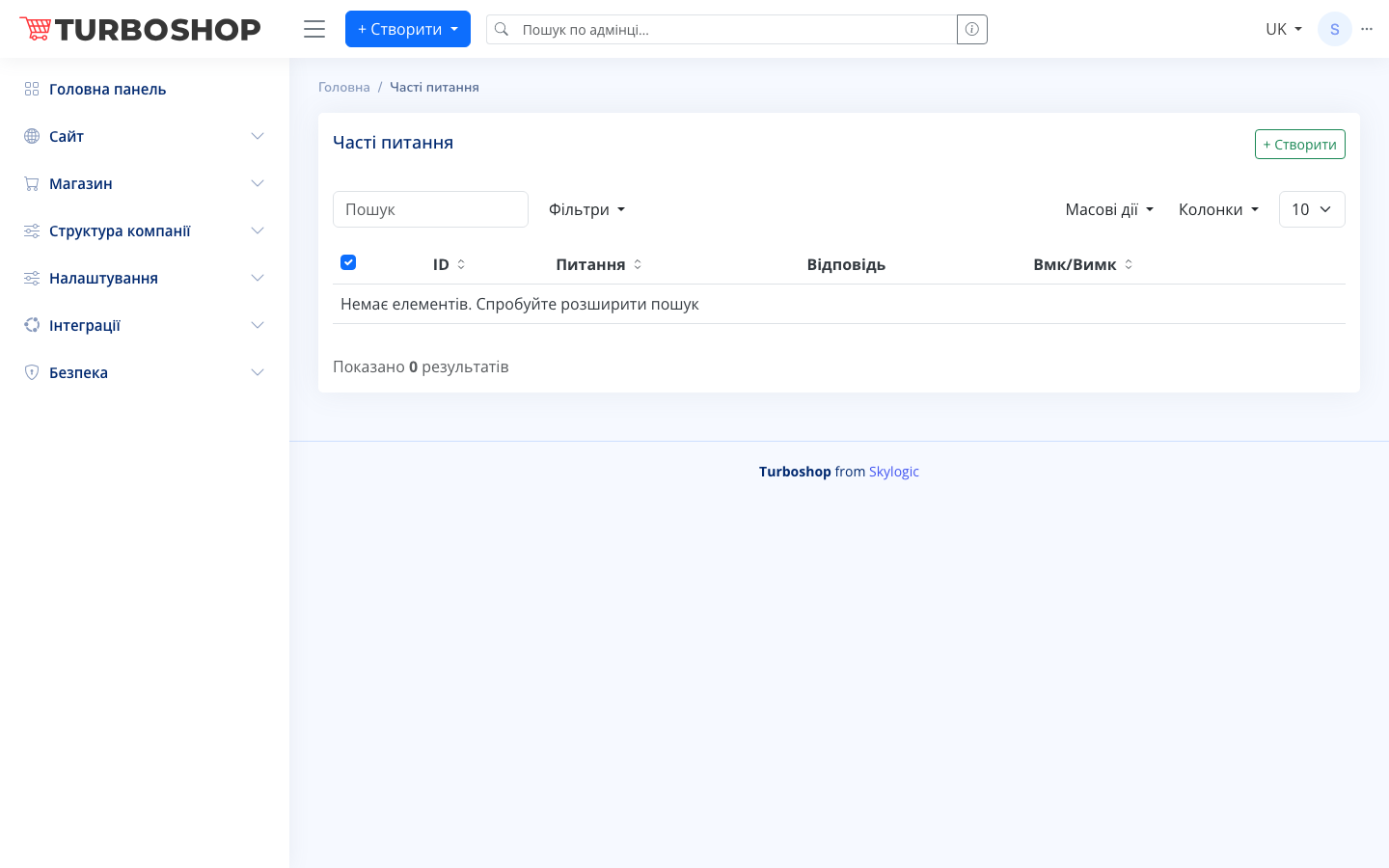
At the top right is the "+ Create" button. Below are a search field, "Filters", "Bulk actions", and a column picker. The table contains columns:
- ID — the record number.
- Question — the question text.
- Answer — the answer text.
- On/Off — the toggle for showing it on the site.
If there are no records yet, the message "No items. Try broadening your search" and the "Showing 0 results" counter are shown.
How it works
Click "+ Create", enter the question and answer (in several languages if needed), enable the toggle, and save. Records can be searched, filtered, bulk enabled/disabled, or deleted. Active questions appear automatically in the FAQ block on the site.
Why it matters
The FAQ removes typical objections and doubts before purchase, reduces the load on support, and builds trust — the customer gets an answer without leaving the site.