
“Suppliers” tracks the sources you buy goods from. The section links products to suppliers and to price and stock imports.
What you see
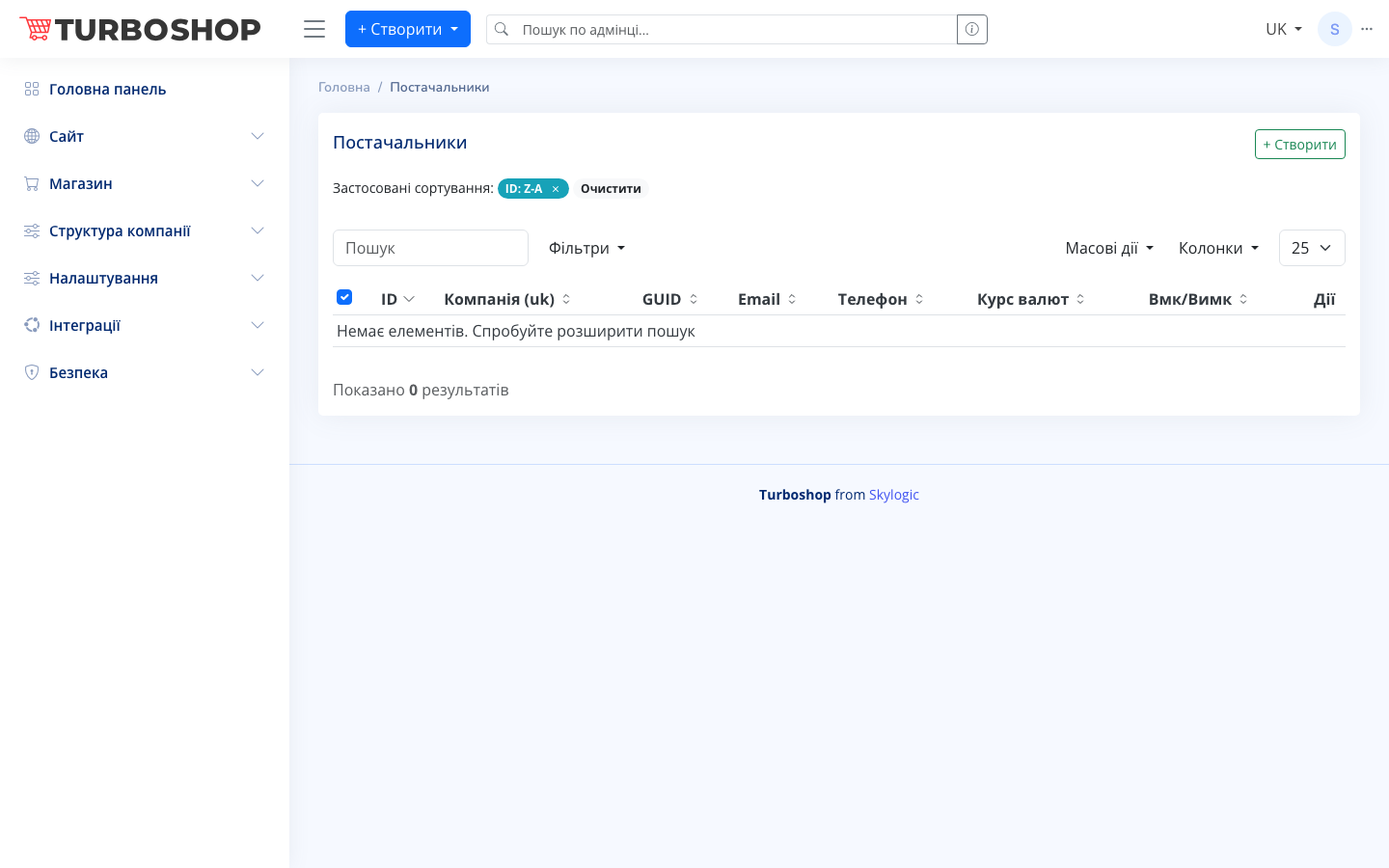
A table with the columns ID, company, GUID, email, phone, exchange rate and an On/Off toggle. At the top are search, filters, column selection and the + Create button. If there are no suppliers yet, the table is empty with a “No items” hint.
How it works
- For a new supplier (the + Create button) you enter the company name, contacts and an identifier (GUID).
- The exchange rate field matters if the supplier quotes prices in a foreign currency — the system converts them to hryvnia.
- A supplier is linked to products and used when prices and stock are updated automatically.
Why it matters
Clear supplier records speed up purchasing and assortment updates: you can see who supplies what and at which prices. This is the basis for price automation and correct cost accounting.