
The «Monitoring» screen lets you turn on a short watch over the site traffic to see who is accessing it and how actively right now. It is a diagnostic tool, not a constant recording of everything.
What you see
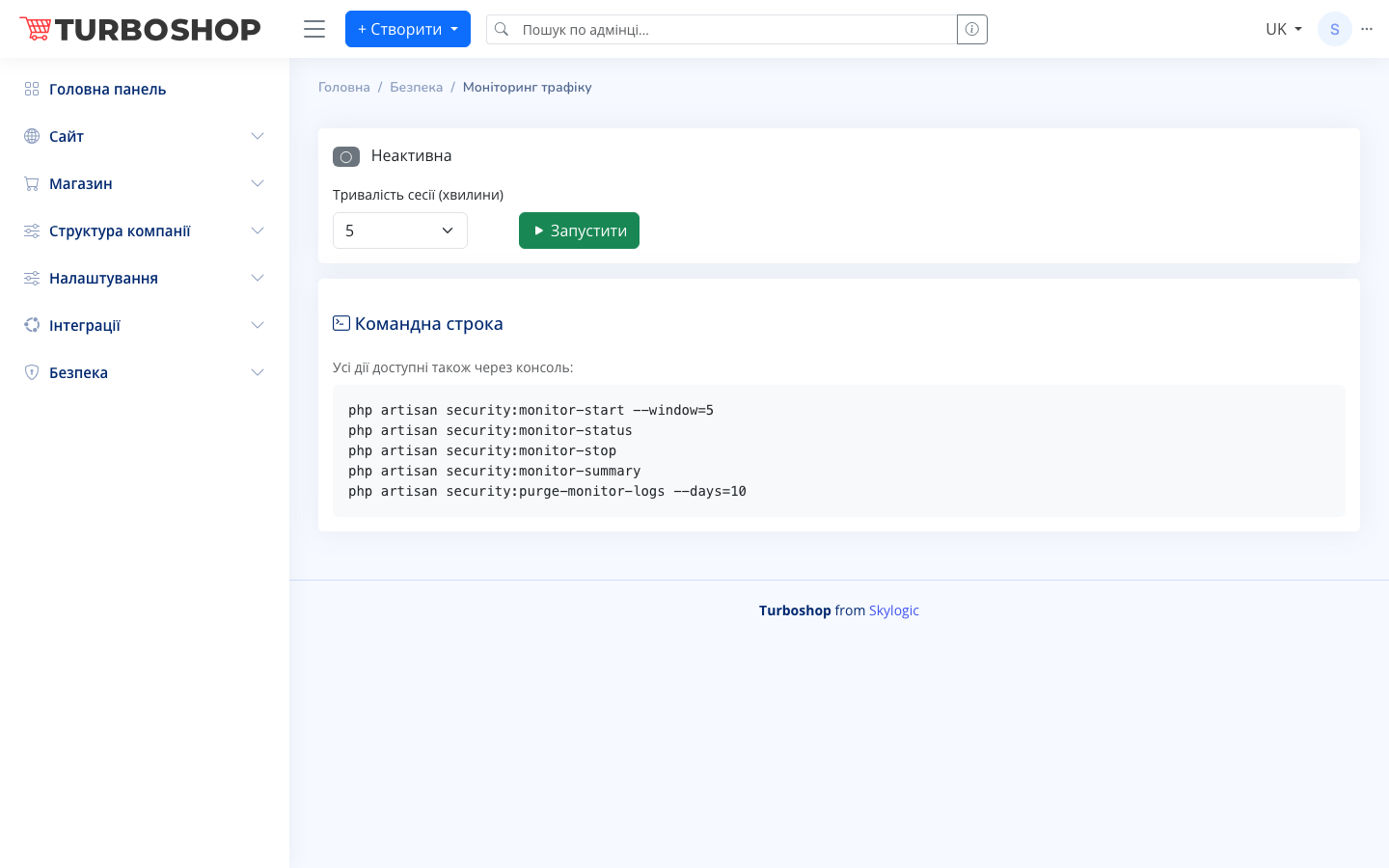
At the top there is a state toggle with the status «Inactive» when monitoring is off. Next to it is a «Session duration (minutes)» field with a value selector (for example, 5) and a green «▶ Start» button. At the bottom there is a separate «Command line» card with console command examples.
How it works
Pick the session duration in minutes and click «▶ Start» — the system begins recording traffic for the chosen time and the status switches to active. When the window ends, monitoring stops on its own. The same via console: security:monitor-start --window=5 starts a session, security:monitor-status shows the state, security:monitor-stop stops it, security:monitor-summary gives a summary, and security:purge-monitor-logs --days=10 removes old records.
Why it matters
Monitoring helps you quickly tell whether there is suspicious activity right now — a wave of bots, unusual spikes in requests, an attack. After a few minutes you have a picture and can decide whom to blacklist and whom to whitelist.