
“Catalogs” is the store’s category tree (for example “Clothing → Shoes → Sneakers”). It shapes the product navigation and the structure of the site’s URLs.
What you see
The screen has two columns. On the left are the root catalogs (“Product catalog”, “Article catalog”) with an item counter. On the right is a table of the selected catalog’s categories: ID, name, product count, URL, an On/Off toggle, order, a Meta (SEO) button and actions — edit, change nesting, delete. At the top are + Create, sorting and search.

How it works
- Categories are hierarchical: one can be nested inside another.
- The On/Off toggle shows or hides a category on the site.
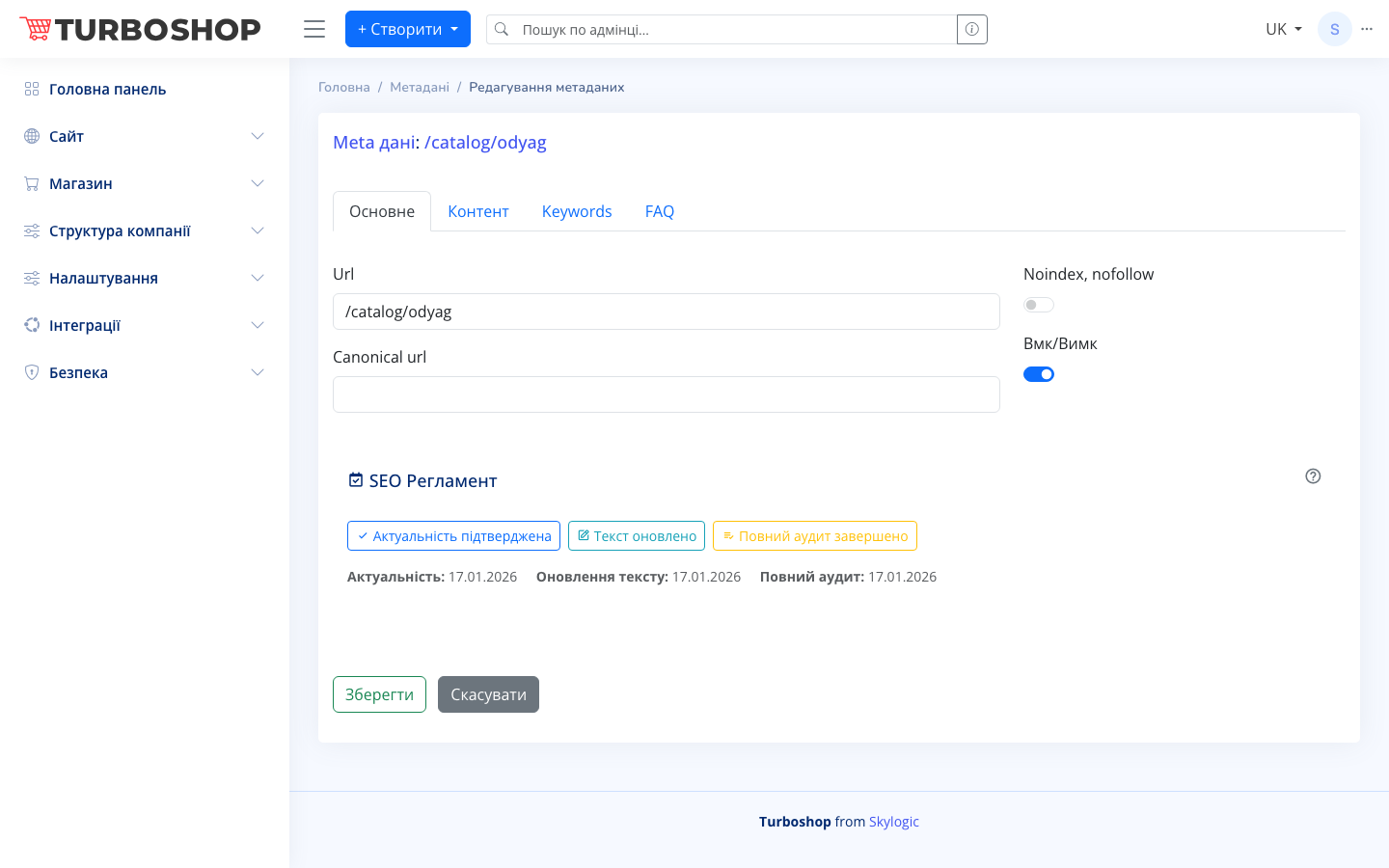
- The Meta button opens the category SEO editor (URL, canonical, noindex, texts, FAQ) — this affects search results.
- The order sets the sequence of sections in the catalog menu.
Why it matters
A logical catalog structure means convenient navigation for the buyer and better category rankings in search. A tangled tree, in contrast, hides products and lowers sales.