
"Stores" is a directory of your physical shops: addresses, contacts, and working hours shown to visitors on the site.
What you see
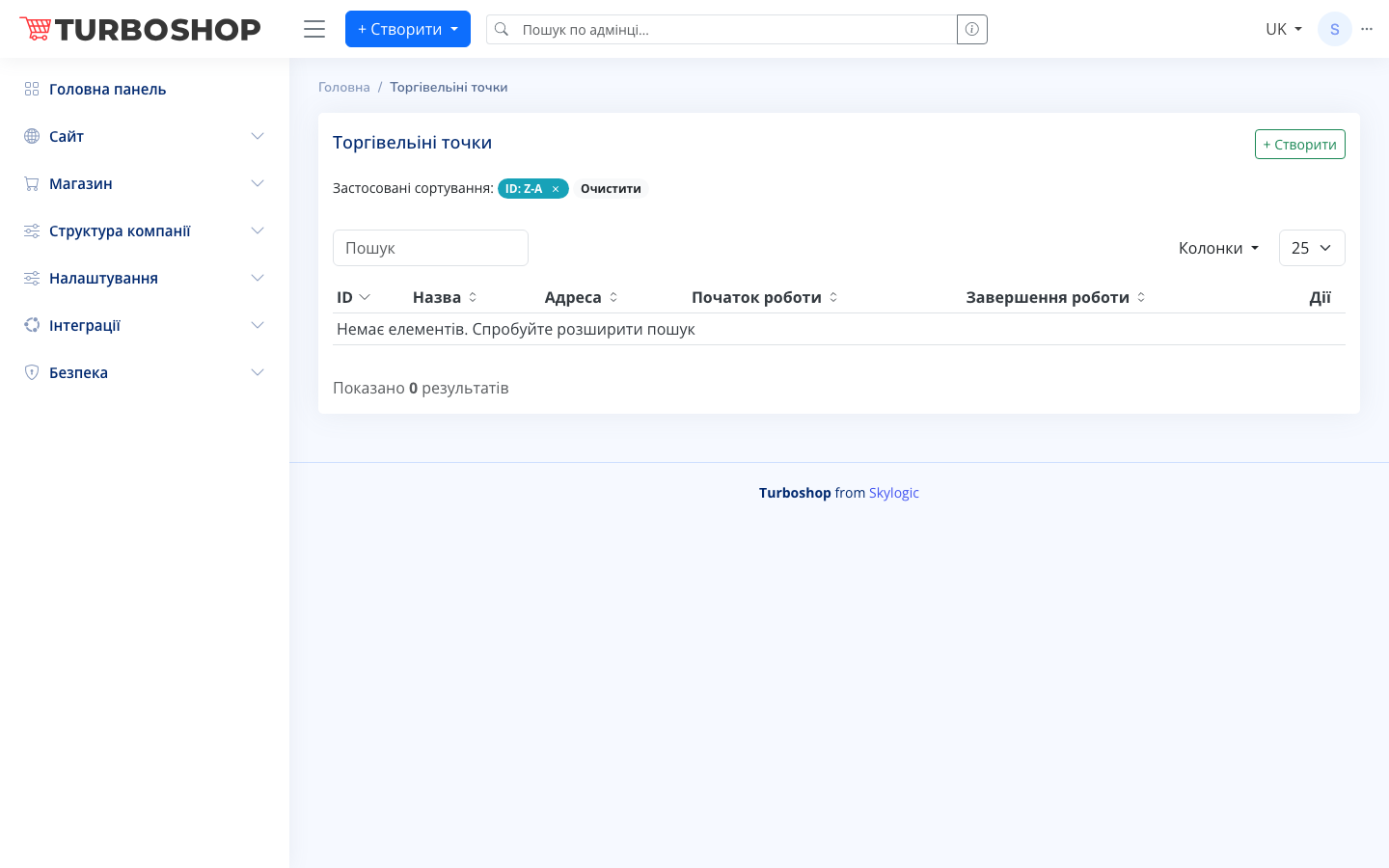
At the top right is the "+ Create" button; on the left is the applied sorting ("ID: Z-A") with a "Clear" button, and below are a search field, a column picker, and a rows-per-page selector. The table contains columns:
- ID — the store number.
- Name — the shop name.
- Address — the physical address.
- Opening time — when it opens.
- Closing time — when it closes.
- Actions — edit and delete.
When there are no stores yet, "No items. Try broadening your search" appears.
How it works
Click "+ Create", fill in the name, address, and working hours, add map coordinates if needed, and save. Stores can be sorted and searched; editing and deleting are available in the "Actions" column.
Why it matters
Information about offline locations is needed by customers who want to pick up an order or visit the shop in person. Accurate addresses and hours build trust and attract local traffic.