
The «IP whitelist» screen is a list of trusted addresses. You add IPs you fully trust here: your office, your staff, verified services.
What you see
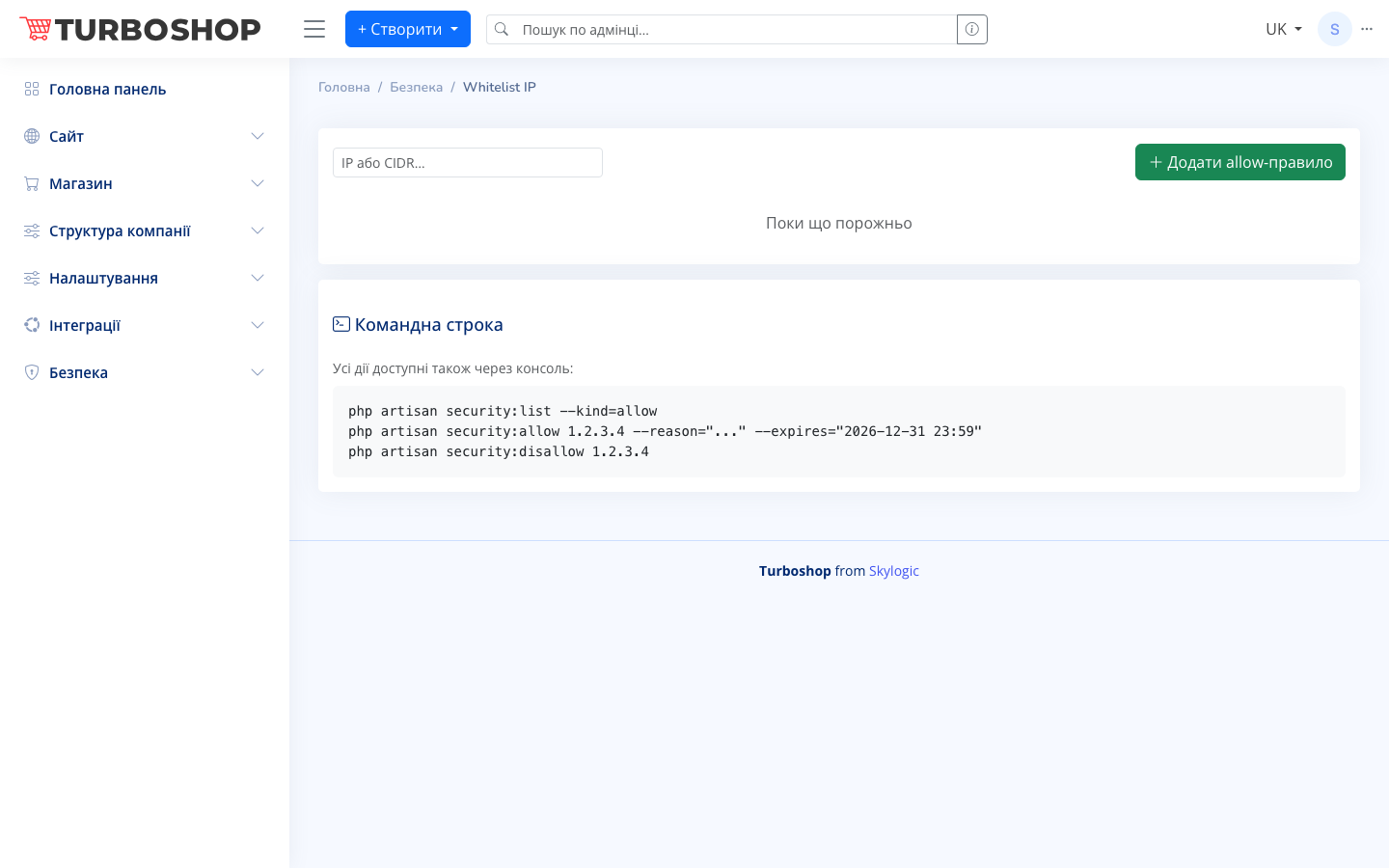
At the top there is an «IP or CIDR…» field and a green «+ Add allow rule» button. Below is the list of trusted addresses; while it is empty you see the message «Nothing here yet». At the bottom there is a separate «Command line» card with console command examples.
How it works
Enter an address or a range in CIDR format and click «+ Add allow rule» — the address joins the whitelist. Trusted addresses get priority: general security limits do not apply to them. In the console the same is done with security:allow (with a reason and an expiry date) to add and security:disallow to remove an address from the list.
Why it matters
The whitelist guarantees that your staff and trusted services always keep access, even when you tighten security or block suspicious traffic. It is handy for a remote team with static IPs and for integrations that need a reliable way to reach the site.